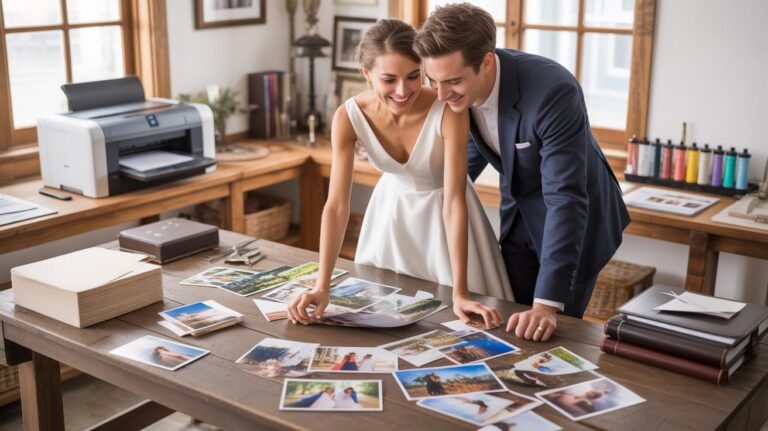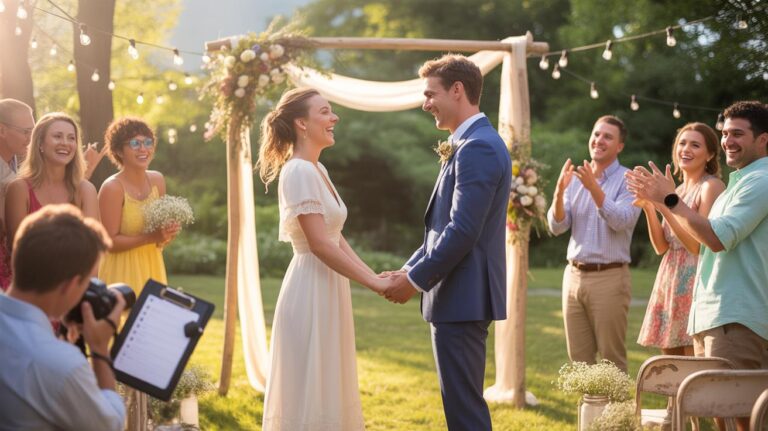
Why IPhone Wedding Photography Is A Real And Viable Option Today
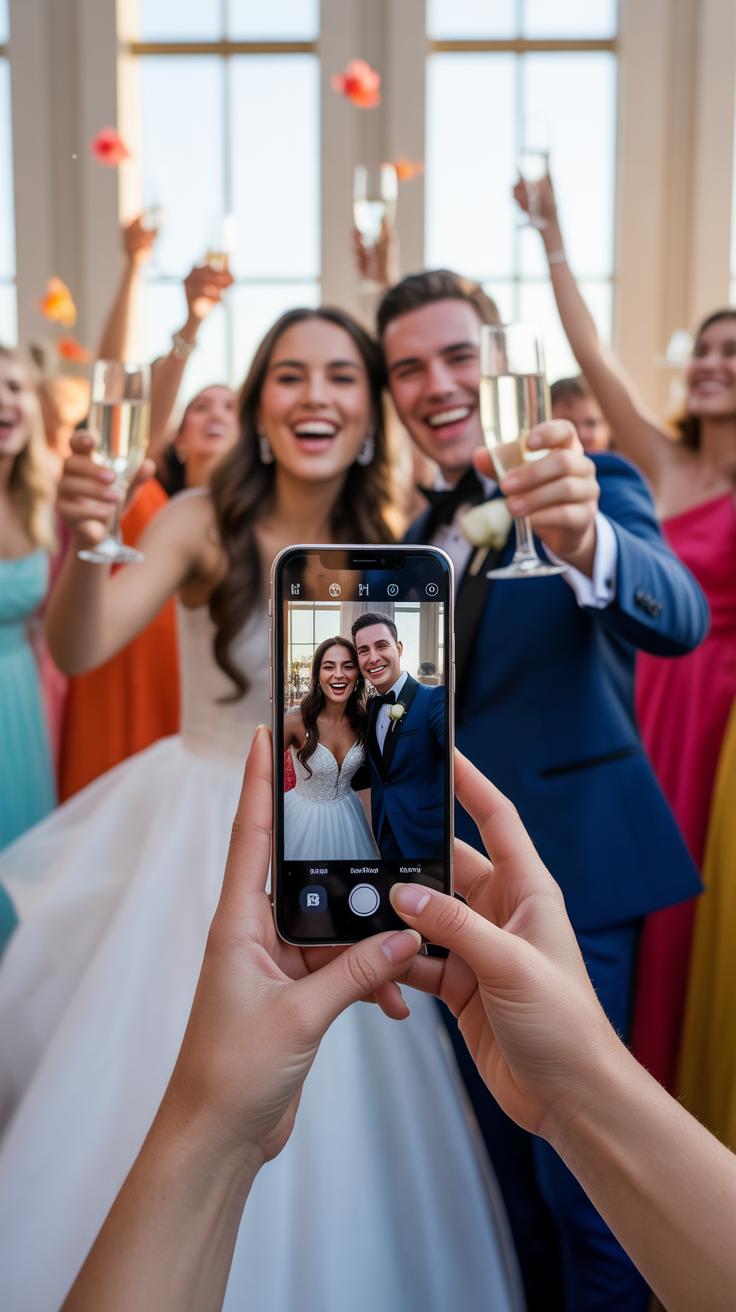
How Modern IPhone Camera Technology Has Closed The Gap With Professional Gear
Apple upgraded the sensors in recent models to capture more light in dark venues. Larger sensors and better glass now rival many entry level cameras. Deep Fusion technology processes pixels to keep details sharp in the bride and groom picture ideas. Smart HDR ensures the white dress and black tuxedo both show texture. These internal upgrades make the phone a powerful tool for high quality results.
Computational photography handles the heavy lifting that once required manual settings. Portrait Mode creates a blur effect that mimics expensive lenses for couple wedding pics. This software identifies the subject and separates the background instantly. ProRAW mode gives you the raw data needed for professional editing later. You get the control of a professional camera in a device that fits in your pocket during the ceremony.
Real Couples Who Successfully Shot Their Own Wedding Photos With An IPhone
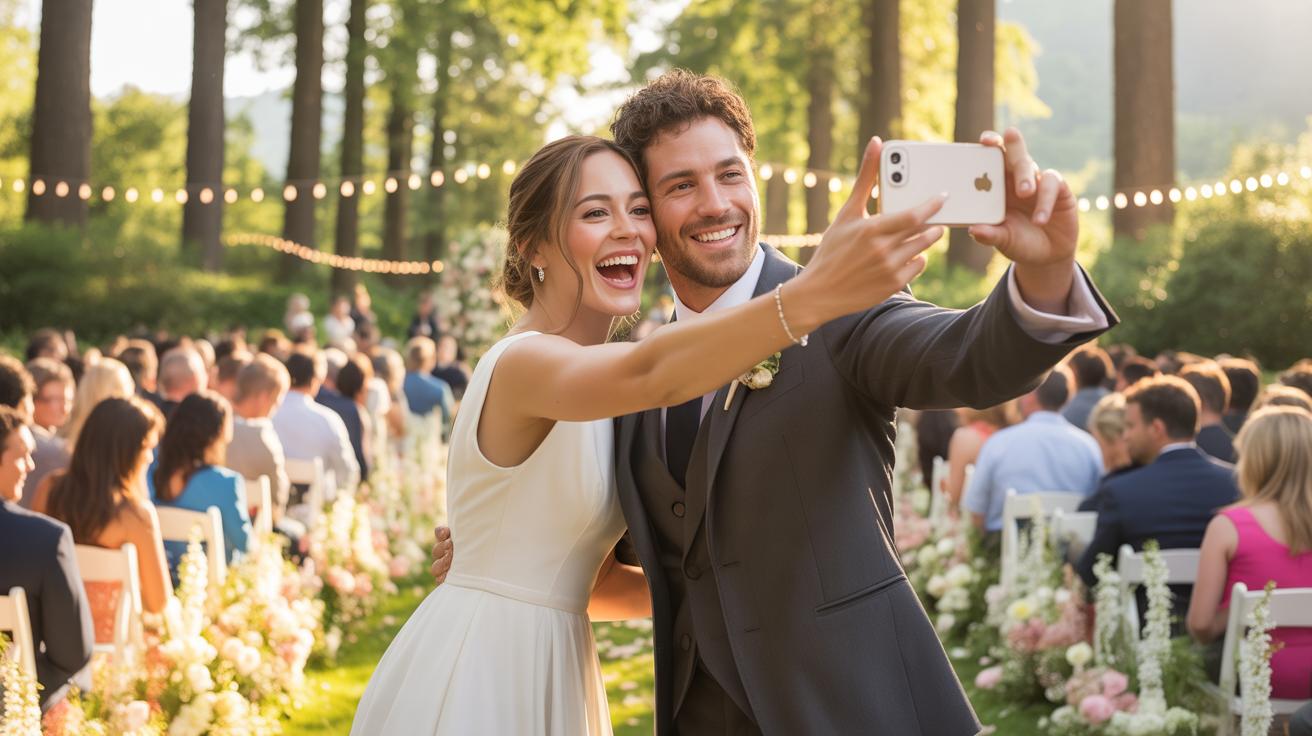
Many couples now choose to skip the expensive photographer to save money. They use the latest Pro models to capture candid wedding photos throughout their day. Some pairs designate a trusted guest to handle the wedding phone during the vows. This approach creates an intimate feeling that professional photographers often miss. Couples report high satisfaction with the quality of these personal images for their albums.
Social media trends have proven that phone images work for official wedding photography styles. Real couples share galleries showing married pose shots taken entirely on mobile devices. They often use tripods with Bluetooth remotes for couple photos wedding ideas without a third party. Success depends on planning the lighting and choosing the right settings before the event starts. Modern weddings prove that expensive gear is no longer a strict requirement for beautiful memories.

Essential IPhone Settings To Configure Before The Wedding Day
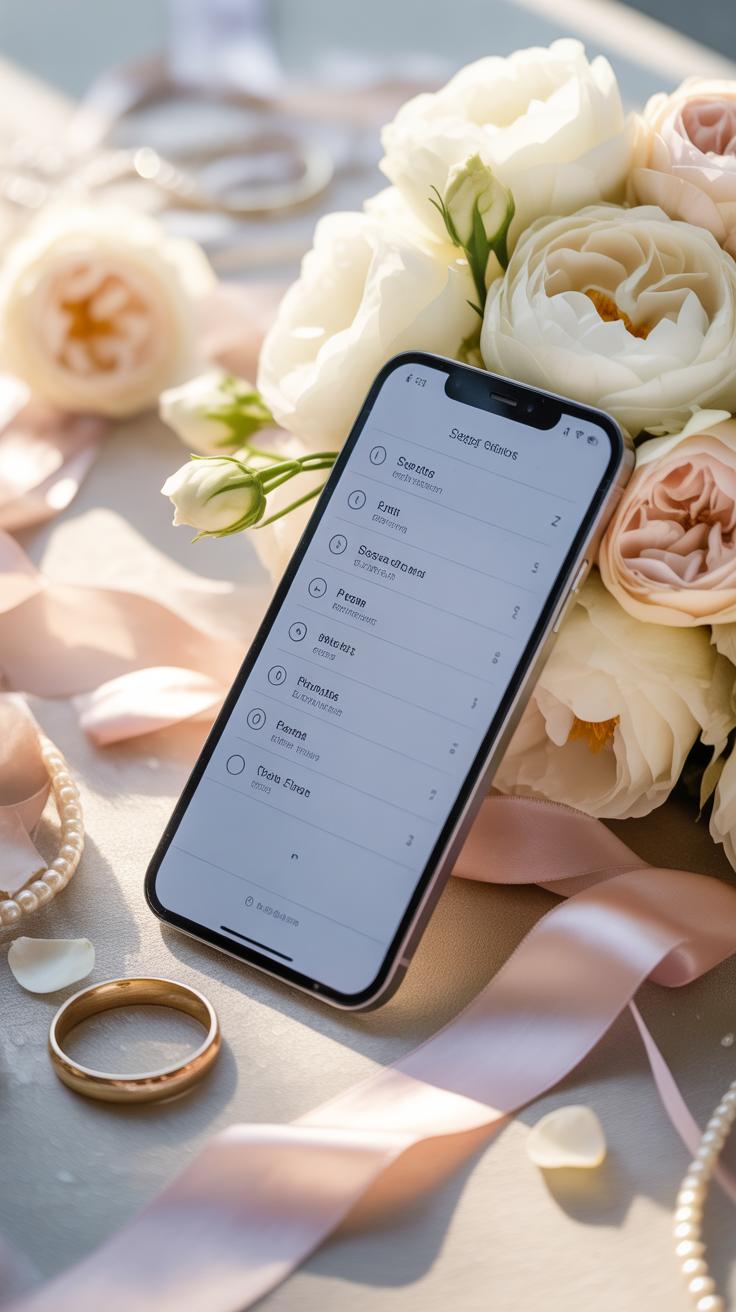
Enabling ProRAW, HDR, And Grid Lines For Sharper, More Balanced Wedding Photos
Go to the camera settings and turn on Apple ProRAW. This format keeps more data in your files. You need this for editing later. Digital sensors often lose detail in white dresses or black suits. ProRAW helps you recover those highlights and shadows. Use the 48MP setting if your phone supports it. Higher resolution allows you to crop photos without losing quality.
Switch on the grid overlay to improve your framing immediately. Proper alignment prevents crooked horizons in outdoor shots. Next, ensure Smart HDR is active. This feature blends several exposures into one perfect image. It handles high contrast scenes like a sunny ceremony or a backlit reception. These settings provide a technical foundation for high quality files. You cannot fix poor base settings after the ceremony ends.
How To Lock Focus And Exposure Manually For Consistent Shots In Changing Light
The camera often hunts for focus during a wedding march. This movement ruins shots. Tap and hold the screen to activate AE/AF Lock. This action fixes the focus on the bride or groom. It stops the lens from shifting when people walk past your frame. Consistent focus is vital for professional results. Do not let the phone make these decisions for you.

Manual exposure control prevents blown out highlights in bright sun. Slide your finger up or down next to the focus box. Lower the exposure to keep detail in the white wedding gown. High brightness often makes clothes look like solid white blobs. Locking the exposure ensures every photo in a sequence looks the same. This saves hours during the editing phase. Control the light to keep the skin tones natural.
The Best IPhone Accessories And Tools To Elevate Your Wedding Phone Setup
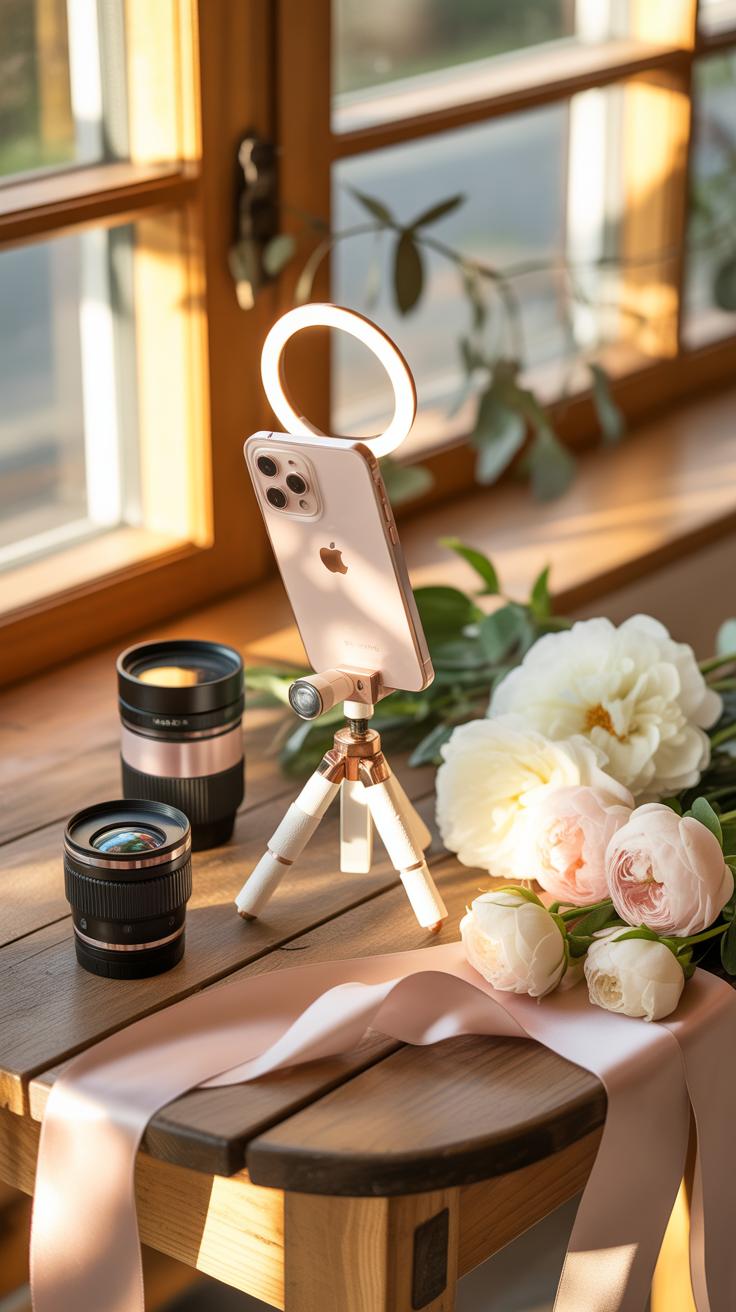
Tripods, Stabilizers, And Clip On Lenses That Make A Measurable Difference
Stability determines the professional quality of your wedding photos. Shaky footage ruins low-light shots and video clips. Use a carbon fiber tripod for stationary shots like the ceremony. It stays steady and resists wind. For moving candid wedding photos, a three-axis gimbal is essential. It counteracts hand tremors. This tool allows for smooth pans and tilts. High-quality stabilization ensures sharp couple wedding pics without motion blur.
Optical limitations require external glass. Stick to reputable brands for clip-on lenses. A high-quality telephoto lens improves wedding photography styles like portraits. It provides natural depth of field. Avoid cheap plastic lenses that cause distortion at the edges. Professional glass maintains clarity across the entire sensor. These tools allow for better bride and groom picture ideas from a distance. Use them to capture intimate moments without crowding the couple.
Top Gear Checklist: What To Pack On Your Wedding Day For Flawless IPhone Shots
Preparation prevents failure during a live event. You must pack gear that solves power and storage issues. A wedding phone runs out of battery quickly when shooting high-resolution video. Carry a high-capacity power bank and a fast-charging cable. Ensure your storage is clear before the event starts. These items keep the camera running during the entire married pose session. Do not rely on internal power alone.
- Power Bank: Use a portable charger with at least 20,000 mAh capacity. This ensures the phone stays charged through ten hours of shooting. Choose a model with Power Delivery for faster charging speeds during short breaks.
- Three-Axis Gimbal: This device uses motors to keep the phone level. It is vital for smooth walking shots and professional video transitions. It removes the jitter common in handheld filming during the reception and grand entrance.
- Bluetooth Remote: A small shutter remote prevents camera shake during long exposures. It allows the shooter to trigger the camera without touching the screen. This is critical for group shots where the photographer must be in the frame.
- LED Light Panel: External lighting is necessary for dark reception halls. A small bi-color LED panel provides consistent light for couple photos wedding ideas. It works better than the harsh, direct flash built into the phone.
- Microfiber Cloth: Clean lenses are mandatory for clear photos. Smudges from fingers create a hazy effect in bright light. Keep a clean cloth in your pocket to wipe the lens before every major moment or pose.

Organize all gear in a dedicated bag for quick access. Speed is the most important factor in wedding photography. You cannot miss the first kiss because you are digging for a battery. Label every piece of equipment and test it twenty-four hours before the ceremony. Check the firmware on your stabilizers. Charge every device to one hundred percent. Reliable gear allows you to focus on capturing the best wedding photos.
Understanding Lighting To Get Beautiful Couple Wedding Pics Indoors And Out
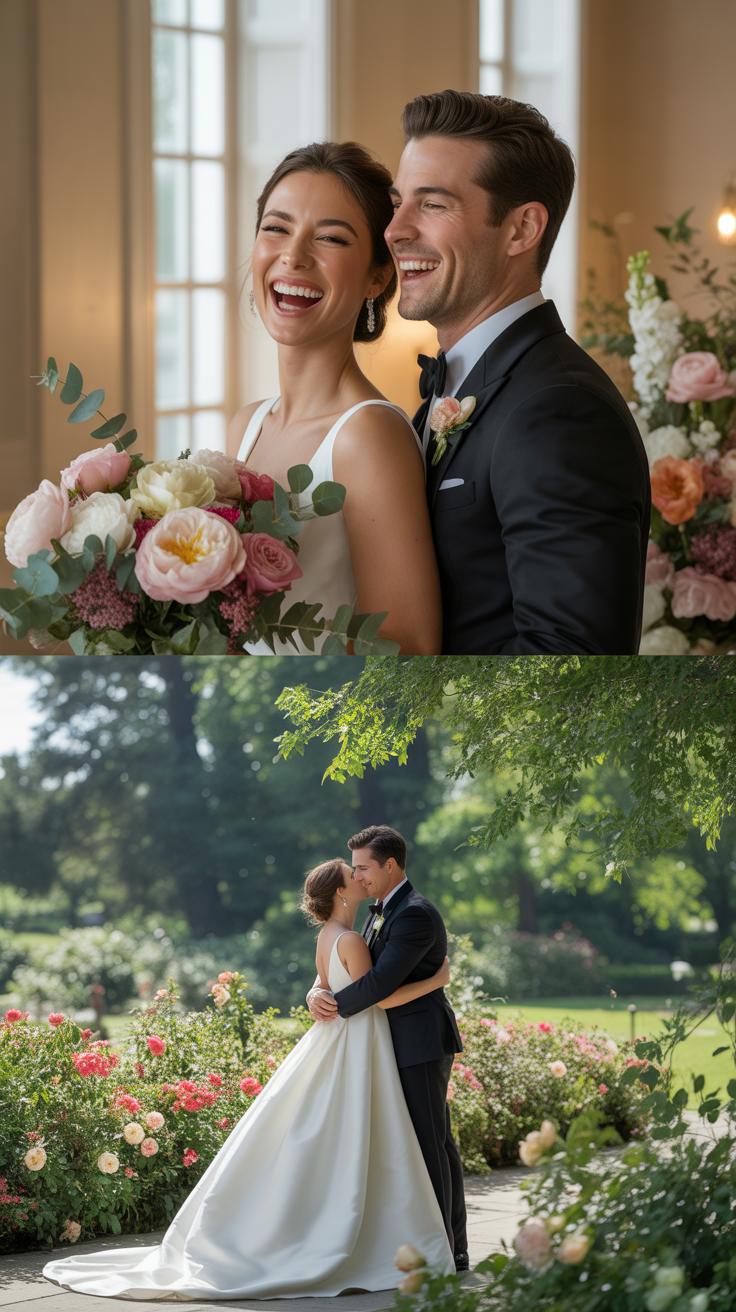
Making The Most Of Natural Light During Golden Hour For Romantic Outdoor Portraits
Golden hour occurs shortly after sunrise or before sunset. This time provides soft light that eliminates harsh shadows on faces. Position the sun behind the couple to create a backlit effect. This highlights the edges of the hair and clothing. High contrast midday sun creates raccoon eyes and blown out highlights. Avoid shooting at noon to maintain skin tones.
Use the exposure slider on your iPhone screen to control brightness. Tap the screen on the subject and slide the sun icon down. This prevents the sky from looking white and overexposed. Facing the couple toward the light source fills in wrinkles and blemishes naturally. Keep the background simple to focus on the couple. Soft light makes editing easier because it preserves image data.
How To Handle Low Light Reception Venues Without A Flash Or Extra Equipment
Night Mode activates automatically in dark reception halls. This feature takes multiple shots and blends them for clarity. Keep the phone steady for several seconds to avoid motion blur. Use a tripod or lean against a wall for stability. iPhone digital sensors struggle with noise in the dark. Focus on areas with existing light like candles or overhead lamps.

Avoid the built-in flash because it creates flat images and red eyes. Use the exposure lock by long-pressing the screen on a light source. This keeps the camera from hunting for focus in the shadows. Tell guests to move closer to available light for candid shots. Grainy photos are acceptable if the focus is sharp. High ISO settings are better than blurry faces in low light settings.
Bride And Groom Picture Ideas That Look Stunning Shot On An IPhone
Classic Framing Techniques And Angles That Flatter Every Married Pose
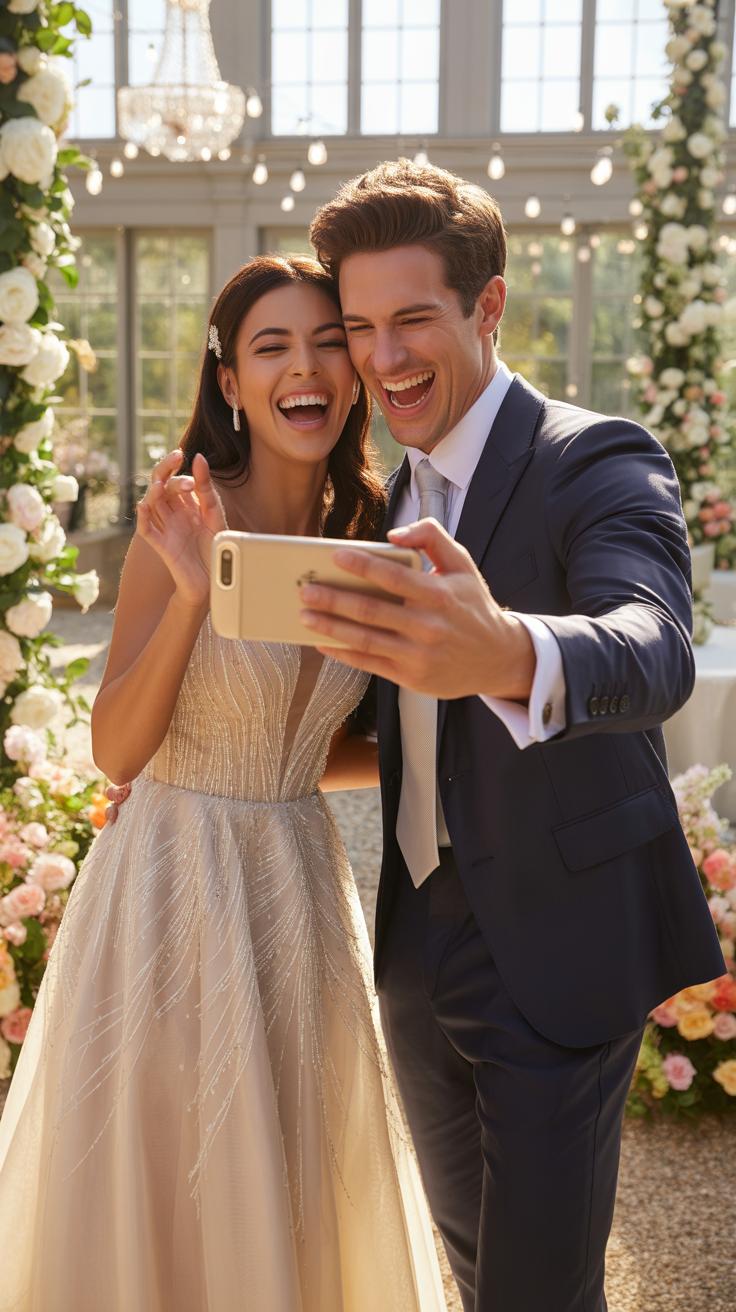
Position the iPhone camera at chest height to maintain natural body proportions. High angles make heads look larger and bodies smaller. Low angles provide authority but can distort facial features. Use the 2x or 3x telephoto lens to compress the image. This lens choice eliminates the edge distortion common with wide lenses. Keep the couple in the center of the frame to ensure the most accurate lens rendering.
Follow the rule of thirds to create balanced wedding photos. Place the subjects along the vertical grid lines rather than directly in the middle for a professional look. Ensure the horizon line remains perfectly level. Tilt the phone slightly forward to emphasize the jawline in close shots. This technique creates a clean separation between the neck and chin. Simple adjustments to phone height change the entire mood of the photo.
The best camera is the one that’s with you, letting you capture the intimate whispers and unspoken magic of your own love story.
Creative Foreground And Background Compositions For Unique Couple Photos Wedding Ideas
Use physical objects near the lens to create a natural frame. Hold flowers or vails partially over the corner of the iPhone camera. This creates a soft blur effect that mimics expensive glass lenses. It adds depth to candid wedding photos without using digital filters. Ensure the couple remains the sharpest point in the image. Use the exposure slider to keep highlights on the bride and groom under control.

Look for leading lines in the architecture or landscape to draw eyes toward the couple. Use paths, rows of chairs, or walls to point directly at the subjects. Depth of field matters more than resolution here. Place the couple several feet away from the background to maximize the natural bokeh. This separation makes the married pose stand out. Avoid busy backgrounds that compete with the couple for the viewer attention.
How To Capture Candid Wedding Photos That Feel Genuine And Emotionally Alive
Positioning Yourself Strategically To Photograph Unscripted Emotional Moments
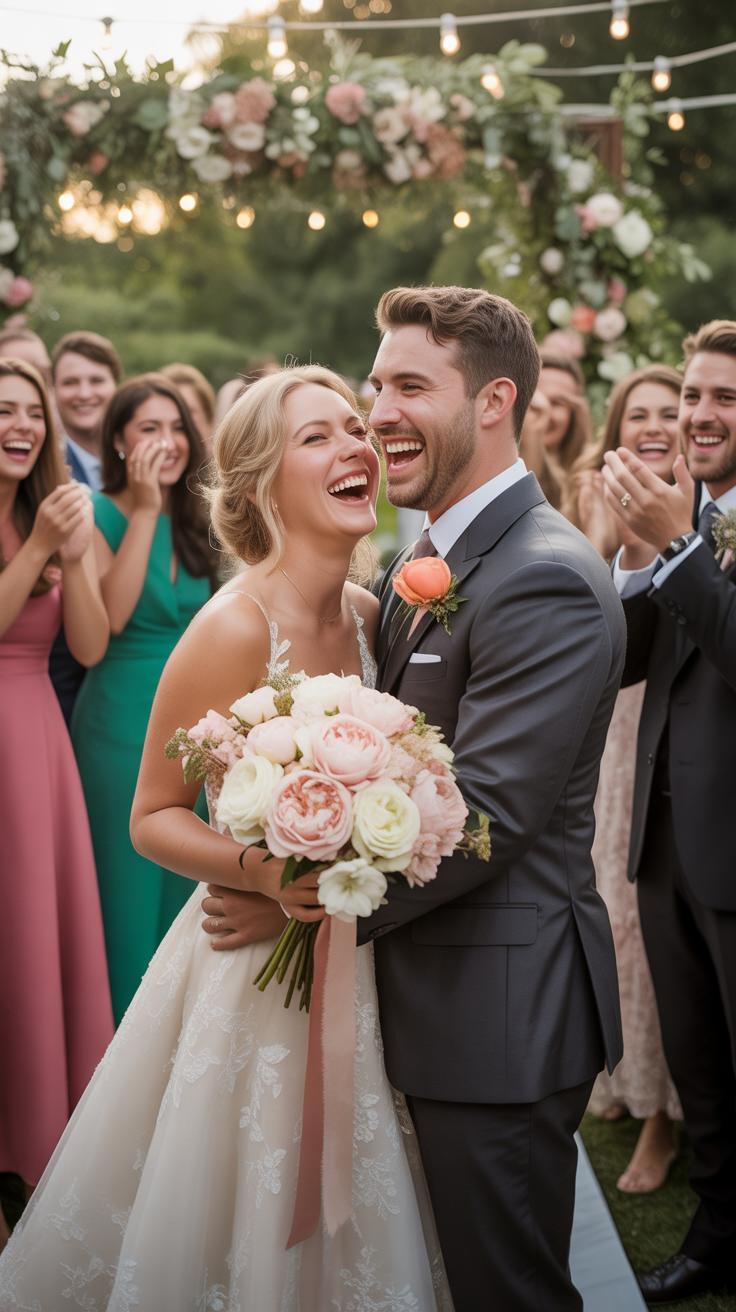
Effective candid photography requires constant movement and spatial awareness. You must stay on the perimeter of the action to remain unnoticed. Stand at a forty-five degree angle during conversations to capture facial expressions without blocking the view. Avoid standing directly in front of the bride and groom. Move quietly and use corners or architectural elements to mask your presence while keeping a clear line of sight.
Identify high traffic areas where guests congregate and wait for natural interactions. Position yourself near the bar or the edge of the dance floor before the action peaks. Maintain a distance that allows for wide shots while remaining ready to step in for closer frames. Observe the light sources to ensure subjects are not backlit. Proper positioning transforms a standard snapshot into a professional documentary style image by prioritizing raw human connection.
Using Burst Mode And Continuous Shooting To Never Miss A Spontaneous Reaction
Burst mode is the most critical tool for capturing rapid movements and changing expressions. Hold the volume up button or slide the shutter button to the left to trigger a high speed sequence. This technique records multiple frames per second. It allows you to select the precise millisecond when a laugh peaks or a tear falls. Relying on a single press usually results in missed timing.

Review your burst sequences immediately following a major event like the cake cutting or first dance. Select the sharpest image where the subjects look best and discard the remaining frames to save storage space. Continuous shooting compensates for the slight shutter lag found on mobile devices. It ensures you capture the micro expressions that happen between poses. Use this method for all high energy moments to guarantee a usable shot.
Exploring Wedding Photography Styles And How To Recreate Them With An IPhone
Documentary, Fine Art, And Editorial Wedding Photography Styles Explained Simply
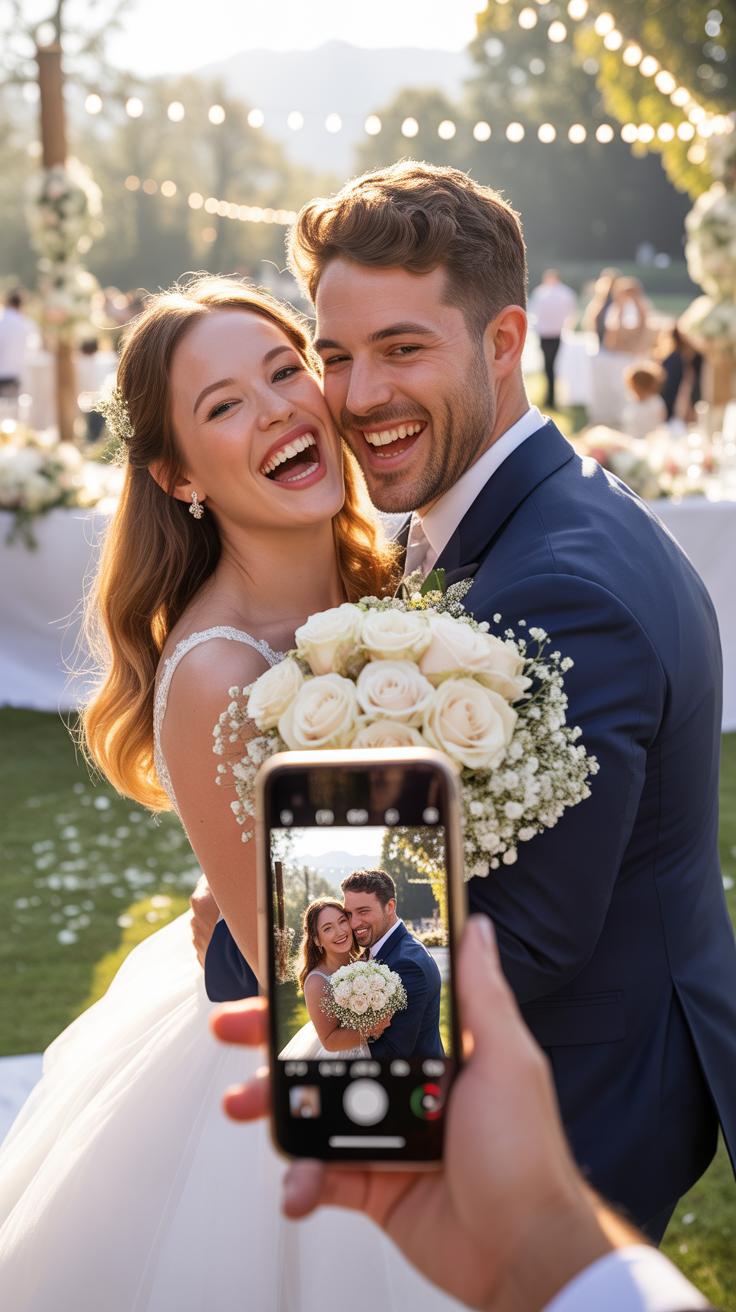
Documentary style focuses on raw moments. It avoids staged poses. You capture events as they happen naturally. Use the iPhone Main lens to stay close to the action. This style tells a real story of the day. It values emotion over technical perfection. You look for candid interactions between guests. This movement stems from photojournalism. It requires fast reaction times and constant observation.
Fine art photography emphasizes the vision of the shooter. It uses light and composition to create a painting-like look. To achieve this on iPhone, use Portrait Mode for soft backgrounds. Editorial style mimics fashion magazines. It requires deliberate posing and high-end styling. Think of the couple as models. Set the iPhone exposure lower to create a moody, high-contrast look. These styles define the visual narrative.
How To Choose A Visual Style That Matches Your Wedding Aesthetic And Venue
Match your photography style to your venue architecture. A modern warehouse suits the editorial look. Sharp lines and industrial materials provide a stark backdrop. Use the Ultra Wide lens to capture grand structures. A garden wedding fits the fine art style. Natural light and greenery help the iPhone sensor resolve detail. Choose a style that complements the physical surroundings. Do not force an aesthetic.

Your wedding timeline dictates the best style choice. Busy schedules favor the documentary approach. It allows you to move quickly without stopping the flow. Formal black-tie events require the editorial touch. Use 2x or 3x telephoto zoom for flattering portraits. Ensure the chosen style reflects the couple’s personality. Consistency is key for a cohesive album. Select one primary style and stick to it throughout.
Planning Your Shot List To Cover Every Key Wedding Photos Moment
Must Have Wedding Photos Couples Will Treasure For Decades To Come
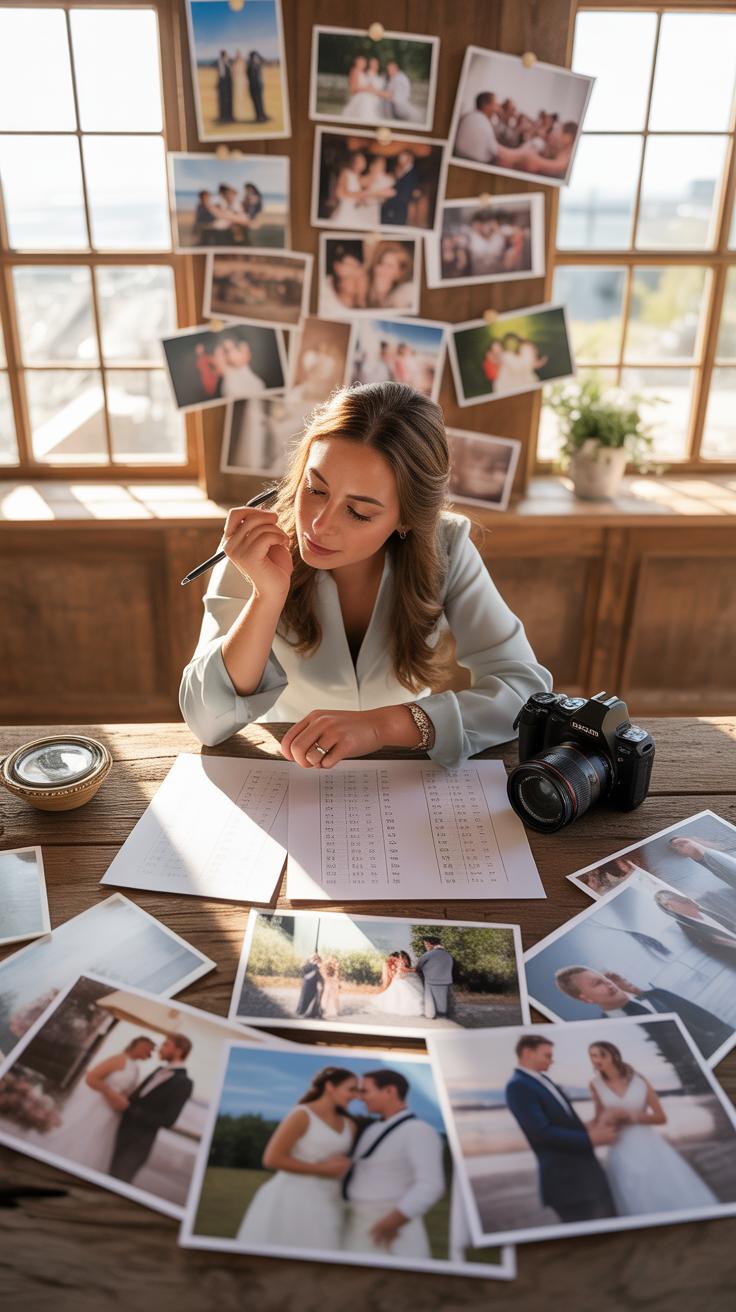
Successful iPhone wedding photography relies on a structured shot list to ensure no critical moments vanish. You must prioritize high-value shots that define the wedding story. Traditional photography focuses on the exchange of vows and the first kiss. You also need to capture the quiet moments between the bride and groom. These shots form the backbone of your digital wedding album for years.
- The Married Pose: Capture the couple standing together immediately after the ceremony. Position the iPhone at chest level to avoid distorting body proportions. Ensure the background is clean to keep the focus entirely on the couple’s new status.
- Candid Wedding Photos: Look for unscripted interactions during the reception or cocktail hour. Use the Burst Mode feature to capture genuine laughter and movement. These images provide a natural contrast to the structured and formal portraits taken earlier in the day.
- The First Look: Document the initial reaction when the couple sees each other for the first time. This shot requires quick reflexes and a clear line of sight. It remains one of the most requested and emotionally significant images in modern wedding photography.
- Details and Decor: Photograph the rings, floral arrangements, and table settings before guests arrive. Use the Macro or Portrait mode to create a shallow depth of field. These shots establish the aesthetic theme and provide context for the entire event location.
- The Recessional: Take photos as the couple walks back up the aisle together. This moment represents pure joy and relief. High shutter speeds are necessary here to freeze the motion and prevent any blur in the final digital image files.
Focus on different wedding photography styles to provide variety. Mix formal couple wedding pics with raw bride and groom picture ideas. Use the Portrait mode to mimic professional lenses for couple photos wedding ideas. This technique creates a soft background blur that highlights the subjects. Professional results come from knowing exactly what to shoot before the event starts.
How To Build A Realistic Timeline Around Your Photography Goals On The Wedding Day
A wedding phone strategy fails without a strict schedule. You must allocate specific time blocks for every major photo session. Start with detail shots and getting-ready frames early in the morning. Factor in travel time between the ceremony and reception sites. Give yourself thirty minutes for formal family portraits immediately following the ceremony. This ensures you do not miss any vital wedding photos.

Light dictates your timing more than any other factor. Schedule your married couple portraits during the golden hour shortly before sunset. This period provides soft and directional light that flatters skin tones naturally. Do not attempt complex shots during high noon when the sun creates harsh shadows. Align your photo goals with the sun’s position to maximize the hardware capabilities of your iPhone camera.
Editing Your Wedding Photos Couples On IPhone Using Free And Paid Apps
Best IPhone Editing Apps For Wedding Photos Including Lightroom Mobile And VSCO
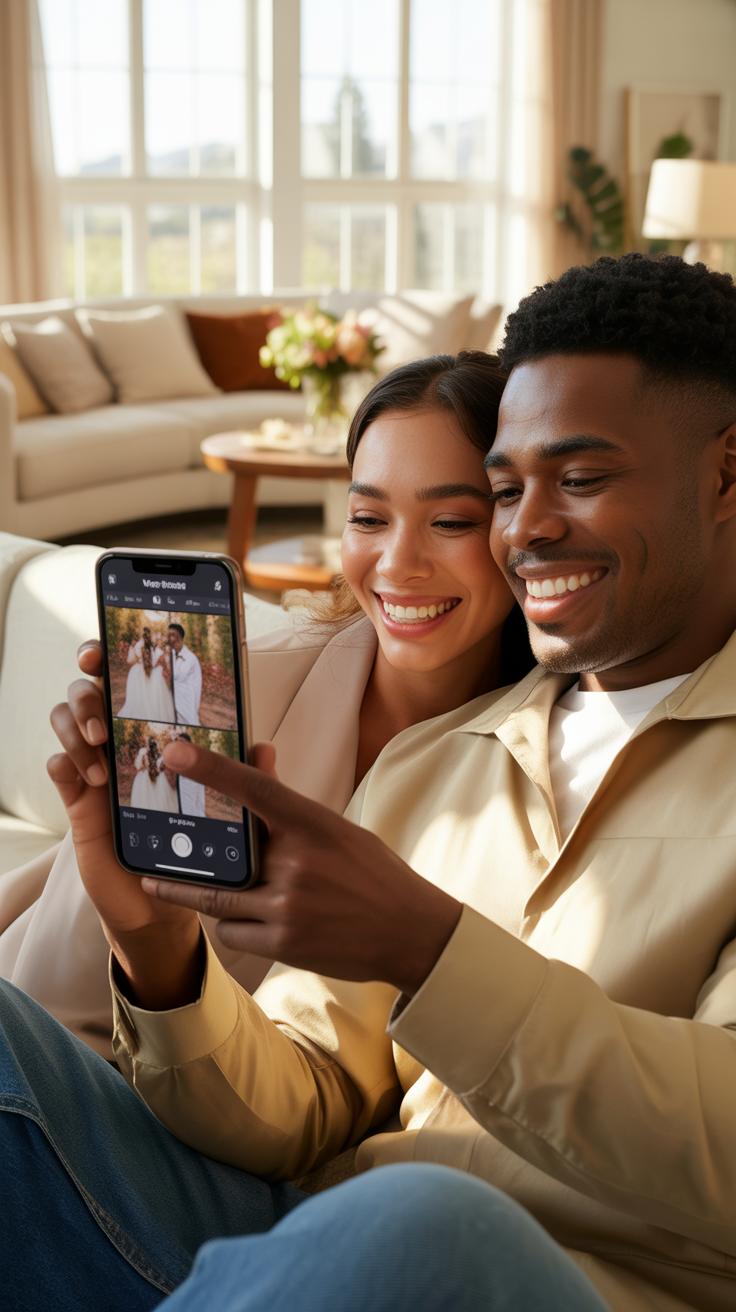
Adobe Lightroom Mobile is the industry standard for professional iPhone wedding photography. It allows you to edit RAW files directly on your phone. This app provides precise control over light and color balance. You can apply professional presets to keep a consistent look across all wedding photos. The selective adjustment tool helps you fix specific areas without changing the whole image.
VSCO excels at providing film-like filters that suit wedding photography styles. It offers subtle presets that mimic classic film stocks. This app is better for quick edits on candid wedding photos. The interface is clean and functional for fast navigation. Use the strength slider to keep your couple photos wedding ideas looking natural. Paid subscriptions unlock advanced tools for deeper color grading and video editing.
Simple Editing Adjustments That Give Your Wedding Photos A Consistent Polished Look
Consistency is the goal for a professional wedding gallery. Start by adjusting the white balance to ensure skin tones look accurate. Most wedding phone shots benefit from a slight increase in exposure and a decrease in highlights. This technique preserves detail in the white dress and groom’s shirt. Use the contrast tool sparingly to keep the shadows from losing important detail.
Apply the same preset to every photo in a series for a unified aesthetic. This creates a cohesive story for the bride and groom picture ideas. Crop your images to remove distracting background elements from married pose shots. Straighten the horizon line in every frame to prevent a handheld look. Final sharpen passes improve the clarity of couple wedding pics before you share or print them.
Organizing Backing Up And Sharing Your IPhone Wedding Photography After The Day
How To Safely Back Up Hundreds Of Wedding Images So You Never Lose A Memory
Immediate data redundancy is your primary defense against digital loss. Once the event ends, connect your iPhone to a stable Wi-Fi network to trigger an automatic iCloud backup. Ensure your storage plan has enough capacity for several gigabytes of high-resolution files. This cloud copy protects you if the physical device breaks or disappears. Do not rely on a single storage location for these essential files.
Physical backups provide a second layer of security for your wedding data. Connect your phone to a computer and transfer the full-resolution photos to an external hard drive. Use a drive with Solid State Drive technology for faster transfer speeds and better durability. Store this drive in a separate physical location from your home. This strategy follows the professional three-two-one backup rule for critical digital assets.
Creative Ways To Share And Print Your Wedding Photos With Family And Friends
Shared Albums in iOS provide the fastest way to distribute photos to guests. Create a dedicated album and invite specific contacts using their email or phone number. This allows friends to view and download images without losing quality through text message compression. It also creates a central hub where guests can contribute their own shots. Digital sharing ensures everyone sees the highlights within hours of the ceremony.
Hard copies turn digital files into permanent family heirlooms. Select your best high-resolution images for professional printing services rather than cheap kiosks. Use matte or luster paper to reduce glare and fingerprints on your wedding prints. Build a curated physical album to preserve the narrative of the day. These physical copies survive even if digital formats change or cloud services eventually shut down or expire.
Frequently Asked Questions

Can an iPhone really produce professional-looking results for a wedding?
Absolutely! With advanced lens systems and computational processing, modern devices are more than capable of capturing stunning imagery. To achieve a high-end look with iPhone wedding photography, focus on using Portrait Mode to create a soft, blurred background that mimics a professional DSLR. When you utilize natural light and stable framing, your guests and family won’t even realize the gallery was captured entirely on a handheld smartphone device.
What are the best settings to use for capturing ceremony photos on an iPhone?
For the best results, always shoot in ProRAW mode to preserve the maximum amount of image data for editing later. Ensure your grid lines are turned on to maintain straight horizons during the vows. Additionally, lock your focus and exposure by tapping and holding the screen on the couple’s faces; this prevents the camera from readjusting mid-moment, ensuring your iPhone wedding photography remains sharp, consistent, and perfectly exposed throughout the ceremony.
Do I need to buy expensive accessories to photograph my own wedding?
You don’t need a massive budget to get great results, but a few affordable tools make a world of difference. A sturdy tripod with a remote shutter is essential for including yourself in group shots without needing a dedicated photographer. Investing in a simple external battery pack and a high-quality gimbal can also elevate your content, providing the stability and power necessary to document your special day beautifully and affordably.