The Illusion Of Free Wedding Seating Chart Tool Savings

Time As Currency, Not Money
You’re drawn to free because you believe you’re preserving cash. The real mechanism is economics: free tools extract payment in a different unit. You trade money for time. A free seating chart tool that takes three hours to arrange 150 guests costs you more than a paid platform charging fifty dollars. Most people never calculate this exchange. They see the zero dollar sign and stop thinking. The friction builds invisibly until you’re manually dragging names between tables at midnight before the wedding.
Free tools monetize your attention or your data. Some capture email addresses for marketing lists. Others embed ads that interrupt your workflow. The platform gains value from your behavior while you gain slower results. You’re not getting something for nothing. You’re getting something slower, more frustrating, and wrapped in design decisions that benefit the vendor, not you. The real cost shows up as wasted hours you could have spent on other wedding details that actually matter.
Feature Deficits Create Workflow Friction
The common advice says free tools have fewer features and that’s just how it goes. That’s incomplete. Free seating chart tools don’t just have fewer features, they have features built backward. A paid platform lets you filter guests by dietary restrictions, then view which tables need balanced protein options. A free tool makes you do this manually, table by table. The architecture itself forces inefficiency. You’re not just missing a feature. You’re stuck in a worse process.
Workflow friction compounds. When your tool can’t import a guest list, you copy and paste names one by one. When it can’t generate alternate arrangements, you restart from scratch each time someone adds a plus one. When it crashes or loses data, you lose hours of work. These gaps aren’t just inconvenient. They reshape how long the task actually takes. Before committing to any free tool, test whether it handles your specific guest list size and complexity without forcing manual workarounds at scale.
Why “Basic” Seating Charts Become Your Biggest Headache
When Your Guest Count Jumps, Your Tool Breaks
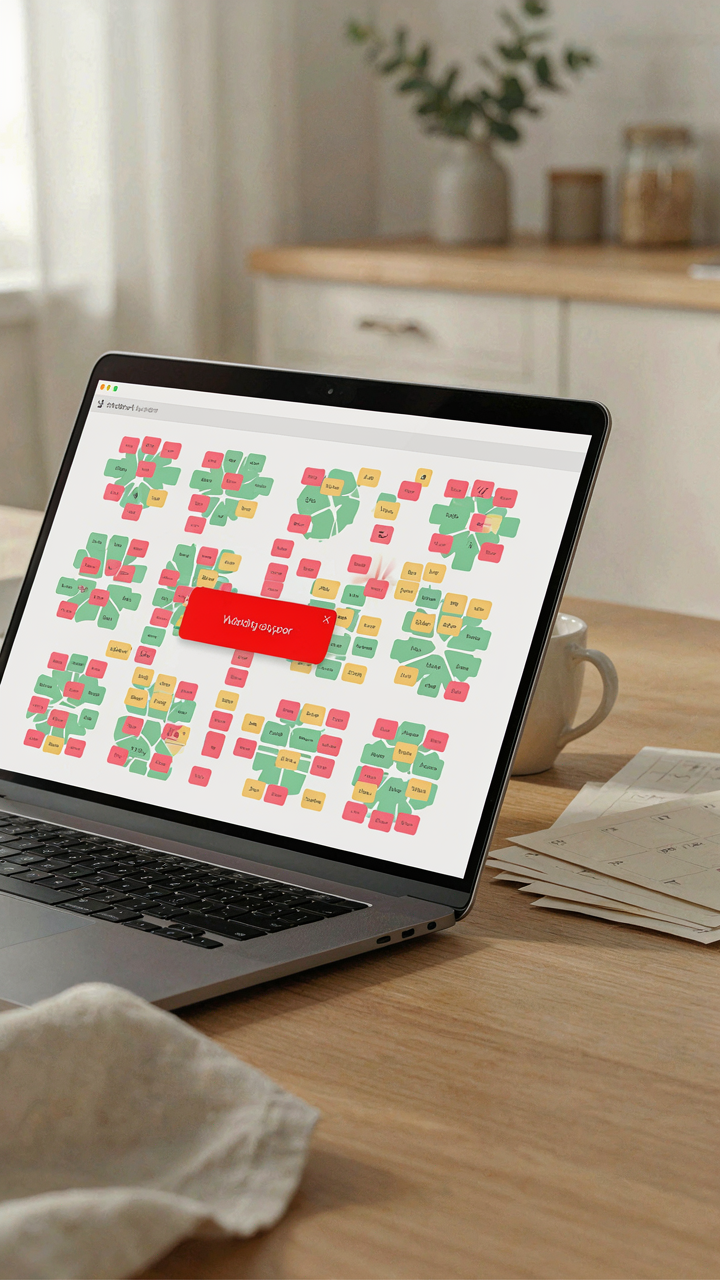
You’re using a free tool because you think you’ll save money and hassle. The real fear is that you’ll screw up the seating and cause family drama. Here’s what actually happens: free seating chart tools hit a performance wall. Think of it like load capacity in engineering. Your spreadsheet or drag-and-drop interface works fine at 40 guests. At 120, the interface lags, crashes, or forces you to rebuild sections manually. The tool wasn’t designed for scaling constraints.

Most free tools cap functionality around 100-150 guests before the UI collapses. You hit refresh and lose half your work. Table layouts that rendered instantly now take 30 seconds. The undo function stops working. You’re not paying for server resources or code optimization, so you get what you paid for: a system that crumbles under real wedding complexity. At that point, you’re manually tracking conflicts on paper anyway.
The Import Export Trap
Everyone says to use a tool that “syncs with your guest list.” This is incomplete advice. The real problem is that free tools don’t actually integrate with your data sources. They import data poorly and export it in formats nobody needs. You grab names from your email thread, paste them into the seating tool, and half the entries break because the tool doesn’t recognize middle names or special characters.
Then you need to move your seating chart somewhere else, print it, or share it with your caterer. The export function gives you a PDF that’s unreadable at table size or a CSV that strips out all your notes. You end up rebuilding the seating arrangement in a different format manually because the tool’s output is decorative, not functional. The mechanism here is simple: free tools optimize for single-use workflows, not data portability. You own nothing that transfers cleanly downstream.
The “Seating Chart Maker” Simplification Fallacy
Templates Ignore Your Actual Guest Mix
You want the tool to solve the problem so you don’t have to think about it. That’s the real motive. But most free seating chart tools operate on a template logic borrowed from software design—they assume standardization reduces complexity. In seating, standardization amplifies it. Your guest list is friction. Your tool strips it away.

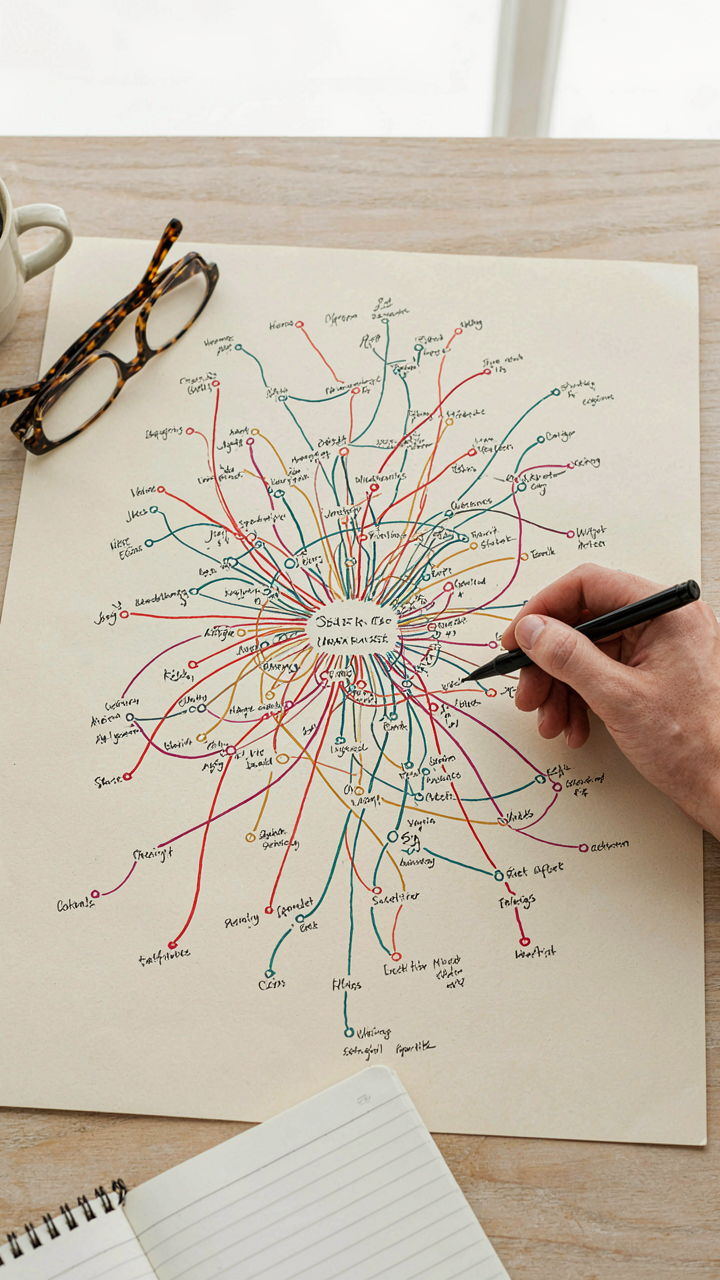
Pre-built templates flatten the variables that actually matter: family feuds, exes, cultural hierarchies, business power dynamics, dietary incompatibilities. A template assumes your 150-person wedding follows the same social geometry as everyone else’s. It doesn’t. The tool sells you automation. What you need is constraint mapping.
Social Geometry Never Maps To Interface Design
Most free seating chart tools ask you to input names and relationships, then cluster people into tables. This is psychology framed as logistics. The tool treats “conflict avoidance” as a binary toggle instead of what it is—a multi-layered social calculation with no single right answer. Your divorced uncle might need distance from your ex’s family, but proximity to your best friend. The interface can’t see that nuance because it wasn’t built to ask.
Free tools fail because they externalize human judgment as if it were a constraint violation. You need to make explicit decisions about who sits where and why, not offload them to an algorithm that treats all relationships as data points. Start by mapping friction zones on paper before touching any tool, then use the tool only to execute decisions you’ve already made.
Beyond The Click: The Unseen Liabilities Of Free Seating Chart Apps

Where Your Guest List Actually Lives
You’re drawn to free seating chart tools because you want to avoid spending money on something that feels simple. But free doesn’t mean consequence-free. The actual mechanism is straightforward: free services monetize user data. Your guest list contains names, email addresses, phone numbers, and relationship data. Most free seating platforms store this information on servers they control, often with terms of service you haven’t read that permit secondary use or sale to third parties.

The privacy risk isn’t theoretical. Your guests didn’t consent to having their contact information harvested by a wedding vendor. You become the data intermediary without realizing it. When you upload a spreadsheet to a free tool, you’re not just organizing a seating chart. You’re creating a dataset that the platform now owns. Encryption, GDPR compliance, and data retention policies vary wildly across free tools. Most lack any explicit guarantee about deletion after your wedding ends.
When Support Means You’re On Your Own
The common take on free tools is that you sacrifice “premium features.” That’s incomplete. What you actually sacrifice is accountability. In transaction economics, when you don’t pay for a service, you’re not the customer. You’re the product. Free seating chart apps have no obligation to fix bugs, respond to errors, or maintain service continuity. Your seating chart goes down two days before your wedding. Support queue is nonexistent or staffed by chatbots that don’t understand context.
Vendor accountability only exists when money changes hands. A paid tool has contractual obligations and revenue to protect. A free tool can sunset without notice, delete your data without warning, or change its terms unilaterally. You have zero recourse. The real cost isn’t the money you save upfront. It’s the time you spend troubleshooting, recreating work after system failures, or manually replicating your chart in a different tool because the first one became unreliable.
The “Wedding Seating Chart Maker” Efficiency Paradox
More Options, Harder To Use
You want the tool that does everything because you’re afraid of missing a feature you’ll need later. Here’s the mechanism: free wedding seating chart tools add features to compete, but each new feature splits the interface’s attention. Drag-and-drop conflicts with template suggestions. Table rotation buttons crowd out undo functions. The tool becomes harder to navigate even though it’s technically more powerful.

Most platforms solve this by burying advanced features in menus, creating a two-tier experience. Beginners stay lost in the basic view. Power users dig through settings to find what they need. The middle ground, where most users actually operate, disappears entirely. This is information architecture failing under feature bloat.
What You Can Actually Control
The common advice says customize everything to match your vision. That’s incomplete. Most free seating chart tools offer customization theater: you can change colors and fonts, but the underlying logic stays fixed. You cannot customize the core algorithm that suggests table assignments. You cannot alter how the tool handles dietary restrictions or plus-ones. You control the cosmetics, not the system.
The real constraint isn’t the tool’s limitations. It’s your willingness to override its defaults. If you accept the pre-set table shapes, capacity rules, and assignment logic, setup takes minutes. If you fight the tool’s assumptions, you spend hours reconfiguring. The faster move is to map your guest list to the tool’s architecture instead of forcing the tool to match your specific constraints.
The OODA Loop Of Seating Chart Optimization
Observe, Orient, Decide, Act In Real Time
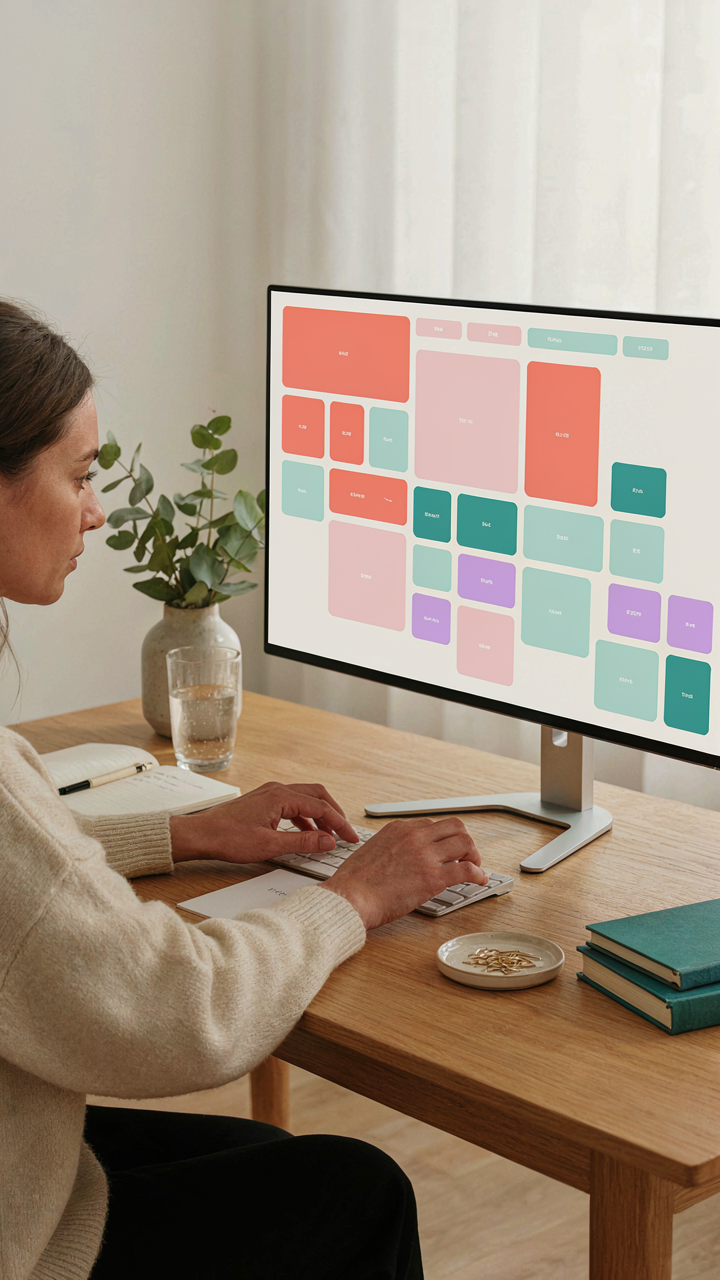
You want to know if there’s a way to avoid the social disaster of a badly placed guest. Here’s the real mechanism: free seating chart tools borrowed from military strategy give you what fighter pilot John Boyd called the OODA loop—Observe, Orient, Decide, Act. Your tool becomes the feedback system. You observe RSVPs and dietary restrictions in real time, orient around table dynamics, decide on placement, act by updating the chart. The loop compresses decision time from weeks to minutes.

Most wedding planners treat seating as a static problem solved once and locked. That’s wrong. A good free tool lets you run multiple OODA cycles before the wedding even happens. You observe a conflict between two cousins post-RSVP, orient your understanding of table six, decide on a swap, and act by dragging names across the chart. Each cycle removes friction and surfaces real problems early. The tool’s value isn’t the pretty visual—it’s the speed of iteration before guests arrive.
Military Agility Applied To Table Placement
Boyd’s framework came from air combat, where the pilot who cycles fastest through observation and action wins. Guest placement works the same way. You need a tool that doesn’t require data re-entry or manual recalculation each time you make a change. Seating chart tools built around drag-and-drop functionality collapse the time between recognizing a problem and fixing it.
When a last-minute RSVP comes in, a bad tool forces you to manually recalculate table counts and logistics. A fast tool lets you drop the name, see table capacity in real time, and spot conflicts immediately. The agility isn’t about being indecisive—it’s about making better decisions because you tested them against reality before committing. Your final seating chart reflects not one initial choice, but the best outcome from multiple rapid iterations. This is why tools with instant feedback loops matter more than tools with prettier graphics.
Why Your Wedding Seating Chart Tool Won’t Solve People Problems

The Conflict You’re Pretending Doesn’t Exist
You want the tool to make the hard decision for you. Here’s what actually happens: a seating chart tool is a database, not a therapist. It has no mechanism to detect that your Uncle Mark hasn’t spoken to your cousin in six years, or that your fiancé’s mother refuses to sit within ten feet of your dad. The tool sees names and table capacity. It doesn’t see tension. You input data. It outputs arrangements. The gap between those two things is where your real work lives, and no interface closes it.

The mechanism is simple: tools optimize for efficiency, not for human friction. A free seating chart tool arranges bodies in space. It cannot read the room you haven’t built yet. It cannot know which conversations will die in silence and which will explode into resentment before dessert arrives. You still have to do the emotional archaeology yourself, document it somewhere the tool can use it, and then make the final call based on judgment, not algorithm.
Strategic Grouping Requires Friction First
Conversation design borrows from network theory: you’re not just preventing conflict nodes, you’re creating bridges between clusters. A seating chart tool treats this like a logistics problem when it’s actually a social one. The common advice says “put interesting people together.” Wrong. You need to put people together who will actually engage, which means understanding not just their interests but their communication styles, their role in your life, and how they function in groups under mild social stress.
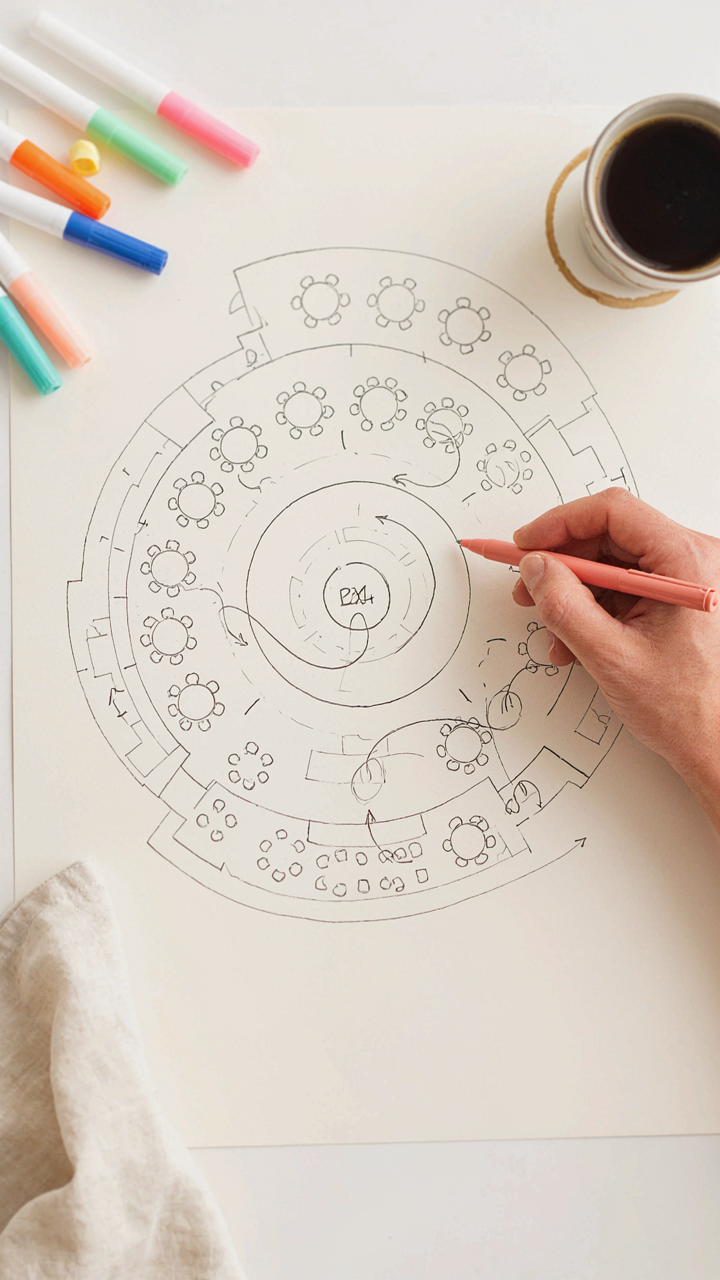
The real protocol: before you touch any tool, map your actual guest network on paper. Who talks to whom? Who sits silent? Who dominates? Who needs an anchor person nearby? Then identify the weak connections you want to strengthen. Only then does the tool become useful, and even then it’s just a visualization layer. You make the seating decisions. The tool executes them. The difference between a functional reception and an awkward one lives in step one, not in the software.
The “Seating Chart Builder” Vs. The Strategic Architect
What Most Tools Actually Do
You want to feel in control, so a grid feels safe. Most free wedding seating chart tools are just digital versions of a spreadsheet with drag-and-drop theater. You plug in names, assign tables, hit save, and call it done. This is the tactical trap. The mechanism at work here is visual simplicity masking deeper decisions you haven’t made yet. A tool that lets you arrange bodies fast doesn’t force you to think about why those bodies belong near each other. You confuse moving pixels with actual strategy.

The real cost emerges later when your aunt sits three tables from her ex, or your partner’s colleagues cluster away from family, creating social dead zones. The tool itself wasn’t the problem. Your process was. Most people treat seating as a constraint to solve rather than a variable that shapes the entire night’s energy. The free tools don’t penalize this thinking. They reward speed over coherence.
The Actual Variables That Matter
Borrowing from systems design, think of your seating chart as a network topology. Each seat is a node, and every relationship between guests is a connection carrying either positive or negative current. The tool doesn’t care about topology. It just holds positions. Most free options give you table capacity, maybe a basic search function, and call that feature-complete. They skip the connective tissue entirely.
- Relationship mapping: Document who knows whom before opening the tool. Without this, you’re guessing. Most people skip this step and regret it during the reception.
- Conversation potential: Intentionally place people who have no connection but share interests. This creates new relationships instead of reinforcing existing silos.
- Table role definition: Designate one table as “family anchor,” another as “friend cluster,” another as “mixed mixer.” Each table needs a social purpose.
- Mobility buffers: Seat the most socially flexible guests at edges or corners. They naturally bridge gaps between clusters without forced conversation.
- Conflict isolation: Separate known tensions by at least two tables and a different seating section. Proximity matters more than people admit.
Once you’ve mapped relationships and defined table roles, the tool becomes useful. It executes your strategy instead of replacing it. The difference between a seating chart tool and a seating architect is this: one organizes what you already decided, the other forces you to decide before organizing anything. Use the tool to validate and document a plan you’ve already thought through.
Beyond “Free Wedding”: Investing In Seating Chart Sanity
When Paid Tools Deliver Real ROI
You’re wondering if spending money on a seating chart tool means you’ve failed at being resourceful. Here’s the mechanism: free tools optimize for user acquisition, not user outcomes. They make their money by selling your data or converting you to a paid tier mid-wedding-planning. Paid tools optimize for one thing: solving your actual problem so you don’t leave.

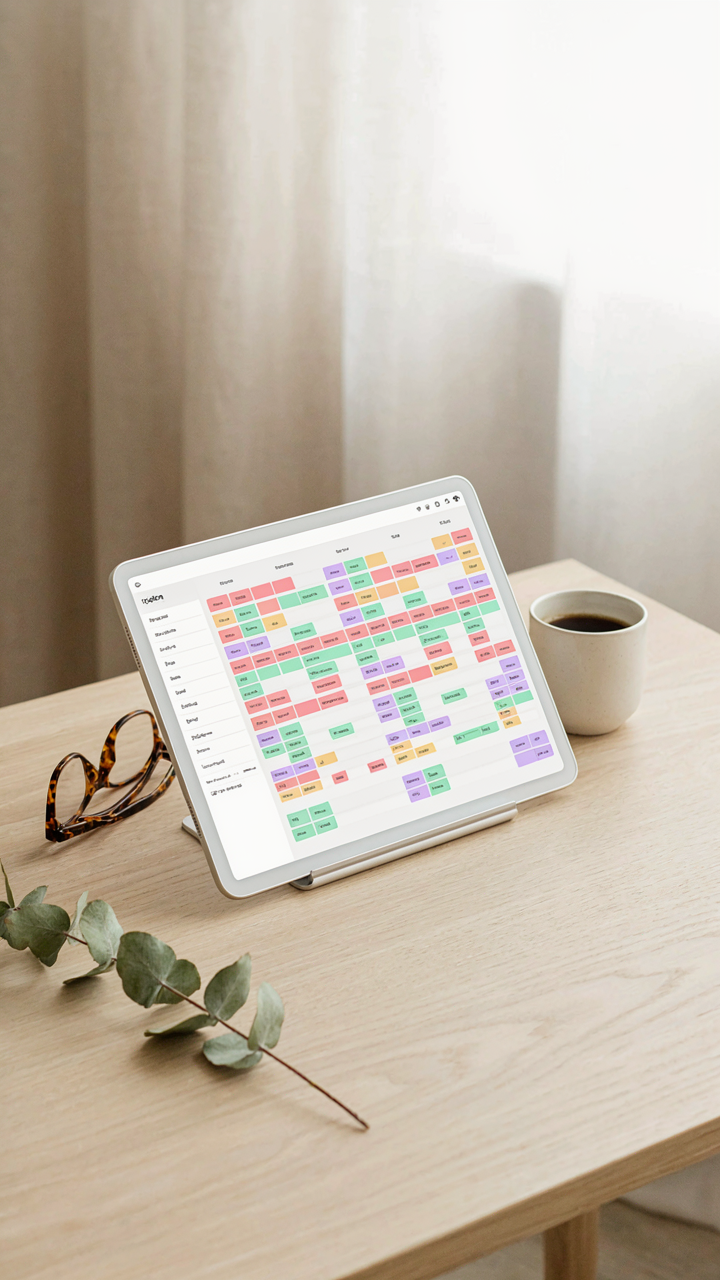
The ROI calculation is simple. A paid seating chart tool costs between 30 and 150 dollars. Your time spent manually managing conflicts, reprinting charts, and fielding duplicate requests costs far more in sanity and hours. If the tool cuts five hours of admin work, you’ve already won. Some platforms let you modify layouts in real time during events, which prevents the catastrophic seating failure that ruins photos and conversation flow.
Prioritizing Features That Actually Matter
Most advice tells you to compare feature lists. That’s lazy. What matters is whether the tool solves the specific failure mode you’ll actually hit. Collision detection between estranged family members sounds nice but does the tool actually flag it, or just let you see notes? Can you import guest lists directly from your invitation platform, or do you manually type 150 names?
The real question is workflow efficiency, not feature count. Does the tool let you drag and drop, or do you click seventeen menus? Can multiple people edit simultaneously, or do you email files back and forth? Does it export to formats your venue actually uses, or do you redesign everything for their system? Start by mapping your exact process from guest list to final seating, then audit tools against that flow, not against marketing copy.
The True Cost Of A Free Wedding Seating Chart

Where Your Real Problem Lives
You’re not actually worried about the tool. You’re worried about getting it wrong and having your in-laws seated next to people they resent. Free seating chart tools work through the same mechanism as paid ones: they collect guest data, map relationships, and output assignments. The difference isn’t the engine. It’s what happens when the engine breaks down mid-wedding because you cut corners on support and backup systems.
The actual cost of free tools emerges during the adjustment phase. You build your chart, realize you need to move people at the last minute, and discover the tool doesn’t handle batch changes well or lacks export options for your stationery. You spend four hours manually rewriting place cards instead of sleeping the night before. The tool cost nothing. Your time cost everything.
The Price Of Knowing Nothing Will Collapse
Paid seating tools include customer support and redundancy by design. Free tools trade support for cost. This isn’t philosophy. This is operations. When a paid tool fails, someone answers. When a free tool crashes two days before your wedding, you own the problem entirely. No escalation path. No backup vendor relationship. No one who built the system cares if your dinner falls apart.
The hidden value isn’t the seating arrangement itself. It’s the absence of 3 AM panic spirals where you’re rebuilding your chart manually because a free platform went down or lost your data. Peace of mind scales with reliability, not with zero dollars spent. Choose your tool based on what failure looks like, not on what the price tag says.
The Only Real Obstacle Isn’t The Tool; It’s Your Own Aversion To Strategic Investment

You’ll find a free wedding seating chart tool today. You’ll use it for fifteen minutes. Then you’ll abandon it because you never decided seating actually matters. The tool didn’t fail you. Your conviction did. Stop blaming software for your indecision. Pick one, commit to it for two hours, and watch your entire reception logistics collapse into clarity. The best tool isn’t the one with the most features. It’s the one you’ll actually finish using.