The Cognitive Overload Fallacy: Why Your Free Wedding Budget Spreadsheet Fails

Decision Paralysis Kills Action
You want the spreadsheet to make the decision for you. That’s the real motive here. Instead, you’re staring at a blank sheet wondering which budget framework to use, which categories matter, and whether you’re even starting in the right place. Cognitive load theory from psychology explains this: your working memory has a fixed capacity, and unlimited options consume that capacity without producing clarity. A wedding budget spreadsheet with no constraints doesn’t narrow your choices. It expands them infinitely. You end up optimizing for the tool instead of the wedding.
The common advice says “start with a number and work backward.” That’s incomplete. You need to identify the single constraint that matters to you first—not total budget, but the thing you won’t compromise on. Venue? Guest count? Timeline? Lock that in before you open the spreadsheet. This removes the paralysis because every other line item now has a decision filter. You’re not choosing from infinite options anymore. You’re filling in dependencies.
Preset Categories Create Blind Spots
Generic templates assume your wedding fits their category structure. Catering, flowers, photography, rentals. But preset categories actively prevent you from seeing what you actually need to track. If the template has no line for vendor deposit schedules or payment penalties, you won’t budget for them, and you’ll get blindsided when a deposit is non-refundable. The template constrains your foresight to whatever someone else decided was standard.
Build your categories from your actual vendor contracts and timeline, not from what looks clean in a spreadsheet. Pull the payment schedules from each contract—deposits, milestone payments, final balance due. That’s your real budget structure. Google Sheets adapts to your structure. The structure doesn’t adapt to Google Sheets. Once you have the payment schedule mapped column by column with dates and amounts, you can see cash flow reality instead of abstract categories.
The Zero Based Wedding Protocol: Budget Spreadsheet Template For Clarity

Start With Zero, Not Tradition
You want permission to spend less than you think you should. That’s what draws most people to “zero-based budgeting”—the hope that the framework will justify cutting corners. But that’s not how this works. Zero-based budgeting comes from accounting, where every expense must trace back to a specific output. In wedding planning, every line item must answer one question: what does this actually produce?

Most couples start by looking at average wedding costs online, then work backward to fit their number. Backward. They’re already trapped. A zero-based sheet forces you to list what you want the wedding to be first, then price each component. You build up from nothing instead of cutting down from convention. This reversal changes what you notice.
What Actually Moves The Needle
Stop pretending all line items carry equal weight. Venue, catering, and photography produce 80% of the guest experience. Everything else is decoration on that foundation. When you map priorities in a Google Sheet, use a simple scoring system: assign each expense a point value based on how much it moves your stated wedding goals.
Put your three core values at the top of the sheet. If “intimate gathering” ranks first, a massive floral installation scores low despite high cost. If “professional documentation” ranks first, photography budget scores high. Build your spreadsheet with a priority column, calculate the cost-per-priority-point for each item, then cut the lowest-scoring expenses first. This is how you stop bleeding money on things nobody will remember.
Demand Side Economics For Your Wedding: Vendor Negotiation Leverage

When Scarcity Actually Works Against You
You want vendors to feel rushed so they’ll cut you a deal. That’s the real reason this section matters. Here’s the truth: scarcity in economics means limited supply drives up price, not down. Apply this backward to your Google Sheets budget. Most couples create artificial urgency by booking late, which signals weakness, not leverage. Vendors see panic and anchor their prices higher because they know you’ll pay to solve a problem you created.

Real scarcity works differently. Build your sheet six to nine months out. List every vendor category with available dates locked in. When you contact photographers or caterers with actual dates already secured, you’re not begging. You’re offering them a known slot they can fill with confidence. The scarcity isn’t fake—it’s real calendar space. This flips the negotiation frame entirely.
Know Which Numbers You Can Actually Move
The advice that says “everything is negotiable” is incomplete. Some line items have almost no elasticity. Venue rental is mostly fixed—you either fit in their calendar or you don’t. What moves? Service fees, add-ons, timeline flexibility, payment terms, and package bundling. Enter these into separate columns in your sheet so you stop negotiating the wrong things.
Price elasticity asks: how much demand changes when price changes. For weddings, ask instead: what can I offer that costs them nothing but changes my price? Longer guest list? Higher food package. Off-season date? Lower catering minimum. Flexible timeline? Earlier payment discount. Map these trade-offs in your sheet as columns marked “Flexible” versus “Fixed.” When you contact a vendor, you’re not requesting a discount—you’re proposing a structural change they might prefer anyway. This is how you actually move the needle.
The Minimum Viable Celebration Method: Essential Wedding Expenses Spreadsheet
Define Your Core Experience First
You’re scared you’ll look cheap. That’s the real reason this section matters to you. But here’s the mechanism: every dollar you spend on something that doesn’t touch your actual experience is a dollar pulled from something that does. Think of it like supply chain optimization from manufacturing. You identify your bottleneck resource (your budget) and ruthlessly allocate it only to activities that produce the output you actually want: a day that feels like yours. Start by naming three non-negotiable moments. Not aesthetics. Moments. The ceremony itself. Time with people you chose. Food you’ll remember eating.

Once you know those three moments, everything else becomes a test question: does this expense directly enable one of those moments, or does it just fill space? Build a Google Sheet with two columns: “Experience Driver” and “Budget Allocation.” List only the line items that map to your core moments. Venue, catering, and photography belong here only if they matter to you specifically. Not because weddings traditionally have them. This clarity before you build your full budget sheet prevents the slow drift into spending on convention instead of intention.
Strip Away The Non Essential Line Items
Most wedding budget advice is incomplete because it treats all spending as morally equivalent. It isn’t. Some expenses exist only because the wedding industry normalized them. Your spreadsheet shouldn’t honor that normalization. Go through your current list and mark each item with one of three tags: “core experience,” “enables core experience,” or “tradition tax.” Delete everything tagged tradition tax. This includes favor boxes nobody opens, elaborate place cards, specialty linens, rental uplights, and guest favors designed to be photographed but not used.
In your Google Sheet, create a column called “Justification Required.” Any line item without a clear reason tied to your core moments gets flagged. Before you spend on it, you must write down the actual reason in that cell. You’ll find that “everyone has one” isn’t a reason. “It photographs well on Instagram” isn’t either unless Instagram engagement directly matters to your goals. This protocol forces you to own every choice instead of defaulting to what seems expected. Build your sheet this way first, then calculate totals. The number that emerges will be significantly lower than industry averages because you removed the bloat that consensus adds.
Dynamic Allocation: Google Sheets Wedding Budget Plan As A Living Document
When Reality Shifts, So Does Your Budget
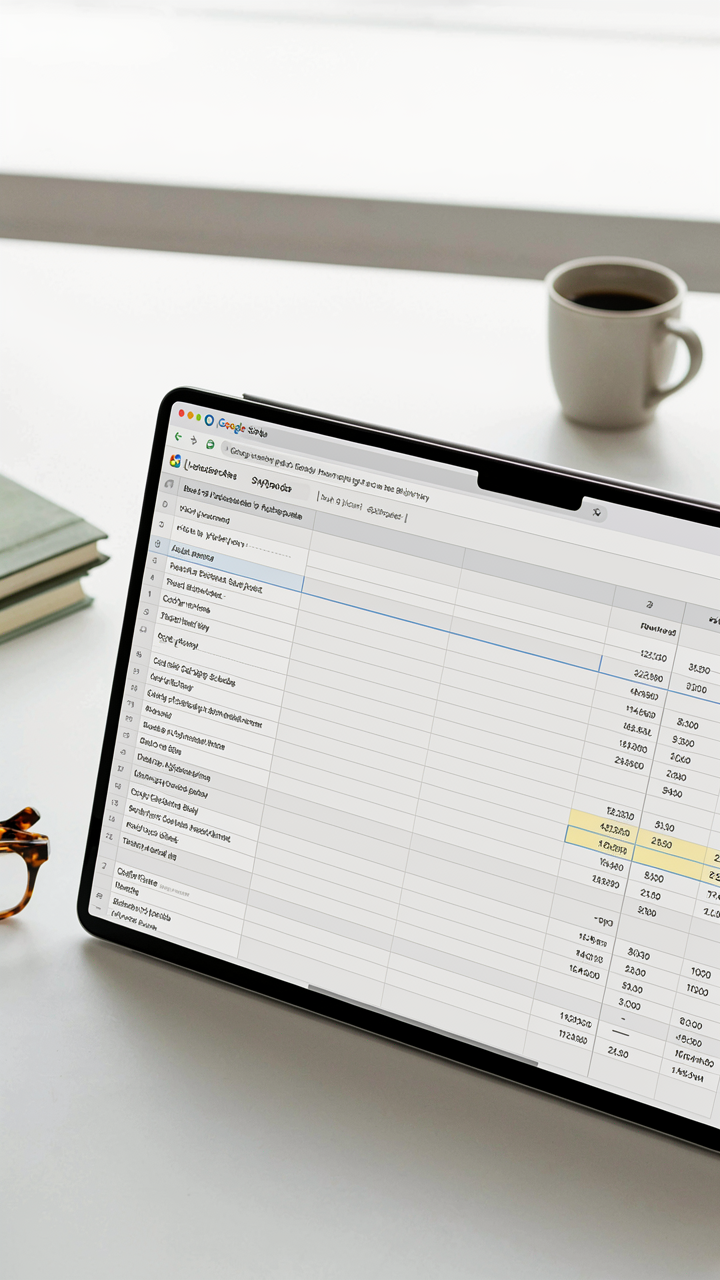
You’re afraid your plan will break the moment real life hits. That fear is justified. Here’s the mechanism: a static budget is a document you’ll ignore. A living document forces recalculation the moment one variable changes. Borrow from systems thinking in operations management. Your Google Sheets wedding budget plan functions as a feedback loop, not a forecast. When venue costs spike or guest count drops, the sheet recalculates dependent costs automatically through formulas. You see the ripple effect instantly instead of discovering it three weeks before the wedding.

Build your sheet with IF formulas that trigger category adjustments based on real inputs. When catering per-head cost increases by 15 percent, your sheet recalculates total catering spend and automatically flags how much you must cut elsewhere. Don’t treat this as annoying. It’s clarity. The alternative is denial followed by panic spending. Set your sheet to recalculate on entry, not on manual refresh. Every number you enter updates the full picture immediately. This eliminates the gap between decision and consequence.
Build Buffers Into Every Category
Most couples get this wrong. They create one lump contingency fund and pretend it covers everything. It doesn’t. Contingency funds get raided for scope creep, not actual emergencies. Each budget category needs its own buffer baked into the formula. Add 10 to 15 percent to catering, florals, photography, and rentals as a hidden line item. Don’t call it contingency. Call it “budget allocation variance” or label it clearly as buffer. The psychological difference prevents you from spending it casually.
- Catering Buffer: Add 10-15% to per-head cost multiplied by expected guest count. Covers final headcount increases and unexpected dietary requests.
- Venue Buffer: Build 8-12% into venue rental fee. Accounts for overtime charges, setup extensions, or additional staffing needs.
- Photography Buffer: Reserve 10% for album upgrades, additional hours, or rush editing fees that emerge during planning.
- Florals And Decor Buffer: Add 12-15% for design changes, flower availability surges, and last-minute arrangement additions.
- Vendor Overage Reserve: Keep 5-10% separate for unexpected contractor fees, tax adjustments, or service additions discovered mid-planning.
Link these buffers to your actual line items using formulas, not manual math. When catering cost changes, the buffer percentage recalculates automatically. Use a separate column labeled “Buffer Amount” that multiplies the category total by your buffer percentage. This keeps the buffer visible and proportional. When you overspend in one category, the sheet shows you immediately which other category must absorb the cut. No guessing. No denial.
The Psychology Of Spending: Overcoming Budget Blind Spots With Google Sheets

The First Price You See Wins
You care about this section because you’re terrified of getting fleeced, and anchoring bias is the mechanism that makes you vulnerable. Anchoring bias comes from behavioral economics—it’s the tendency to rely too heavily on the first number you encounter. In a Google Sheets wedding budget, the vendor’s opening quote becomes your mental anchor, distorting every comparison you make afterward.

When a venue quotes $8,000, that number hijacks your judgment. Every subsequent option gets measured against it, not against actual value or your actual needs. The sheet itself amplifies this: the first entry you input becomes a visual reference point. Override this by entering your target number first, not the vendor’s asking price. Make your ceiling the anchor, not their floor. This flips the negotiation geometry entirely.
Throwing Money At Past Mistakes
The common advice here is to “learn from overspending”—which is useless because it doesn’t name what’s actually happening. Sunk cost fallacy is the trap: you’ve already paid the deposit on a florist you now dislike, so you justify spending more to “make it work.” Google Sheets enables this exact error by hiding the emotional weight of past decisions inside clean cells.
Create a separate “locked costs” column that you never touch. These are non-recoverable expenses. Then create an “active decisions” column for remaining budget. This visual separation stops you from mentally bundling a bad past choice with future spending. The moment you treat yesterday’s mistake as information rather than obligation, you free up capital for decisions that actually matter. Document why each locked cost happened—not to shame yourself, but to interrupt the pattern when you’re tempted to repeat it.
Automating The Tedium: Advanced Wedding Spreadsheet Templates Features
When Budget Red Flags Actually Matter
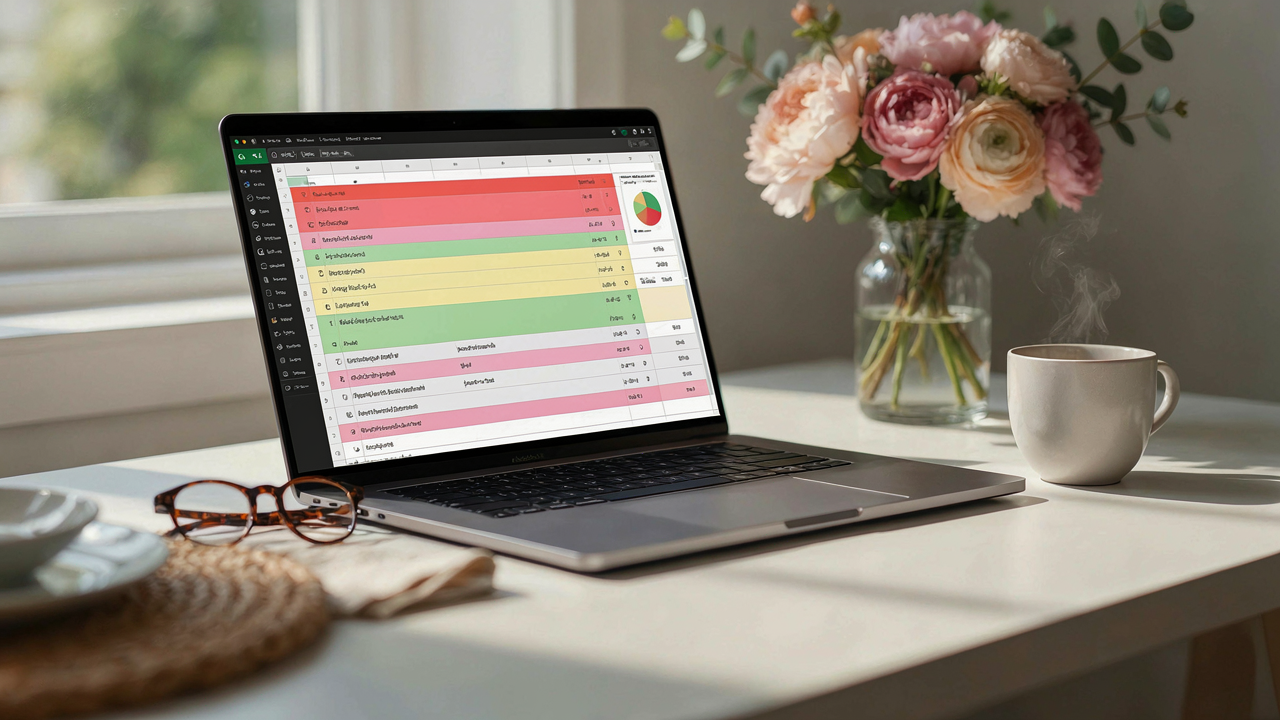
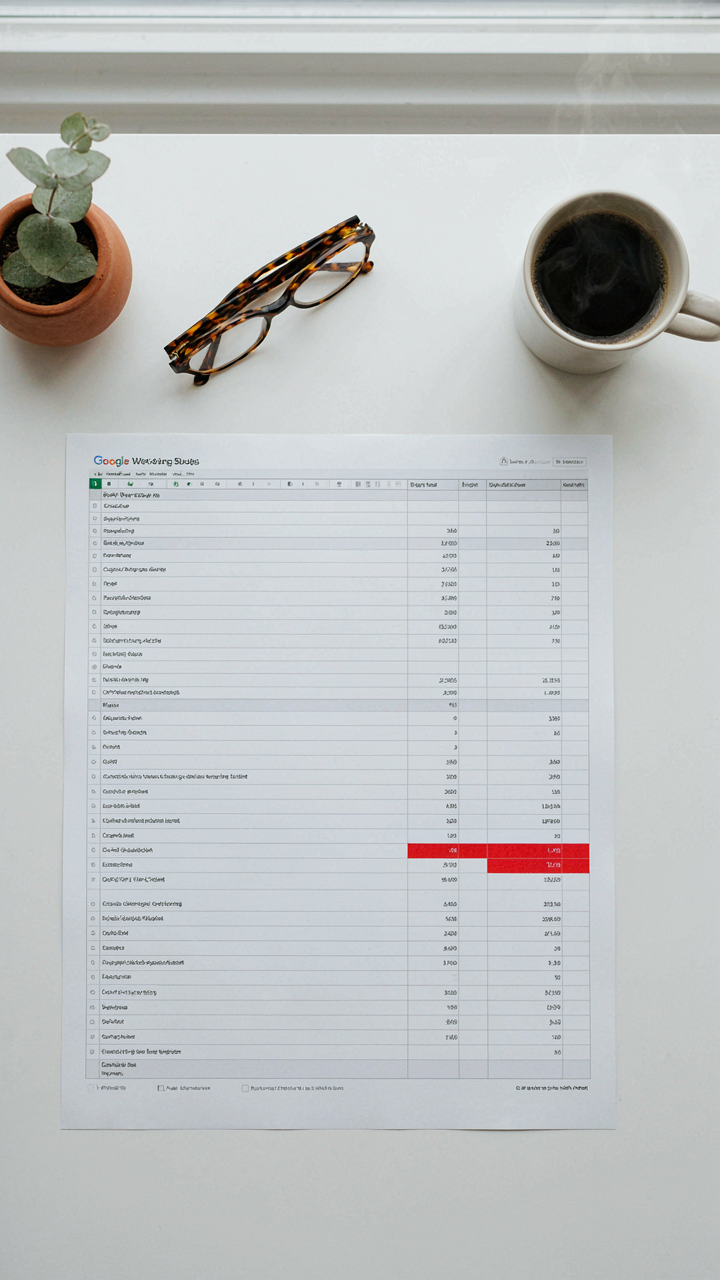
You want conditional formatting because you’re afraid of looking stupid in front of your vendors and families. Here’s the mechanism: conditional formatting is borrowed from signal detection in engineering—you set a threshold, the system flags deviations automatically, and you respond before the deviation becomes irreversible. In Google Sheets, this means coloring cells red when a category exceeds its allocated amount. You define the rule once. The spreadsheet enforces it for every transaction going forward.

Set up conditional formatting by selecting your budget cells, then navigating to Format > Conditional Formatting. Create a rule that says “Format cells if Greater Than” your budgeted amount. Choose red fill. The cells now update in real time as you input expenses. This stops the slow creep of overspending where you don’t notice until the final month when correction is impossible. The system makes invisible costs visible the moment they happen.
Stopping Typos Before They Wreck Your Math
The common advice says use data validation to “keep data clean.” That’s incomplete. Data validation’s real job is preventing cascading errors that corrupt your entire budget projection because one person fat-fingered a vendor name or entered a cost in the wrong format. In accounting systems, garbage input creates garbage output that compounds across dependent calculations. Google Sheets data validation catches the garbage at entry.
Use data validation by selecting a column, then going to Data > Data Validation. Set rules like “List of items” for vendor categories so only approved names are entered. For cost columns, use “Number” with a minimum and maximum range that matches your category budget. When someone tries to enter invalid data, Sheets rejects it with a custom error message. This removes the negotiation between what was typed and what the sheet will accept.
Post Wedding Financial Review: What Your Wedding Budget Excel Reveals
Where Your Money Actually Went
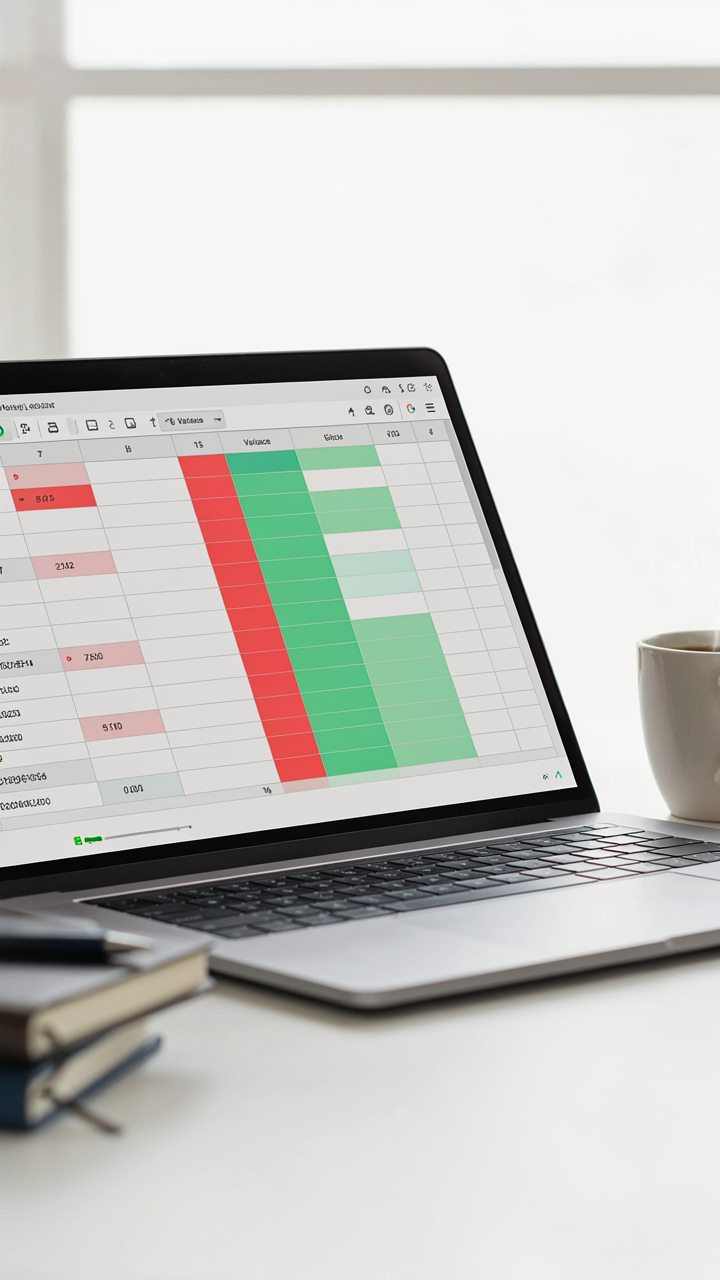
You want to know if you wasted money, but what you really want is proof that you didn’t lose control. Here’s the mechanism: most couples never compare actuals to planned because the gap feels like personal failure rather than data. Open your Google Sheets wedding budget file and create a simple “Variance” column. Subtract planned from actual for every line item. Positive numbers mean you overspent; negative means you stayed under. This isn’t accounting theater—it’s the only way to see which categories pulled you off course.

The variance column reveals patterns. Catering overruns typically stem from guest count creep, not price hikes. Florals spike when couples add last-minute arrangements. Venue costs rarely move because contracts lock them in early. By isolating which categories deviated, you stop blaming your budget and start blaming the actual culprit—usually a specific decision made mid-planning, not poor initial estimation. Export your variance data into a separate sheet, sort by deviation size, and you’ve got your roadmap for next time someone asks for a favor adjustment.
The Real Lesson Your Numbers Hold
Your wedding budget spreadsheet functions like a personal financial time machine. Behavioral economics calls this “revealed preference”—your actual spending shows what you valued, regardless of what you said you valued. If you budgeted 12 percent for photography but spent 18 percent, that’s not overspending; that’s honesty about what matters to you. Create a “Percentage of Total” column for both planned and actual budgets, then compare them side by side. The gaps show your true priorities in dollar terms.
This data becomes your decision-making template for future purchases: homes, cars, experiences. Couples who review their wedding budget accurately tend to make fewer impulsive large purchases afterward because they’ve calibrated what they actually spend versus what they think they will. Take your biggest variance category and write down one decision that created it. Was it emotional? Rushed? A boundary you didn’t set? That answer becomes the protocol you apply to your next major financial decision.
The Anti Planner’s Blueprint: Beyond Generic Wedding Planning Templates

Build Your Own System, Not Someone Else’s
You want to use a template because it feels safer. You think someone else’s structure will save you from making mistakes. That’s the real fear underneath. The mechanism is simple: templates are built for average weddings, and yours isn’t. A standard Google Sheets wedding budget template locks you into categories that don’t match your priorities, forcing you to either squeeze your actual costs into wrong boxes or abandon the sheet entirely.

Start by listing only the expense categories that matter to your wedding. If you’re eloping, you don’t need a “ceremony venue” line. If you’re cutting flowers, delete that row. If you’re paying a videographer triple what templates assume, adjust the budget from that fact, not from a preset number. The sheet becomes functional when it reflects reality, not when it matches someone’s definition of a proper wedding. Open a blank Google Sheet. Create three columns: Category, Estimated Cost, Actual Cost. Add only what you’re actually spending money on.
Evolving Your Budget As Reality Hits
Iteration isn’t about perfectionism; it’s about capturing what you learn. Treat your budget sheet like a system that gets better each time you use it. Most people build a wedding budget once, ignore it for six months, then panic. That’s not a budget. That’s a dead document.
Set a review cadence: every two weeks, update actual costs against estimates and note where reality diverged. When a vendor quotes higher than your sheet assumed, update the number immediately and adjust your contingency allocation. When you find a florist charging 40% less than expected, reallocate that surplus to another category or lock it into savings. This isn’t busywork. Each update trains your sheet to predict future line items more accurately. After three updates, your spreadsheet knows more about your actual wedding than your initial plan did. This is when the budget becomes a tool instead of a wish list.
The Budget Isn’t The Problem; Your Financial Conviction Is The Real Limiter

Most couples build a Google Sheets wedding budget plan and then ignore it. The spreadsheet becomes theater. You know what actually matters? Deciding right now which expenses align with your values and which ones don’t. Open your sheet today. Pick one category. Cut it by 20%. That’s conviction. Numbers without decisions are just noise. Your budget only works when you’re willing to say no.