Why Digital Wedding Invitations Templates Are Changing The Wedding Industry

The Rise Of Digital Wedding Invitations And What It Means For Modern Couples
Modern couples now prioritize speed and functionality over traditional paper mail. High postage costs and long delivery times make physical mail inefficient for global guest lists. Digital templates allow couples to send invites via email or messaging apps instantly. This shift mirrors the broader move toward paperless communication in professional sectors. Digital delivery ensures every guest receives the information without risk of loss in the postal system.
Design standards for digital assets have reached professional levels previously reserved for high end print shops. Users can now access sophisticated layouts and typography that mimic letterpress or foil stamping styles. This accessibility removes the gatekeepers from the wedding industry. Couples gain total control over their timeline and aesthetic choices. They no longer wait weeks for proofing or printing cycles. Digital solutions provide immediate results for fast paced planning.
Cost, Convenience, And Customization: The Real Benefits Of Going Digital
Traditional wedding stationery suites can cost thousands of dollars when including RSVP cards and envelopes. Digital templates eliminate printing fees and shipping expenses entirely. This allows couples to reallocate their budget toward the venue or catering. Using digital assets also reduces environmental waste by removing paper consumption and carbon emissions from shipping. Hard costs drop to nearly zero while the visual quality remains high and professional.
Customization is the biggest tactical advantage of digital invitations. Users can modify colors, fonts, and layouts in real time without paying for designer revisions. If a venue or time changes, digital files are updated and redistributed in minutes. This flexibility handles logistical errors that would ruin a physical print run. Digital invites also integrate with online RSVP tracking systems to automate guest list management. Efficiency replaces the manual labor of hand writing addresses.

Getting Started With Wedding Invitations Canva Setting Up Your Free Account
How To Create A Canva Account And Navigate The Dashboard For Beginners
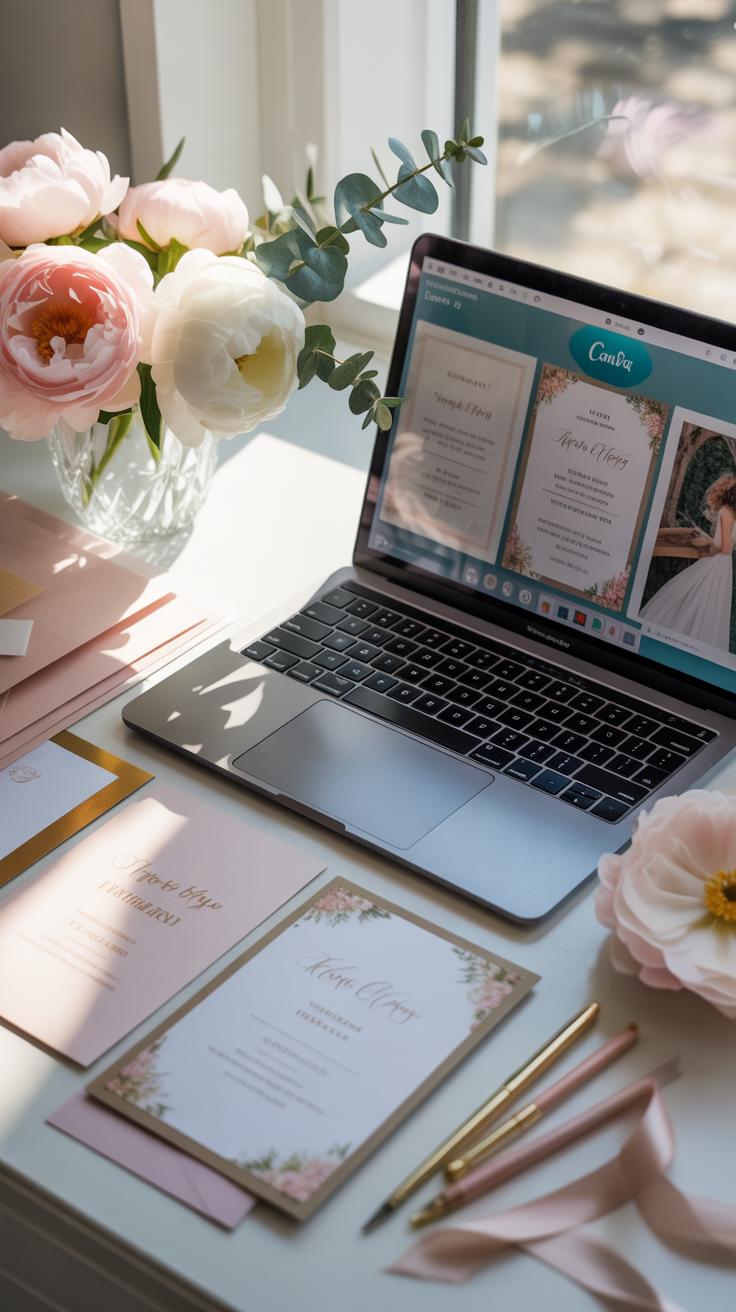
Go to the Canva website and select the sign up button. Use an email address or link a Google account for immediate access. This creates your personal workspace where all wedding designs are saved automatically. You must confirm your email to enable sharing features and print options. The dashboard serves as your central command for managing templates and uploaded assets like engagement photos.
Locate the search bar at the top of the dashboard to find wedding invitation templates. Type wedding invitation to view hundreds of layout options. Use the sidebar to filter by style like minimal or modern. The projects folder stores your active drafts and finished files. Understanding this layout saves time when you need to make quick edits to guest names or event details later.
Understanding Canva Free Vs. Canva Pro: Which Plan Do You Need For Wedding Invitations?
The free plan provides basic tools and thousands of free templates. You can upload custom images and use standard fonts without paying. Most users find the free version sufficient for a simple minimal wedding invitation. However, you will encounter watermarks on premium graphics and specific elegant fonts. You cannot resize a design automatically on this plan. Each change requires a manual rework.

Canva Pro offers the brand kit feature to save your specific wedding colors. This ensures consistency across invitations and RSVP cards. The background remover tool is essential if you want to use personal photos without distracting elements. Pro users access high end serif fonts and premium paper textures. If you plan to print multiple pieces, the time saved justifies the cost. Use the free trial to complete your suite.
How To Browse And Choose The Best Canva Wedding Invitations Templates
Using Canva’S Search And Filter Tools To Find The Perfect Wedding Invitation Template
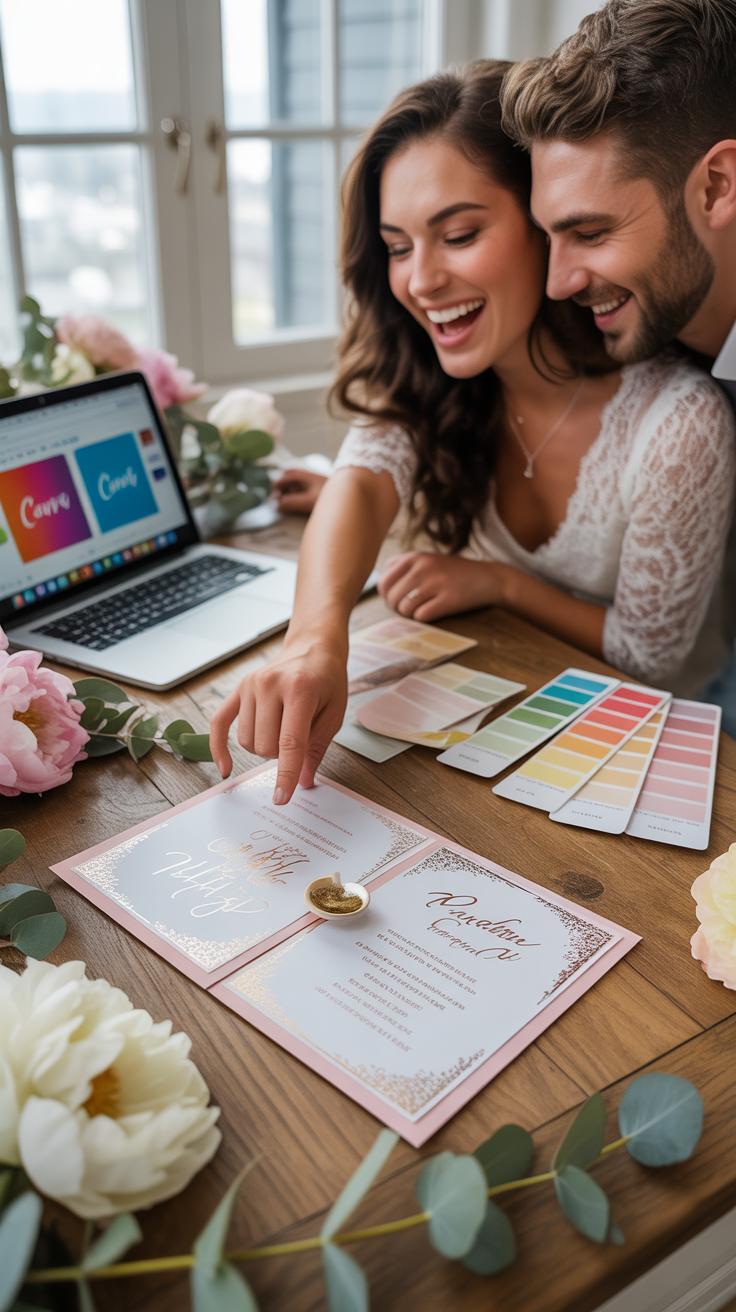
Master the Canva search bar to save hours of scrolling. Type wedding invitation to access thousands of pre-made layouts. Do not stop at general terms. Add specific style keywords like minimal, rustic, or art deco. Use the side filter menu to select specific colors and orientations. This narrows the field to designs that fit your actual vision without wasting time on unrelated assets.
Look for the pro icon to separate free assets from paid elements. Filter by price to avoid hidden costs during export. You can also filter by brand or artist if you find a specific aesthetic you like. Use the star tool to save potential candidates before making a final choice. Quick filtering ensures you focus only on functional templates that meet your technical printing requirements from the start.
What To Look For When Selecting A Template That Matches Your Wedding Theme
Evaluate the visual hierarchy of the template immediately. A strong invitation design prioritizes the names of the couple and the date of the event. Ensure the layout leaves enough negative space to prevent a cluttered appearance. Check the typography for legibility. If the font is too decorative, guests may struggle to read the address. Match the font history to your theme for better design cohesion.

Verify the print dimensions before you start customizing. Most wedding invitations use a five by seven inch vertical format. Ensure the template allows for bleed margins if you plan to use professional printing services. Check the quality of the graphic elements. High resolution vectors scale better than raster images. A good template uses layers effectively. This makes it easy for you to swap out colors and move text blocks.
Designing A Minimal Wedding Invitation Simplicity That Makes A Statement
The Core Design Principles Behind A Minimal Wedding Invitation Style
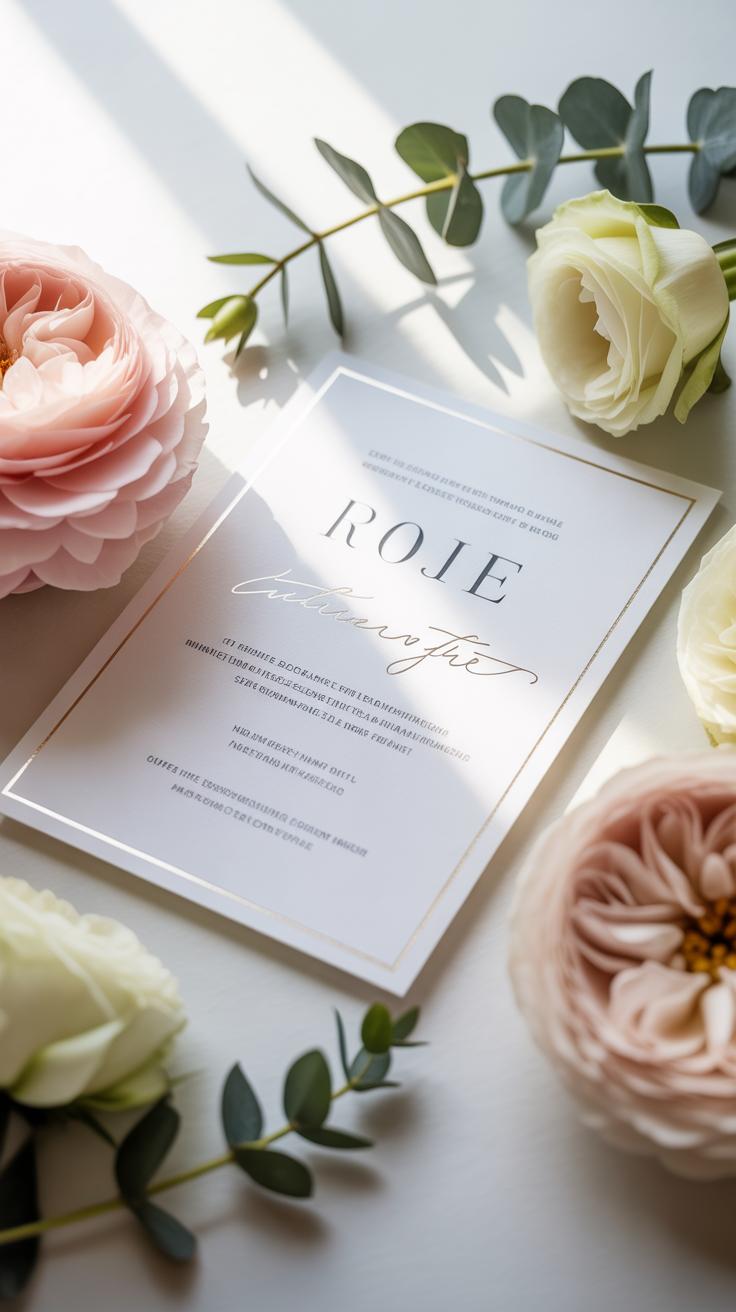
Minimalism in wedding stationery draws from the Mid-Century Modern and Bauhaus movements. These styles prioritize function and form over decoration. You must focus on intentional negative space. This empty space directs the eye to your essential details. Do not fill every corner with graphics. Use a restricted color palette of two or three tones. This creates a clean look that feels expensive and modern.
Apply the principle of hierarchy to your typography. Your names should be the focal point through scale rather than complex scripts. Use high-contrast sizing to separate sections. Choose one primary typeface to maintain visual harmony. Balance is achieved through alignment rather than symmetry. A flush-left layout often looks more modern than centered text. Grid systems ensure your elements align perfectly without cluttering the page.
How To Strip Back Your Canva Design To Achieve An Elegant Minimalist Look
Open a blank canvas or a basic template to start. Remove all watercolor flowers, gold foil borders, and heavy textures. These elements distract from the message. Search for Canva Font For Wedding Invitation options like Montserrat, Glacial Indifference, or League Spartan. These sans-serif fonts offer the clean lines necessary for this style. Keep your font weights consistent across the entire card for a professional finish.
Limit your use of bold colors. Stick to off-white, light grey, or muted earth tones for the background. If you need a graphic element, use a single thin line or a simple geometric shape. Set your line thickness to one or two points. Ensure your margins are wide to create a sense of luxury. High-end stationery relies on breathing room. This tactical approach ensures your Digital Wedding Invitations Templates look intentional.
Choosing The Right Canva Wedding Invite Fonts For Your Invitation
How Typography Sets The Tone: Understanding Font Pairing For Wedding Invitations
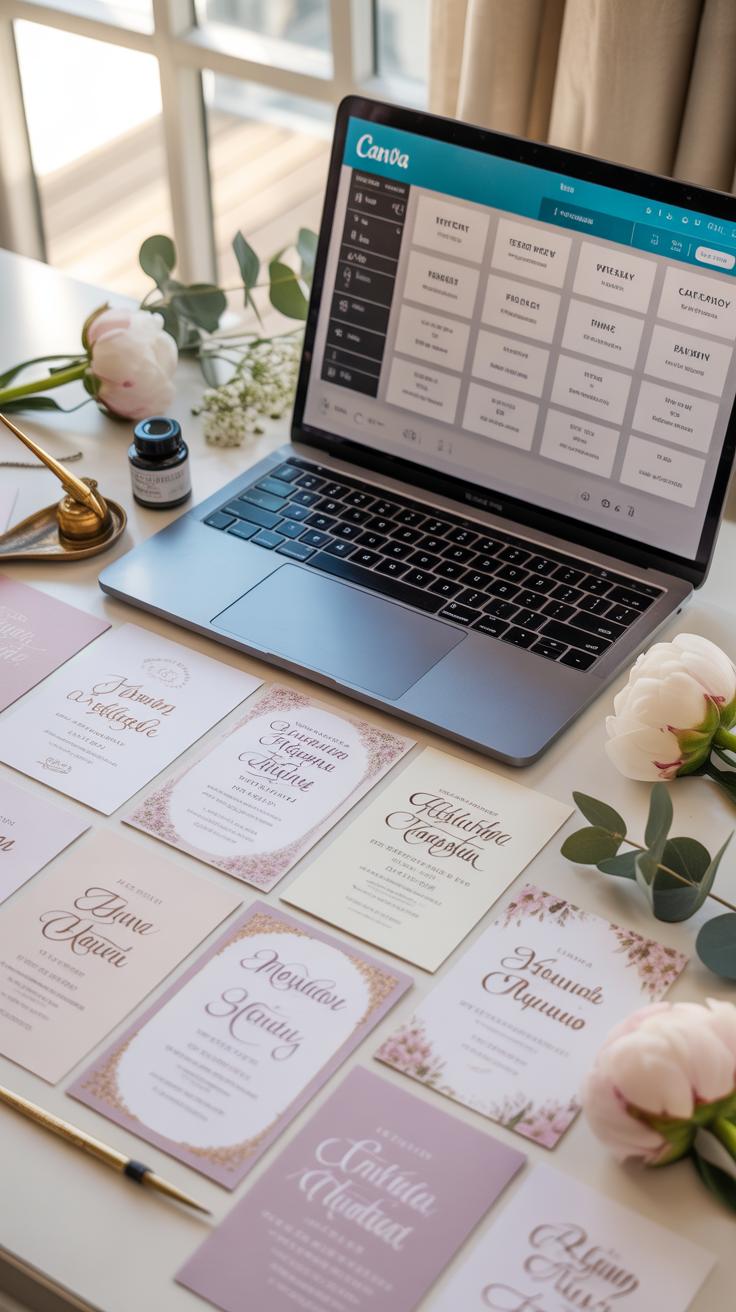
Typography functions as the visual voice of your wedding. It dictates the formality and atmosphere before the guest reads a single word. High-contrast pairings create professional balance. Use a decorative script for names to signal elegance. Pair it with a clean sans-serif for logistical details like the date and venue. This hierarchy ensures the most important information stands out immediately to the reader.
Effective pairing requires staying within a specific design language. Do not mix two different script fonts as they compete for attention. Use a maximum of three fonts to maintain a clean layout. Type weight also matters for legibility. Bold weights work best for headers while light weights suit secondary information. Proper spacing between letters, known as kerning, prevents the design from looking cluttered or amateur.
The Best Canva Font For Wedding Invitation Designs Across Different Styles
Select fonts based on the specific architectural or historical theme of your event. Canva offers a library of licensed typefaces that mimic traditional invitation printing methods. Traditional weddings require serif fonts that evoke classic stationery. Modern events benefit from geometric sans-serifs that prioritize white space. Choose a primary font that fits the venue and a secondary font that ensures your guests can read the address.
- Pinyon Script: This font offers a formal and classic look. It mimics traditional copperplate calligraphy used in high-end stationery. Use it for the names of the couple to create a focal point. It works best on formal, traditional layouts.
- Montserrat: This geometric sans-serif provides a clean and modern feel. It follows the principles of early 20th-century urban signage. It is highly legible at small sizes. Use this for the address, date, and RSVP details to ensure clarity for all guests.
- Playfair Display: This serif font features high contrast between thick and thin lines. It draws inspiration from the Enlightenment period and classic European printing. It adds a sophisticated and fashionable touch. It functions well for headers and large statement text on invitations.
- League Spartan: Use this font for a bold and minimalist aesthetic. It is a strong geometric typeface that strips away unnecessary flourishes. This choice suits industrial or contemporary wedding themes. It provides a sharp contrast when you pair it with a delicate script font.
- Cormorant Garamond: This font represents a refined and elegant serif style. It is based on historical French printing types from the 16th century. It looks professional and expensive on digital screens and printed paper. It is ideal for the main body text of your invitation.

Consistency across all stationery items is vital for a cohesive brand. Use the same font combination for your invitations, save the dates, and thank you cards. This repetition builds a professional visual identity for your wedding. Check the legibility of your chosen fonts by viewing the design on a mobile device. Always test the print quality to ensure thin lines do not disappear on physical paper.
Exploring The Best Fonts For Wedding Invitations Beyond The Defaults
Script Serif And Sans Serif Understanding Which Fonts For Wedding Designs Work Best
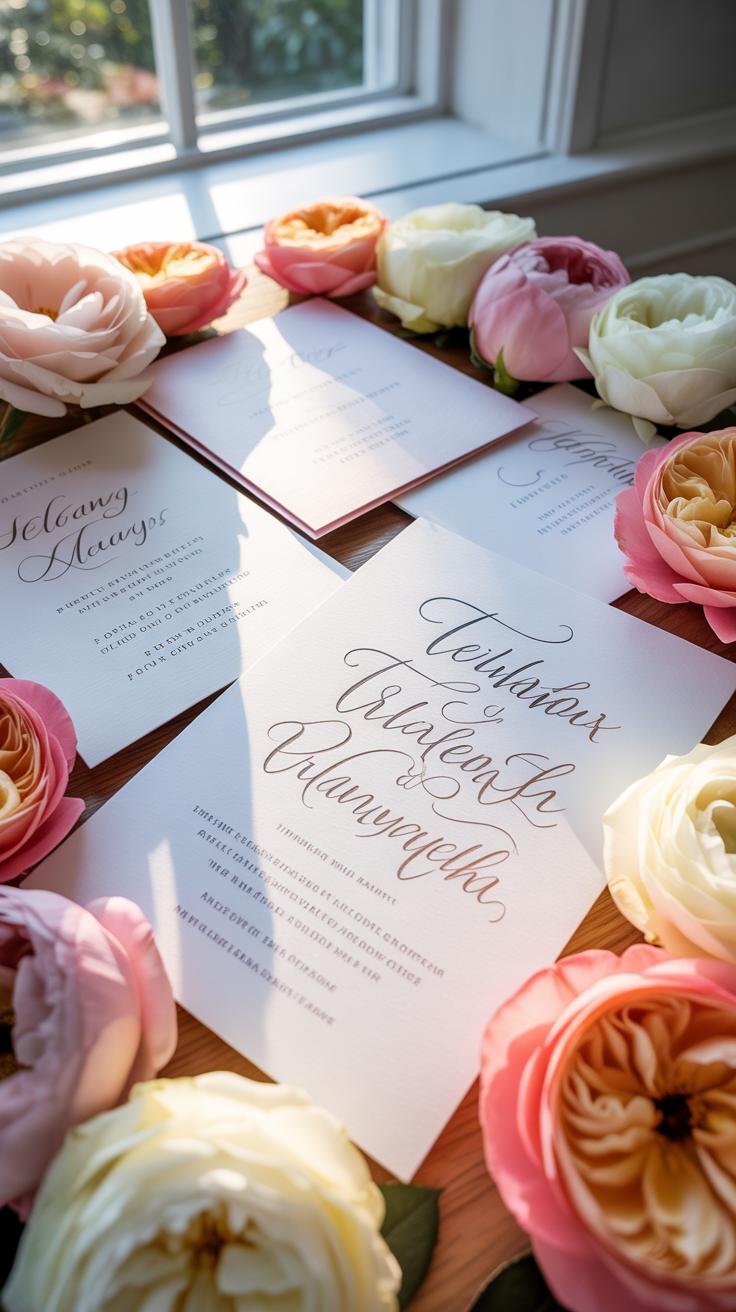
Modern wedding design relies on three primary font categories. Script fonts mimic traditional calligraphy and provide a formal tone. You must use them sparingly for names or headers to ensure readability. Serif fonts feature small lines at the ends of characters. They convey a timeless and professional feel. Use serifs for the main body text to ground your design in classic style.
Sans-serif fonts lack decorative lines and offer a clean look. These work best for modern or minimal wedding invitations. They handle small text well and keep the layout legible on mobile screens. Successful invitation layouts pair a bold script with a neutral serif. This contrast creates a clear visual hierarchy. It directs the eye of the guest to the most important event details first.
How To Upload And Use Custom Fonts In Canva Pro For A Truly Unique Invitation
Canva Pro users can upload external font files to bypass standard library limitations. You must use OTF or TTF file formats for best results. Access the Brand Kit in your dashboard to find the upload button. This feature allows you to use premium fonts purchased from professional type foundries. Custom fonts ensure your invitation does not look like a generic template used by thousands.

Once you upload the file, the font appears at the top of your font menu. Use this tool to match your invitation to specific physical stationery or branding. Check your font licensing before uploading to ensure you have commercial or personal use rights. High-end typography changes the perceived value of a digital invite. It makes a basic Canva layout look like a custom commission from a designer.
Fresh Digital Wedding Invite Ideas To Inspire Your Design
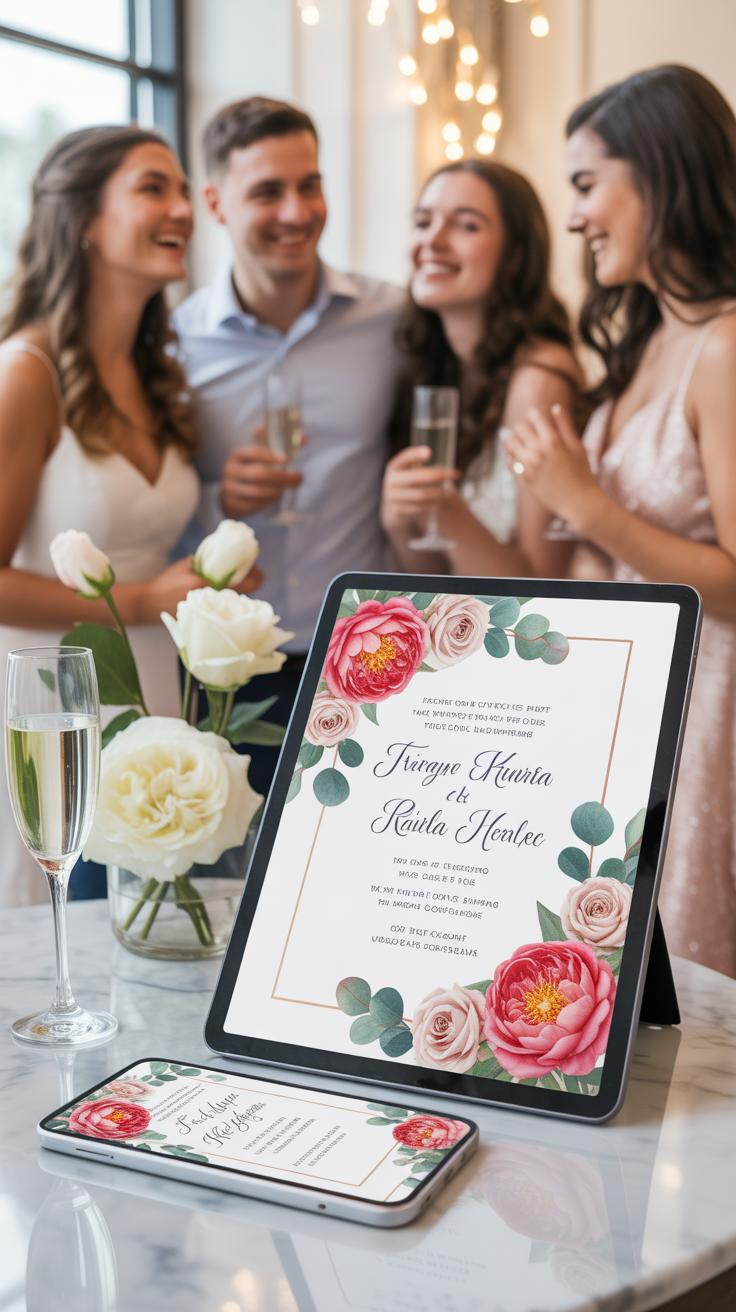
Popular Design Themes And Color Palettes That Are Trending For Digital Wedding Invites
Modern digital invites favor minimalism and high contrast. Professionals use monochromatic palettes like black and white for a clean look. Earthy tones such as sage green and terracotta remain popular for outdoor events. These colors translate well to mobile screens. Bold typography often replaces complex graphics to ensure readability on small devices. Sharp lines and plenty of negative space define this current design movement.
Minimalist themes utilize a single bold accent color. Designers often select royal blue or deep emerald for impact. High saturation ensures the colors pop on backlit displays. Dark mode designs with metallic gold text are also gaining traction. This style mimics traditional foil stamping without the physical cost. Proper color selection ensures your invitation remains legible under various screen brightness settings. You must choose functional colors first.
Love is in the details, so take your time to craft each step of your story with care. Designing your own invitation is the first beautiful page in the chapter of your forever.
How To Add Personal Touches Like Photos Monograms And Custom Illustrations In Canva
Personalization transforms a template into a unique asset. Use the Canva upload tool to add high-resolution engagement photos. Frame these images within geometric shapes or organic masks to maintain a polished look. Users can also create custom monograms by pairing serif and sans-serif fonts. This creates a brand for the wedding. Place monograms at the top center of the design to establish a formal hierarchy.

Custom illustrations provide a bespoke feel to digital invites. You can search the Canva elements library for line art or floral sketches. Change the element colors to match your specific palette. For a more direct touch, upload hand-drawn sketches or digital signatures. Use the transparency slider to layer these elements behind your text. This technique adds depth without distracting the reader from the essential event details.
Bringing Your Wedding Invitation Ideas Digital Sharing And Sending Your Design
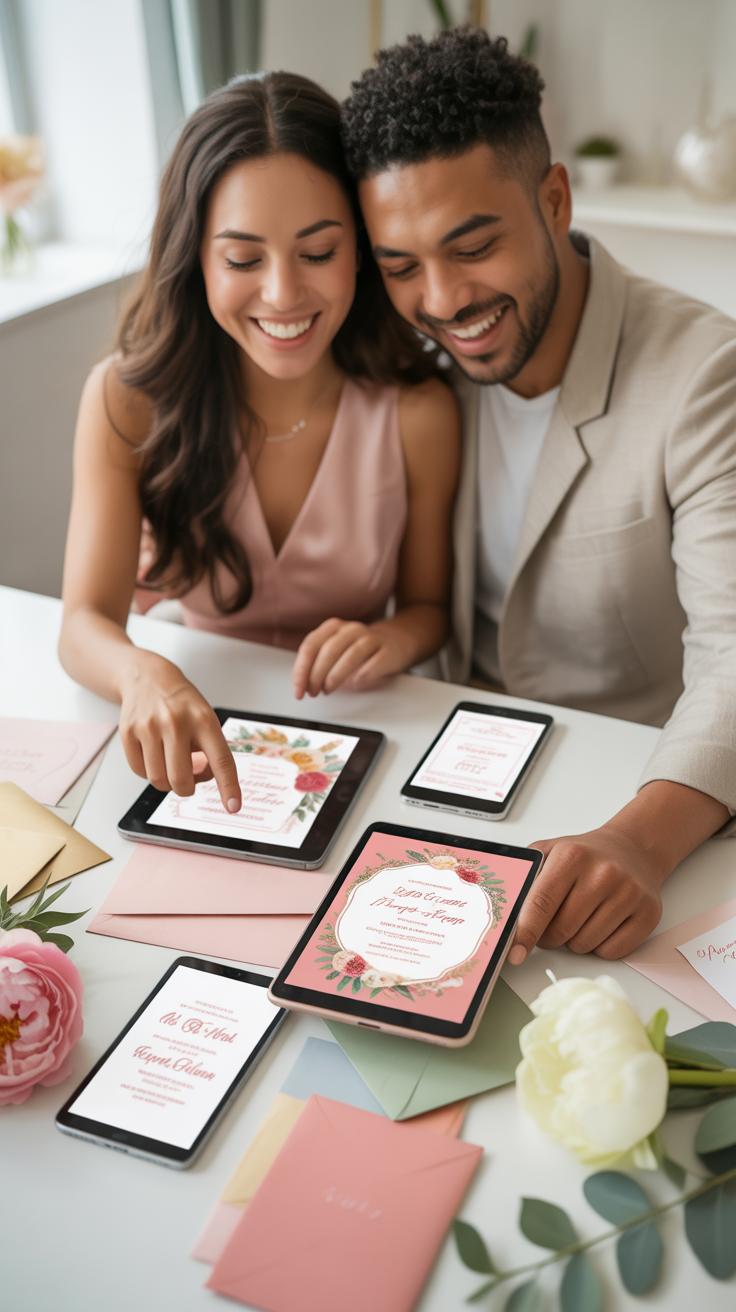
How To Export Your Canva Wedding Invitation In The Right Format For Print And Digital Use
Format selection determines the final quality of your invitation. For physical printing, you must select the PDF Print option. Use the CMYK color profile to ensure color accuracy on professional presses. Always check the Crop Marks and Bleed box before downloading. This ensures the printer has enough margin to cut the paper without leaving white edges. High resolution is non-negotiable for print.
Digital distribution requires smaller file sizes and RGB color profiles. Select PNG for the highest visual clarity on mobile screens. Choose JPG if you need to keep file sizes very low for email delivery. Standard PDF is useful only if you include clickable links to your wedding website. Ensure your design remains at 72 or 96 DPI for web use to prevent slow loading times.
The Best Ways To Share Your Digital Wedding Invitation With Guests Online
Digital delivery offers speed and cost efficiency compared to physical mail. You must choose a platform that maintains the resolution of your Canva design. Most guests view these invites on smartphones. Use direct messaging or dedicated RSVP tools for the best tracking results. Avoid group chats as they compress images and bury important details. Strategy ensures every guest sees your invitation clearly.
- Email Delivery: Send your invitation as an attachment or embedded image. This method allows for a formal presentation and easy archiving. It works best for guests who prefer traditional communication and gives you a paper trail of sent messages.
- Wedding Websites: Upload your design directly to platforms like Zola or The Knot. These sites host your invitation and manage your guest list simultaneously. It creates a central hub for all wedding details and simplifies the RSVP process for everyone involved.
- Messaging Apps: Use WhatsApp or iMessage to send high-quality PNG files to guests. These apps maintain image clarity better than standard SMS. It allows for instant feedback and works well for casual events or follow-up reminders after formal invites go out.
- Digital RSVP Tools: Link your Canva design to a digital form. Tools like Google Forms or Typeform collect guest data instantly. This method eliminates manual data entry and provides a clean spreadsheet of responses for your seating chart and catering needs.
- Social Media Groups: Create a private Facebook group for your event. Post the invitation as a high-resolution image in the pinned announcement section. This keeps all guests updated on changes and allows for community interaction leading up to the wedding date.

Select your delivery method based on your guest demographics. Older guests often require email or physical copies for clarity. Younger guests respond faster to direct links and mobile messages. Combine multiple digital methods to ensure 100 percent delivery rates. Always include a clear call to action with a link to your registry or RSVP form. Digital invitations succeed only when they are easy to navigate.
Common Canva Wedding Invitation Mistakes And How To Avoid Them
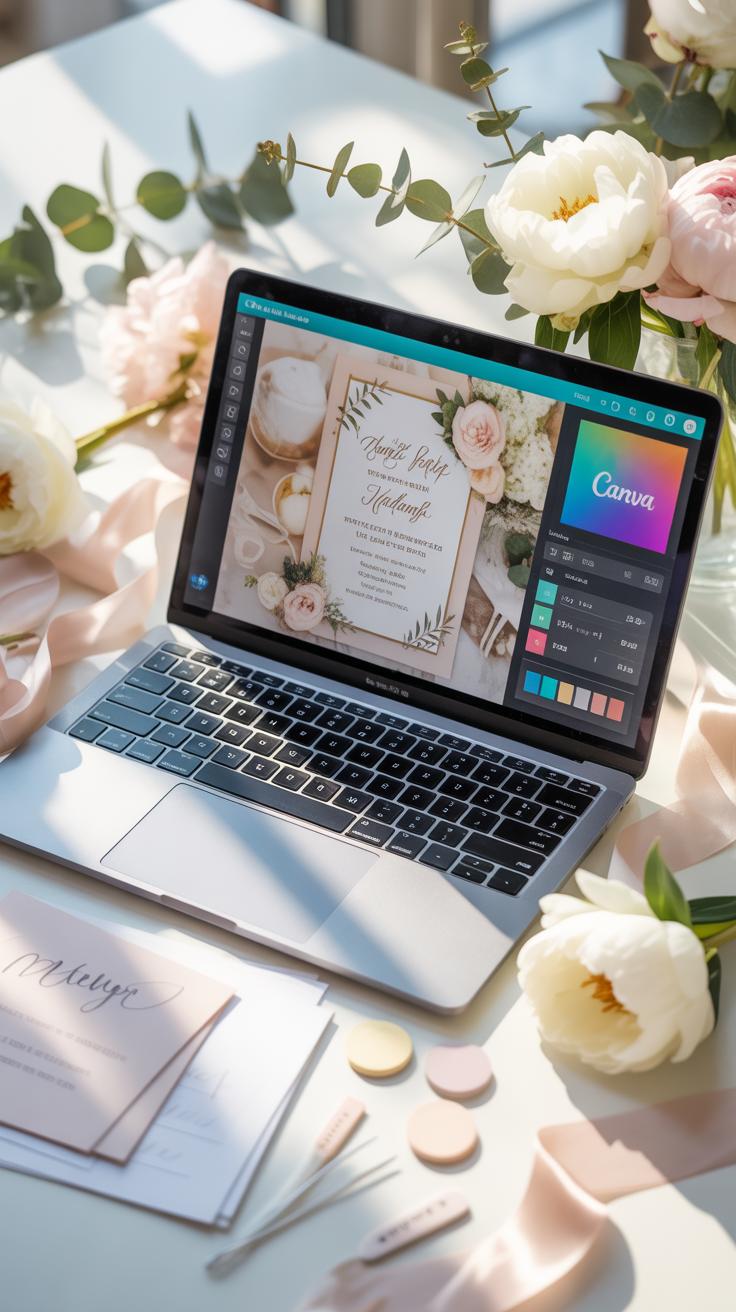
Design Errors That Make Wedding Invitations Look Unprofessional And How To Fix Them
Poor alignment ruins the visual balance of your invitation. Most beginners eye-ball their layout instead of using the Canva Tidy Up tool or grid lines. Unorganized spacing creates a chaotic experience for the reader. Force harmony by using the Position menu to align all text elements to a center axis. This strategy ensures your design follows the formal standards of traditional stationery.
Low contrast makes your text unreadable and frustrates your guests. Avoid light gray text on white backgrounds or busy floral overlays. Professional designers prioritize legibility over aesthetics. Choose high-contrast color pairings to ensure clarity. Limit your design to two font families to prevent a cluttered look. Use one serif font for names and a clean sans-serif for the logistical event details.
Proofreading And Final Checklist Before You Send Your Canva Wedding Invitation
Small typos damage your credibility and confuse your guests. Check the spelling of every name and venue address twice. Confirm the date matches the day of the week correctly. Many couples forget to double-check the year on invitations sent across the new year. Use a physical print test to verify that the font size remains readable when held at arm’s length.
Digital links require a final functionality test before distribution. Click every button on your digital invite to ensure it points to the correct RSVP website. Check the mobile view to confirm that text does not overlap on small screens. Set the file format to PDF Print with crop marks and bleed for physical mail. This step prevents the printer from cutting off your design elements.
Frequently Asked Questions

Is Canva a good choice for beginners to design their own wedding stationery?
Absolutely! Canva is incredibly user-friendly, making it the perfect platform for couples with no prior graphic design experience. The intuitive drag-and-drop interface allows you to create professional-looking canva wedding invitations by starting with a pre-made template. You can easily swap out fonts, colors, and imagery to match your unique wedding theme, ensuring your DIY stationery looks polished and high-end without the steep learning curve of professional software.
How do I ensure my DIY invitations print with high quality?
To get the best results for your canva wedding invitations, always design using high-resolution elements and export your final file as a “PDF Print” with crop marks and bleed selected. This ensures that your colors stay vibrant and the edges are crisp when cut. Whether you use Canva’s professional printing service or a local print shop, selecting a heavy cardstock with a matte or linen finish will provide a luxurious, tactile feel.
Can I create and download my wedding invitation designs for free?
Yes, you can design and download your invitations for free using Canva’s extensive library of complimentary fonts and graphics. While they offer a “Pro” subscription for premium elements, the free version provides more than enough tools to create a stunning suite. Simply filter your search for free elements, then download your design directly to your computer. This makes it an incredibly budget-friendly way to handle your wedding stationery without sacrificing style.