What Is A Digital Wedding RSVP And How Does It Work For Your Rsvp Wedding
The Basics Of A Digital RSVP And Why Couples Are Making The Switch
A digital wedding rsvp replaces traditional paper response cards with a centralized wedding invitation website. Couples send a link via email or a QR code on a physical invitation. This system logs guest responses directly into a database. It eliminates the need for physical mail, postage costs, and manual data entry. You gain instant visibility into your guest count and dietary requirements.
Modern wedding website ideas focus on efficiency and data accuracy. Moving to an rsvp website reduces the lag time between sending invites and receiving answers. You avoid common issues like lost mail or unreadable handwriting. This digital shift allows for real-time guest list management. It provides a single source of truth for your headcount. Digital systems also permit last-minute updates to event details.
How Guests Respond Online And What The Process Looks Like From Their End
The guest experience starts when they access your wedding website. They enter their name to locate their specific party within your digital guest list. Most wedding website template designs offer a simple form. Guests select their attendance status and choose meal options. The interface is intuitive and takes less than two minutes. This ease of use increases the overall response rate.
Once a guest submits the form, the rsvp website design triggers an immediate confirmation. The system updates your master spreadsheet automatically. Guests can often revisit the site to change their response before your set deadline. This flexibility reduces the need for back-and-forth emails. Using wedding online invitations ensures that every guest has the most current information. The process is clean, fast, and eliminates human error.

Choosing The Right Rsvp Website For Your Wedding Needs
Key Features To Look For In A Dedicated Wedding RSVP Platform
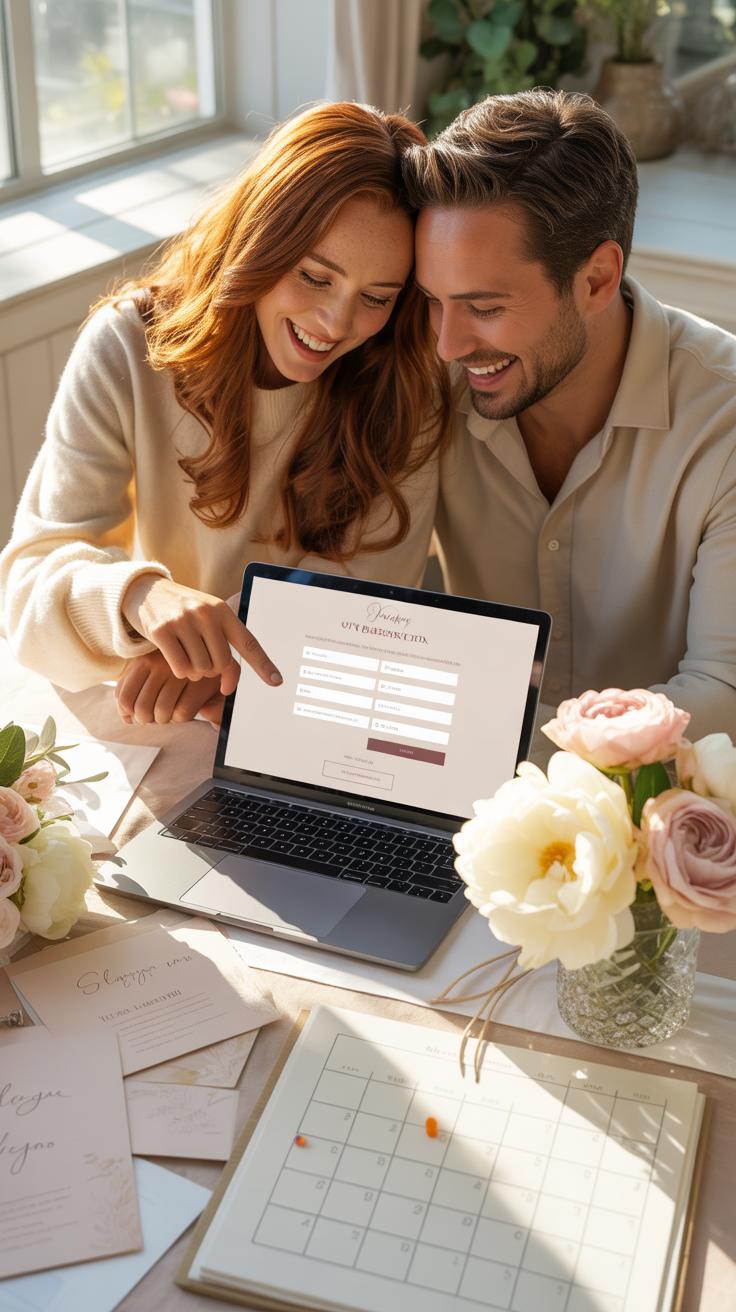
A functional digital wedding rsvp requires robust database management. High level platforms offer guest list segmentation to control which events specific people see. This prevents confusion regarding rehearsal dinners or private brunches. You need a system that handles meal preferences and allergy tracking with precision. Verify that the tool allows for custom questions to gather data like shuttle needs or song requests.
Technical stability is non-negotiable for a professional wedding website. The platform must offer a mobile responsive design because most guests respond via smartphones. Secure data encryption protects your guests contact information from third parties. Look for real time notification settings that alert you via email or text when a guest responds. These features reduce manual tracking and keep your guest count accurate for vendors.
Popular RSVP Website Options Couples Trust And What Sets Them Apart
Zola and The Knot dominate the wedding website market with integrated registry tools. These platforms offer free wedding website templates that prioritize user experience. They provide streamlined dashboards to manage large guest lists without charging subscription fees. Many couples choose these for their convenience and lack of cost. However, their designs follow standard layouts which might feel generic for some high end events.

For those seeking more control, platforms like Riley & Grey focus on wedding website ideas that mirror high fashion and editorial layouts. They charge a fee but provide superior rsvp website design and customization options. Alternatively, RSVPify handles complex event structures better than standard builders. It allows for advanced logic and secondary event tracking. Choose based on your technical needs and the complexity of your invitation schedule.
How To Set Up Your Wedding Invitation Website The Right Way

What Information Your Wedding Invitation Website Should Always Include
Your digital wedding RSVP must prioritize logistics over aesthetics. Every attendee needs the date, the exact start time, and the physical address of the venue. Link these addresses directly to Google Maps. Use clear language to define the dress code. State whether the event is formal, cocktail, or casual. This prevents guest confusion and ensures the visual tone of your wedding remains consistent throughout the entire day.
Include a detailed schedule of events for the weekend. List the rehearsal dinner, ceremony, and reception times clearly. Provide a section for travel and lodging information. List the nearest airports and hotels with pre-arranged room blocks. State the deadline for booking these rooms. Clearly explain your policy on children and plus-ones. Managing expectations on the website prevents awkward conversations later. A thorough FAQ section reduces repetitive guest inquiries.
Step By Step Guide To Getting Your Wedding Invitation Website Live Before Sending Invites
Select a reliable wedding website template that offers mobile responsiveness. Most guests will view your site on their phones. Ensure the platform includes a robust RSVP management tool. This tool should allow you to import a guest list and group families together. Verify that the server uptime is high. Test the site speed across multiple devices. You need a platform that handles traffic spikes without crashing or slowing down.
- Audit Your Guest List: Compile a clean spreadsheet containing first names, last names, and email addresses. Group household members under a single primary contact to streamline the RSVP process. This step prevents guests from adding uninvited plus-ones to your final count.
- Secure a Custom Domain: Purchase a simple and memorable URL. Use your names or a unique combination that is easy to type. Avoid using long strings of numbers or complex symbols. A custom domain looks professional and helps guests find the site quickly.
- Build the RSVP Form: Create specific fields for meal preferences, food allergies, and attendance status. Use logic-based questions that only appear for certain guest groups. This keeps the form short and relevant. Ensure the submit button triggers an immediate confirmation email to the guest.
- Test the User Experience: Send a private link to a small group of trusted friends. Ask them to complete the RSVP on different browsers and mobile devices. Check if the data flows correctly into your master tracking sheet. Fix any broken links or confusing navigation menus immediately.
- Sync Your Registry: Connect your retail registries to the website. Use direct links to specific items or cash funds. Ensure the registry page is easy to find but not the main focus of the homepage. Double check that all links work and lead to the correct accounts.

Publish the website at least two weeks before mailing physical invitations or sending digital ones. This lead time allows you to catch technical errors. Check the privacy settings to choose between public access or password protection. Password protection keeps your event details secure from search engines. Review your contact information for accuracy. Guests must have a way to reach you if they encounter technical issues during the RSVP process.
Picking The Perfect Wedding Website Template For Your Style And Theme

How To Match Your Wedding Website Template To Your Overall Wedding Aesthetic
Your wedding website template must align with your physical venue and decor theme. A formal black-tie event requires a minimalist layout with serif typography and high contrast. A rustic outdoor wedding suits earth tones and organic shapes. Consistency prevents guest confusion. When guests see the same fonts and colors from the digital invite to the physical seat markers, they understand the expected dress code.
Focus on user interface design principles to ensure readability. Avoid busy backgrounds that distract from the RSVP button. Use clean grid systems for modern aesthetics. Select a template that honors the era of your theme. Art Deco weddings need geometric patterns and gold accents. Mid-century modern themes require sans-serif fonts and bold primary colors. Strategic design choices build a cohesive brand for your entire wedding weekend.
Free Vs. Paid Wedding Website Templates: What You Actually Get For Your Money
Free templates from major providers offer basic functionality and standard layouts. These tools work well for simple events with a single guest list. You pay nothing for the hosting but often lose control over the domain name. Your URL will likely include the provider name. Customization remains limited to preset color palettes. These options provide a fast setup but lack advanced guest management features.

Paid templates and premium tiers unlock custom domains and advanced RSVP logic. You can hide specific events from the general public. This is critical for rehearsal dinners or private brunches. Paid versions often include password protection and ad-free interfaces. High-end platforms offer better data security for guest contact information. Investing in a premium template ensures your site looks professional and functions without technical glitches during high traffic.
Fresh Wedding Website Ideas To Make Your Digital Presence Memorable
Creative Touches That Make Your Wedding Website Feel Personal And Unique
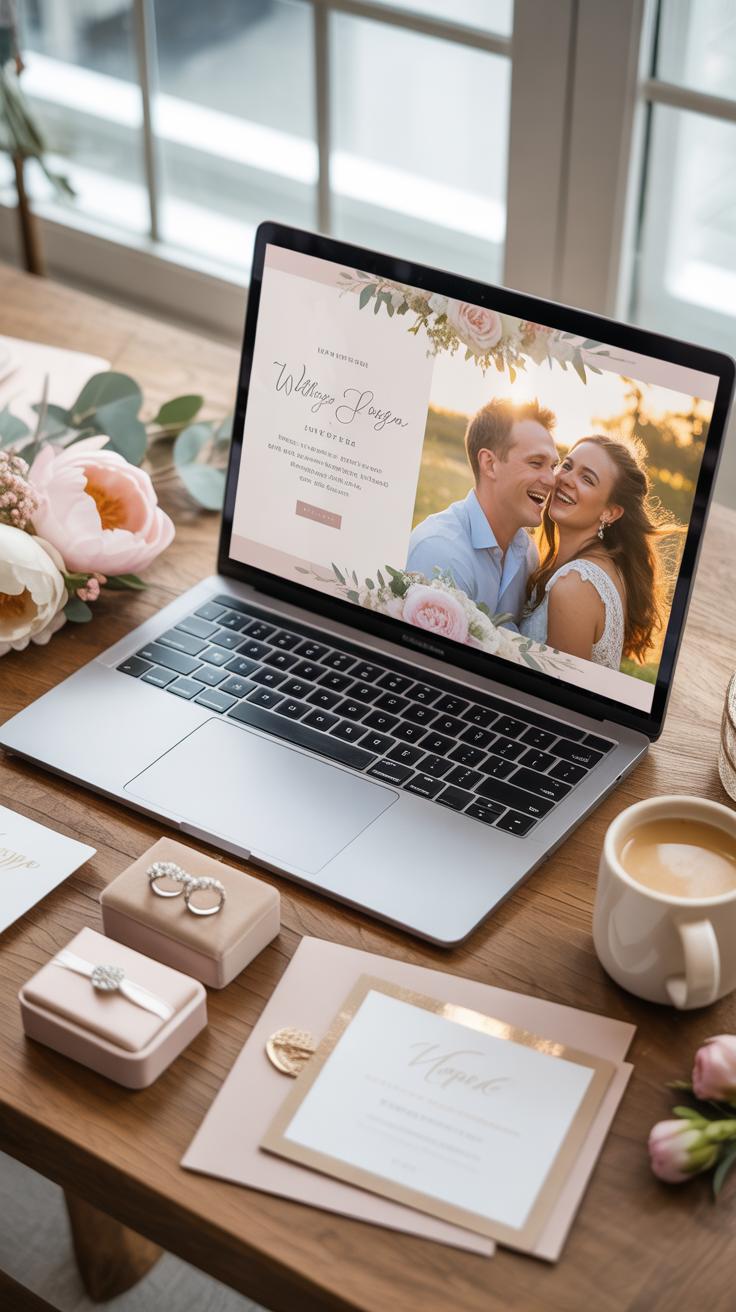
Modern wedding website design moves away from standard layouts into custom digital experiences. Use Brutalist design principles to create a stark and functional interface that guests can navigate without friction. Focus on typography and hierarchy rather than generic graphics. This approach ensures your site looks intentional and professional. It also prevents the common mistake of overcomplicating the user interface with unnecessary animations that slow down mobile loading speeds.
Tactical customization involves more than just picking a color palette. Implement a custom domain name to establish authority and trust with your guest list immediately. High resolution photography of the venue and local area helps guests visualize the event before they arrive. Use a clean grid layout based on the Swiss Style of graphic design. This method prioritizes clarity and objective information delivery. Your website must function as a reliable tool for your guests.
How To Use Your Wedding Website To Share Your Story And Build Guest Excitement
Storytelling on a wedding website serves a strategic function beyond simple biography. Use the about section to explain the logistical significance of your venue or date choice. Guests feel more invested when they understand the purpose behind the event design. Keep narratives short and objective. Focus on facts and milestones that lead to the ceremony. This frames the event as a significant occasion rather than just another social gathering.

Build excitement by providing utility through your content. Include a curated guide of the surrounding neighborhood including historical landmarks and specific local businesses. This turns your digital RSVP into a valuable travel resource for out of town guests. Update the site regularly with practical news about weather or transportation changes. Frequent updates keep guests returning to the site. This ensures they see the important logistical details required for a smooth wedding day.
Sending Wedding Online Invitations That Get Opened And Acted On
How To Write A Digital Wedding Invitation Message That Feels Warm And Personal
Digital invitations often feel cold or like spam. You must break this perception at the start. Use the names of your guests in the email or text body. Reference the specific role they play in your life. This creates an immediate social obligation to respond. Use clear and direct language to state your intent. Do not hide the call to action under paragraphs of unnecessary stories.
The message must focus on the guest experience. State why their presence matters to the event. Provide a clear link to the wedding website template you have chosen. Ensure the tone matches the level of formality of your physical venue. Explain that the digital format allows for real time updates on travel or food. This transparency builds trust and encourages guests to complete the rsvp website forms immediately.
Timing And Delivery Tips For Wedding Online Invitations That Maximize RSVP Rates
Timing determines your final guest count. Send save the dates six to eight months before the event. Digital invitations should follow eight to twelve weeks before the date. This window allows guests to check their calendars and book travel. Avoid sending invites during major holidays or busy Monday mornings. Late Tuesday or Wednesday afternoons see the highest open rates for wedding online invitations across most platforms.

Monitor your delivery data closely. Most rsvp website design tools show you who opened the message. Send a polite follow up to those who have not opened the link after two weeks. Set a hard deadline for responses at least one month before the wedding. This gives you time to finalize numbers with your caterer. Consistent follow ups prevent a last minute rush and ensure your wedding rsvp ideas actually yield data.
Smart Wedding RSVP Ideas That Make Guest Management Easy
How To Collect Meal Preferences, Song Requests, And Dietary Needs Through Your RSVP Form
Standard digital forms allow you to build custom fields for every guest. Use conditional logic to show these questions only after a guest confirms they are attending. This keeps the form short for those declining. Ask for specific meal choices and list every ingredient for common allergens. This data flows directly into your spreadsheet for the caterer. It eliminates the need for manual tallying later.
Song requests and transport needs require clear input limits. Set your form to accept only one song per person to prevent long lists. Include a text box for shuttle pick up locations if you provide transport. Digital forms time stamp every entry so you know who answered first. This data helps you plan seating charts and bus routes with high precision. Use these tools to automate your logistics early.
Best Wedding RSVP Ideas To Reduce No Responses And Awkward Follow Up Conversations
Low response rates happen when guests find the process difficult or forget the deadline. A digital system solves this by sending automated reminders to people who have not clicked the link. You can set these alerts for two weeks and one week before the final count is due. This removes the social friction of calling family members to ask for their status.
- Short URLs and QR Codes: Use a simple custom domain or a QR code on the physical paper invitation. This allows guests to scan the card and reach the form in seconds. Speed increases the likelihood of an immediate response before they set the card aside.
- Guest List Pre-Loading: Import your guest list into the backend of your website. This ensures only invited names can rsvp and prevents guests from adding uninvited plus-ones. It protects your budget by enforcing the limit you set on the guest count.
- Progressive Disclosure: Only show the relevant events to specific guests. If you have a private rehearsal dinner, target that form section so only those invited see it. This avoids confusion and hurt feelings for the rest of your guest list who are not attending.
- Automated Confirmations: Set the system to send an email receipt immediately after a guest submits the form. This gives the guest a record of their choices and confirms their submission worked. It stops people from submitting the form twice because they were unsure.
- Mobile Optimization: Ensure the rsvp website design works perfectly on smartphones. Most guests will respond while sitting on their couch using a mobile device. A clunky interface leads to abandoned forms and missing data you need for the final headcount.

Tactical planning reduces the mental load of wedding coordination. Use clear deadlines on the landing page and keep the design minimal. High contrast buttons and large fonts help older guests navigate the technology without calling you for help. A well built digital system acts as a filter that catches errors before they reach your caterer or venue. Good design leads to better data.
Building And Managing Your Wedding Website For A Smooth Guest Experience
How To Organize Your Wedding Website So Guests Can Find What They Need Instantly
A strategic Wedding Website uses a flat hierarchy to reduce user friction. Place the Rsvp Website link in the main navigation bar. Guests take the path of least resistance. If they cannot find the form in three seconds, they will leave. Use high contrast buttons with clear labels like RSVP Now. Keep the homepage focused on the schedule and location data only.
Organize content using the inverted pyramid style of journalism. Put the most critical details like time, date, and address at the top. Use a mobile-responsive Wedding Website Template to ensure accessibility on all devices. Most guests will access your site via phones while traveling. Remove generic fillers and stock images that slow down page load times. Speed is the most important metric for guest satisfaction.
Keeping Your Wedding Website Updated As Plans Change Leading Up To The Big Day
Dynamic updates turn a static site into a live communication hub. Post logistical changes immediately as they occur. Use a dedicated alerts section for shuttle timing or weather pivots. This reduces the volume of repetitive text messages and emails to the couple. Update your Digital Wedding Rsvp portal to reflect final meal choices or song requests. Accuracy prevents day-of confusion for vendors.

Synchronize your site updates with your push notifications. Use email blasts to direct guests back to the updated Rsvp Website Design. Maintain a log of version changes for your peace of mind. Check all external links to hotel blocks and maps once per month. Broken links lead to guest frustration and incorrect bookings. Consistent maintenance ensures the site remains a reliable source of truth until the event ends.
Rsvp Website Design Principles That Improve Guest Response Rates

Why Clean, Mobile Friendly Rsvp Website Design Matters More Than You Think
Most guests open wedding invitations on their smartphones while multitasking. A cluttered rsvp website design forces users to zoom and scroll excessively. This friction leads to abandoned forms and late replies. High-contrast text and large buttons ensure every guest can navigate the page without frustration. You must prioritize utility over aesthetics to capture data quickly. A mobile-first approach satisfies the modern user’s expectation for speed.
Professional wedding website builders often use responsive frameworks to adjust layouts automatically. This technical standard prevents broken links and overlapping text on small screens. Clean layouts reduce the cognitive load on older guests who may struggle with complex interfaces. Strategic use of white space guides the eye toward the submission button. If the site loads slowly or looks broken, guests will doubt the security of the platform.
Technology is at its best when it brings people together and makes the journey to the altar seamless. Love is the focus, while the tools we use simply help us gather our favorite hearts in one place.
Design Mistakes On RSVP Pages That Confuse Guests And Kill Your Response Rate
Flashy animations and heavy background images slow down page loading times significantly. Avoid using scripts that hide the form until the guest clicks multiple links. This barrier disrupts the flow of the wedding online invitations process. Use a single-page layout to keep the guest focused on the primary task. Complex navigation menus often lead guests away from the response form before they finish the process.
Poor color contrast makes labels impossible to read under bright lights or on dim screens. Traditional wedding rsvp ideas fail when the font is too small or overly decorative. Avoid asking for too much information at once. Long forms intimidate users and create data entry errors. Collect only essential details like name and meal choice. Every extra field reduces the likelihood of a completed submission by a measurable margin.
Handling Common Digital Wedding RSVP Problems Before They Become Headaches

What To Do When Guests Claim They Never Received The Digital Invitation
Ghosted invitations usually stem from aggressive spam filters or outdated contact data. You must verify your guest list email addresses before hitting send. Use a platform that provides real-time tracking to see who opened the message. If the status remains unopened after forty-eight hours, the email likely landed in a junk folder or bounced due to a typo.
Act fast when you spot delivery failures. Reach out via a different channel like text or phone to confirm the correct address. Provide a direct link to the wedding website so they can bypass the email entirely. Personal follow-ups prevent guests from feeling ignored. Clear communication ensures everyone has the same access to the digital wedding rsvp portal without technical delays.
How To Manage Last Minute RSVP Changes And Cancellations Without Losing Your Mind
Expect changes in the final two weeks. Guests get sick or face family emergencies that force them to cancel. Set a hard lockdown date on your rsvp website design for self-service edits. After this date, guests must contact you directly to change their status. This prevents silent changes that your caterer might miss after the final head count is submitted.
Maintain a digital standby list for your seating chart and meal preferences. When a cancellation occurs, update your master spreadsheet immediately to keep vendors informed. Do not take these changes personally or let them disrupt your schedule. Use the built-in management tools on your wedding website template to toggle guest attendance status. Professional handling of these shifts keeps the event logistics moving forward smoothly.
Frequently Asked Questions

What are the primary benefits of using a digital wedding RSVP for my big day?
Switching to a digital wedding RSVP streamlines the entire planning process by providing instant updates and organized guest lists. Instead of waiting weeks for mail and manually entering data into a spreadsheet, you receive real-time notifications as guests respond. This modern approach is eco-friendly, reduces the risk of lost mail, and allows you to easily track dietary restrictions or song requests in one centralized, accessible location online.
How do I ensure older guests or non-tech-savvy family members can successfully respond?
To make your digital wedding RSVP accessible for everyone, include a clear, step-by-step instruction card in your physical invitation suite. Providing a direct URL or a scannable QR code simplifies the process significantly. For guests who truly struggle with technology, it is helpful to list a phone number for a designated family member who can manually enter their responses into the system on their behalf.
Is a digital RSVP system more cost-effective than traditional paper response cards?
Absolutely. Choosing a digital wedding RSVP can save couples hundreds of dollars on stationery and postage costs. By eliminating the need for response cards, envelopes, and return stamps for every household, you can reallocate those funds to other areas of your wedding budget. Many wedding website builders offer these tools for free or as part of a low-cost subscription, making it a budget-friendly choice for modern couples.