Why Every Couple Needs A Free Wedding Website In 2025
How A Wedding Website Replaces The Traditional Paper Trail
A wedding website acts as a central hub for all event data. It eliminates the need for multiple paper inserts in your invitation suite. Traditional mail often gets lost or discarded by guests. Digital platforms keep maps, schedules, and dress codes accessible on any smartphone. This shift ensures every guest has the most current information without calling the couple for basic details.
Managing guest responses moves from physical mail to digital tracking. Digital RSVPs allow for instant data collection. You no longer wait for the postal service to deliver response cards. You can track meal preferences and attendance numbers in real time. This accuracy reduces errors in your final headcount. Online systems provide a single source of truth for your entire guest list.
The Real Cost Savings Of Going Digital With Your Wedding Planning
Paper invitations carry high costs for printing and postage. Extra cards for directions and registry info increase the weight and price of every envelope. A free wedding website removes these expensive additions. You only need a single card with a URL or QR code. This strategy slashes your stationary budget immediately. You can reallocate those saved funds to your venue or catering.
Communication costs also drop when you use digital tools. Physical save the dates and change of date cards require separate printing runs. Digital updates cost nothing and reach guests instantly. You avoid the high price of custom card stock and professional calligraphy. Using a free platform provides high quality design without the designer fees. Efficiency and budget control remain the two primary benefits.
Best Wedding Planning Websites That Offer Free Website Builders

Top Free Platforms: Zola, The Knot, Joy, And Minted Compared
Zola and Joy offer the most comprehensive free features for modern couples. Zola integrates its registry directly into the site layout. This simplifies the guest experience. Joy provides advanced guest list tools and custom questions. Both platforms offer free hosting and various templates. They do not charge for basic site creation. These tools focus on high functionality and ease of use for mobile users.
The Knot and Minted focus heavily on design and traditional planning. The Knot has the largest template library and syncs with many external registries. Minted provides high end designs that match their physical stationery products. Most Minted templates are free but some premium layouts cost extra. Both platforms allow password protection for privacy. Choose these if you want a specific aesthetic that matches your paper invitations.
What To Look For In A Free Wedding Website Builder Before You Commit
Prioritize guest management features over visual design. A free builder must handle RSVPs and dietary restrictions efficiently. Check if the platform allows you to export guest data. Some builders lock your data behind a paywall later. Ensure the site looks good on mobile phones. Most guests will access your information through a smartphone. Reliability and loading speed matter more than custom fonts.

Verify the hidden costs of custom domains and privacy settings. Most free builders use a branded URL like zola.com/wedding/yourname. You must pay an annual fee to remove this branding. Look for SSL encryption to protect guest information. Check if the site builder includes a map integration for venue directions. Avoid platforms that do not offer a registry sync. This feature saves time by updating gifts automatically.
Wedding Website Ideas Design Choosing The Right Look And Feel
Matching Design To Theme And Color Palette
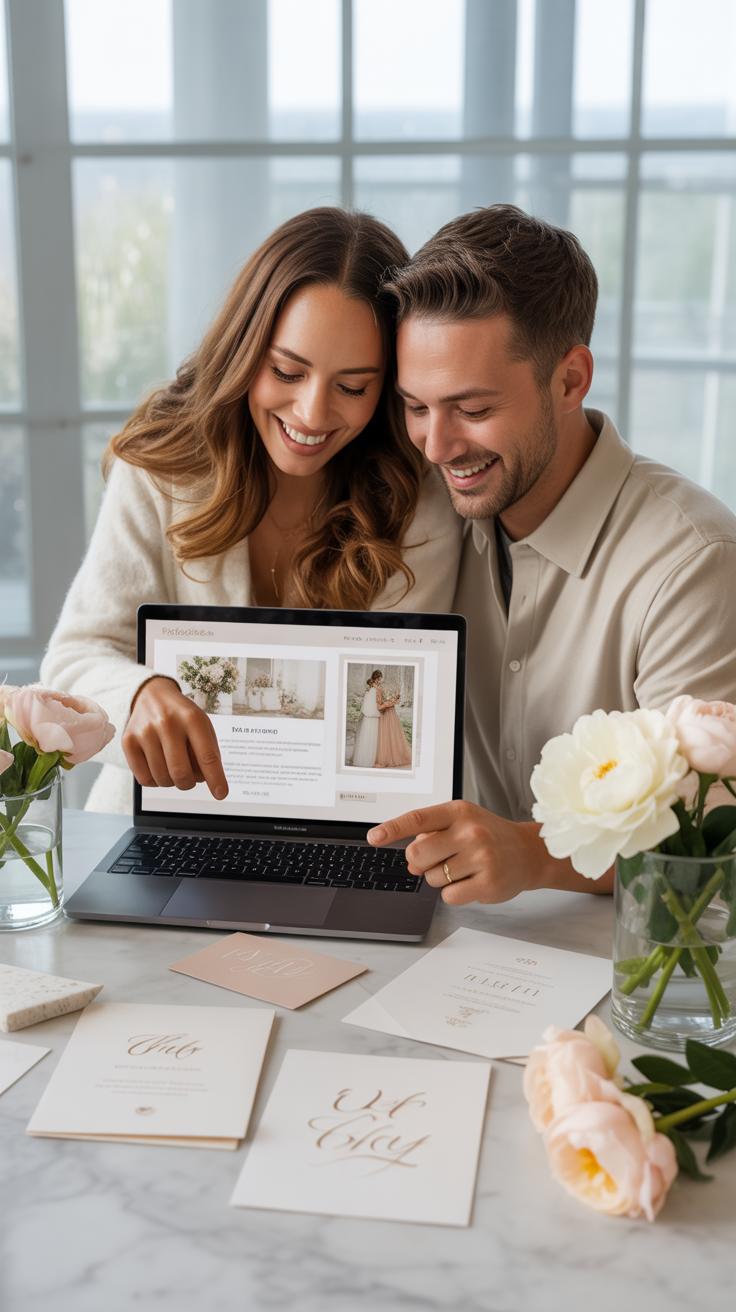
Your website serves as the digital front door for your event. Use the hex codes from your physical invitations to ensure color consistency. High-contrast pairings improve readability for older guests. If your wedding is formal, stick to serif fonts and neutral backgrounds. For outdoor events, use earthy tones and clean sans-serif typography. This creates a cohesive visual identity that prepares guests for the actual day.
Consistency reduces guest confusion and reinforces your wedding branding. Limit your palette to three primary colors to avoid visual clutter. Use white space to highlight critical information like the ceremony time and venue map. Avoid busy background images that make text hard to read on mobile devices. Professional design relies on balance and hierarchy. Focus on clarity over artistic flair to ensure your guests find what they need.
Building a digital home for your love story shouldn’t cost a fortune when the best things in life are already free. Your wedding website is the first beautiful chapter of your forever, crafted with heart rather than a price tag.
Free Templates Versus Custom Layouts
Free templates from major providers offer speed and reliability. Most wedding platforms use mobile-responsive grids that work on all phones. These layouts follow standard user experience patterns. Guests expect the RSVP button in the top right or center. Using a pre-built structure prevents technical errors and broken links. It is the most efficient choice for couples who value functionality and need to launch their site quickly.
Custom layouts allow for unique branding but require more effort. Tools like Canva Wedding Website builders provide a middle ground with drag-and-drop elements. You can move blocks and change headings without writing code. This path works best if you have a specific vision that standard templates cannot meet. However, customization increases the risk of design mistakes. Prioritize a clean interface to ensure the user experience remains fast and logical.
Canva Wedding Website How To Build A Stunning Site For Free
Step By Step Guide To Creating Your Wedding Website Using Canva
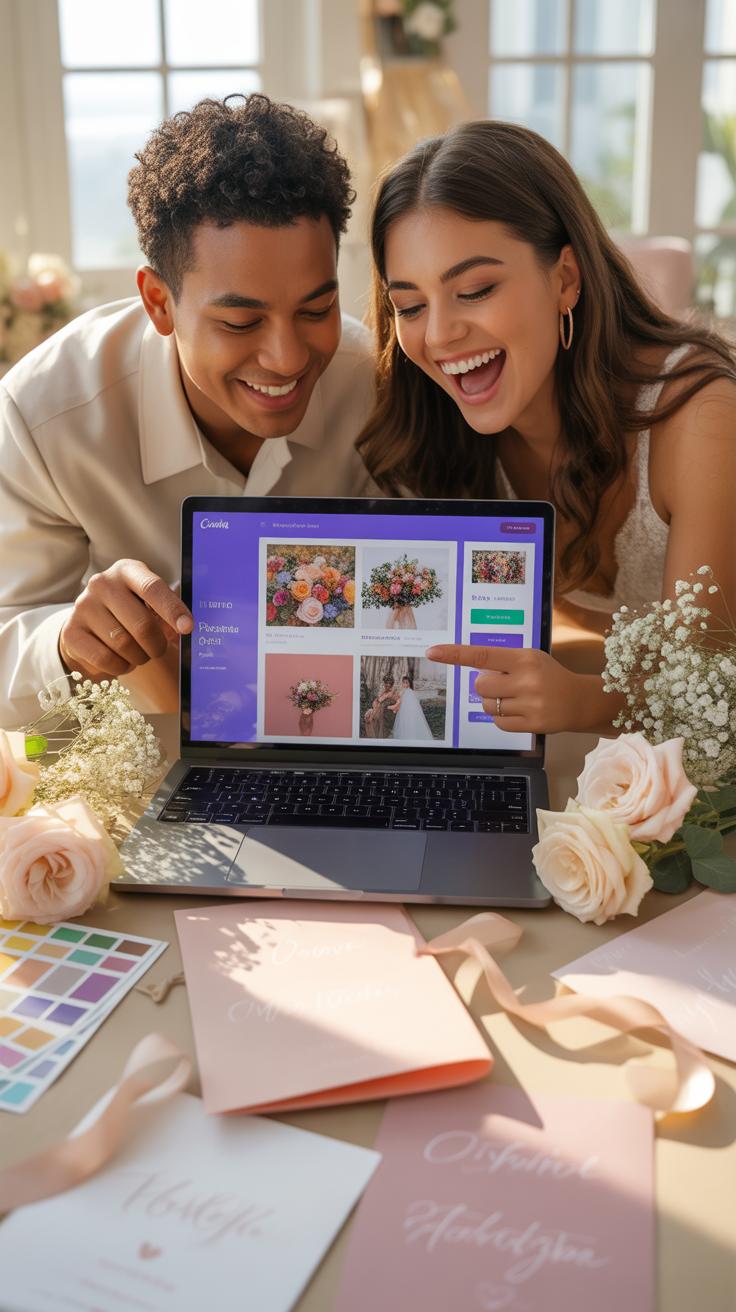
Canva operates as a drag and drop graphic design platform that provides single page website hosting. To start, search for wedding website templates to find a layout that matches your aesthetic. Select a template and replace the placeholder text with your specific wedding details. Ensure you include the date, location, and schedule clearly. Use the grid system to align your elements for a professional look.
- Select A Template: Search the Canva library for wedding website layouts. Choose a design that fits your theme and color palette to provide a cohesive visual experience for your guests instantly.
- Customize Content: Replace all generic text with your names and event information. Update the font styles and colors to match your physical invitations. This step ensures consistent branding across all your wedding communications.
- Upload Imagery: Add high resolution photos of the couple to the design. Use the background remover tool if you have a Pro account, or place photos in frames for a clean and organized appearance.
- Add External Links: Insert hyperlinks to your gift registry and hotel room blocks. Connect your RSVP form by linking a button to a Google Form or a dedicated RSVP service. This makes the site functional.
- Publish The Site: Click the publish button and select the free domain option. Canva will provide a unique URL that you can share with your guests. Review the mobile preview before the final launch.
Review your final design on a mobile device to ensure the text remains legible. Most guests will access your site via their phones. Adjust font sizes or element spacing if the mobile layout looks cluttered. Once the design is locked, hit the publish button. Your site is now live on the internet. Share the link through digital invites or printed cards.
Canva’S Free Wedding Website Features Vs. Its Paid Upgrades
The free version of Canva offers enough tools to build a functional wedding website without spending money. You get access to thousands of free templates, basic elements, and standard fonts. You can host your site on a Canva branded domain at no cost. This is the most efficient path for couples who need a simple landing page to share event details.
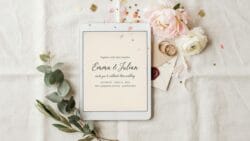
Paid upgrades under Canva Pro offer advanced features like custom domain names and premium stock photos. Professional users gain access to the background remover tool and version history. While these features add polish, they are not strictly necessary for a basic wedding site. Stick to the free version to keep your budget focused on the actual wedding day. The free tools provide high quality results.
What To Put On Wedding Website A Complete Content Guide
Essential Pages And Sections Every Wedding Website Should Include
Your website serves as the primary communication hub for your event. It must deliver logistical facts without clutter. Guests access this site to solve specific problems regarding timing, location, and gift expectations. Professional wedding sites prioritize function over style. Every page should answer a specific question. If a section does not help a guest attend your wedding, delete it. Focus on high-value data points.
- Schedule of Events: List every location and exact start time for the ceremony and reception. Include the address and transit instructions. Clear timing prevents late arrivals and reduces phone calls to the bridal party on the day.
- RSVP Portal: Use a digital form to collect guest names and meal choices. Modern free tools sync this data directly to a spreadsheet. This eliminates the cost of paper response cards and streamlines your final headcount for the venue.
- Registry Links: Provide direct links to your store registries or cash funds. Placing this information online is the standard etiquette. It allows guests to buy gifts easily from their phones. Ensure all links open in a new browser tab.
- Travel and Lodging: Detail specific hotel blocks and discount codes. Include the distance from the airport to the venue. Most guests will book travel based on your recommendations. List physical addresses to help them calculate travel times and costs accurately.
- Dress Code: State the expected attire clearly using standard industry terms like Black Tie or Cocktail. Explain any terrain issues like grass or sand. Helping guests choose the right shoes and layers ensures they stay comfortable throughout the entire celebration.
Add an FAQ section to handle repetitive inquiries about children or plus-ones. Address these topics with direct wording to avoid confusion. Proper labeling ensures guests find this information in seconds. Use bold headers to separate these categories. This structure reduces your workload as the date approaches. Tactical content placement turns your website into a self-service tool for every person on your guest list.
How To Organize Your Wedding Website So Guests Find What They Need Fast
Navigation must remain simple to accommodate users on mobile devices. Use a clean menu bar at the top of the page. Most traffic occurs on phones, so vertical scrolling is your best friend. Place the most critical data like the date and location on the home page. Avoid burying key details in long paragraphs of text. Use bullet points for quick scanning.

Logical flow prevents user frustration. Group related items together. Keep travel and hotel info on one page. Place RSVP and meal choices on another. If you use a single-page design, use anchor links for fast jumping. Test your site on multiple browsers to ensure fast loading speeds. High-resolution images should not slow down the site. Performance is more important than visual flair.
Wedding Website Wording Tips How To Write Copy That Feels Personal
How To Write Your Couple’S Story In A Way That Engages Every Guest
Focus on chronological clarity when writing your history. Start with the specific physical location where you met. State the date or season to ground the story in a real timeframe. Use short sentences to describe the first interaction. Avoid internal jokes that confuse distant relatives. Keep the narrative focused on shared milestones rather than individual biographies. This approach ensures every reader understands your bond.
Select three defining moments to create a tight narrative arc. Mention your first date, a significant challenge you overcame, and the proposal details. Concrete facts work better than abstract feelings. State exactly where the proposal happened and what the immediate reaction was. This structure gives guests a sense of participation in your journey. Clear story beats keep the reader moving through the text quickly.
Tone, Formality, And Voice: Getting Your Wedding Website Wording Right
Match your website voice to the physical venue of the event. A black-tie ballroom wedding requires Third Person perspective and traditional phrasing. Use words like request the honor of your presence for formal settings. Casual backyard ceremonies benefit from First Person language like we can not wait to see you. Consistency between your digital text and your paper invitations prevents guest confusion regarding the dress code.
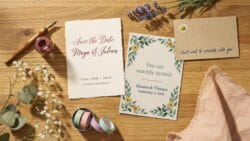
Audit your text for clarity and directness. Remove every unnecessary word that does not provide logistical information. Use active verbs to direct guests toward the RSVP button or travel details. Ensure your tone remains welcoming but authoritative so guests know exactly what to do. Test your wording by reading it aloud to check for natural rhythm. High readability scores ensure that guests of all ages can navigate your instructions easily.
Wedding Website Ideas Inspiration Real Examples To Spark Your Creativity
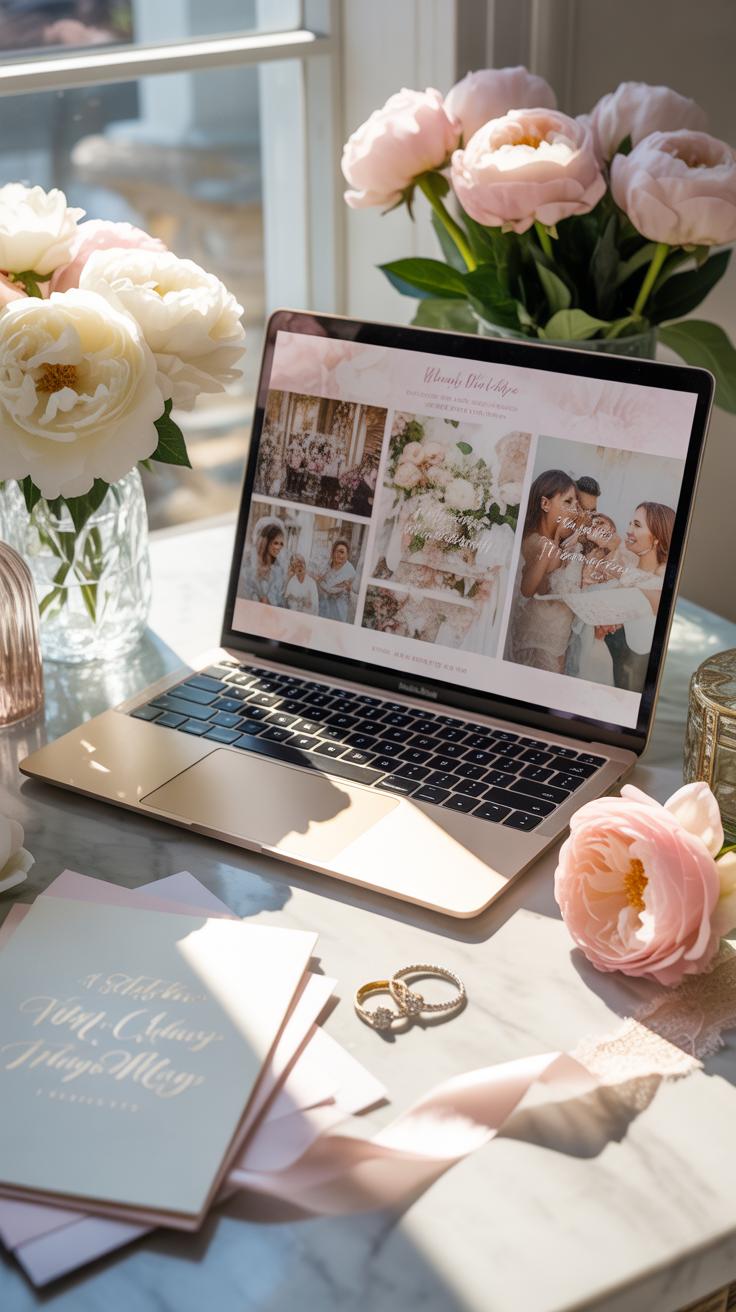
Romantic, Minimalist, And Boho Wedding Website Ideas That Actually Work
Minimalist design eliminates distraction by using ample negative space and sans-serif typography. This style focuses on high-quality text and clear navigation paths. You should use a neutral color palette featuring whites, grays, and blacks. This approach ensures your guests find travel details and RSVP links quickly. It removes the friction found in cluttered templates. Choose a simple grid layout to maintain a clean appearance across mobile and desktop screens.
Romantic and boho styles utilize organic shapes and muted earth tones. These designs often incorporate soft serif fonts and botanical illustrations. To make this work for free, use built-in platform textures like linen or parchment backgrounds. Stick to a consistent accent color such as sage green or terracotta. Ensure your imagery matches these tones to keep the visual flow steady. Logical layout placement keeps these artistic elements from feeling messy or disorganized.
How To Use Your Engagement Photos To Elevate Your Free Wedding Website
High-resolution engagement photos serve as the visual foundation for your site. Place your best landscape-oriented shot on the homepage hero section. This immediately identifies the couple to guests. Choose images with a consistent edit and lighting style to avoid visual clashing. Strategic photo placement directs the eye toward important buttons like the registry. Use professional shots to make a basic free template look like a custom-coded premium site.

Crop your photos to fit specific screen dimensions to prevent slow load times. Large files can crash mobile browsers and frustrate your guests. Use tight detail shots for section backgrounds to add texture without distracting from the text. Place candid photos near the travel and accommodation sections to humanize the data. This tactical use of imagery builds a narrative. It transforms a standard digital form into a cohesive and professional communication tool.
Wedding Website Design Personalizing And Launching Your Free Site
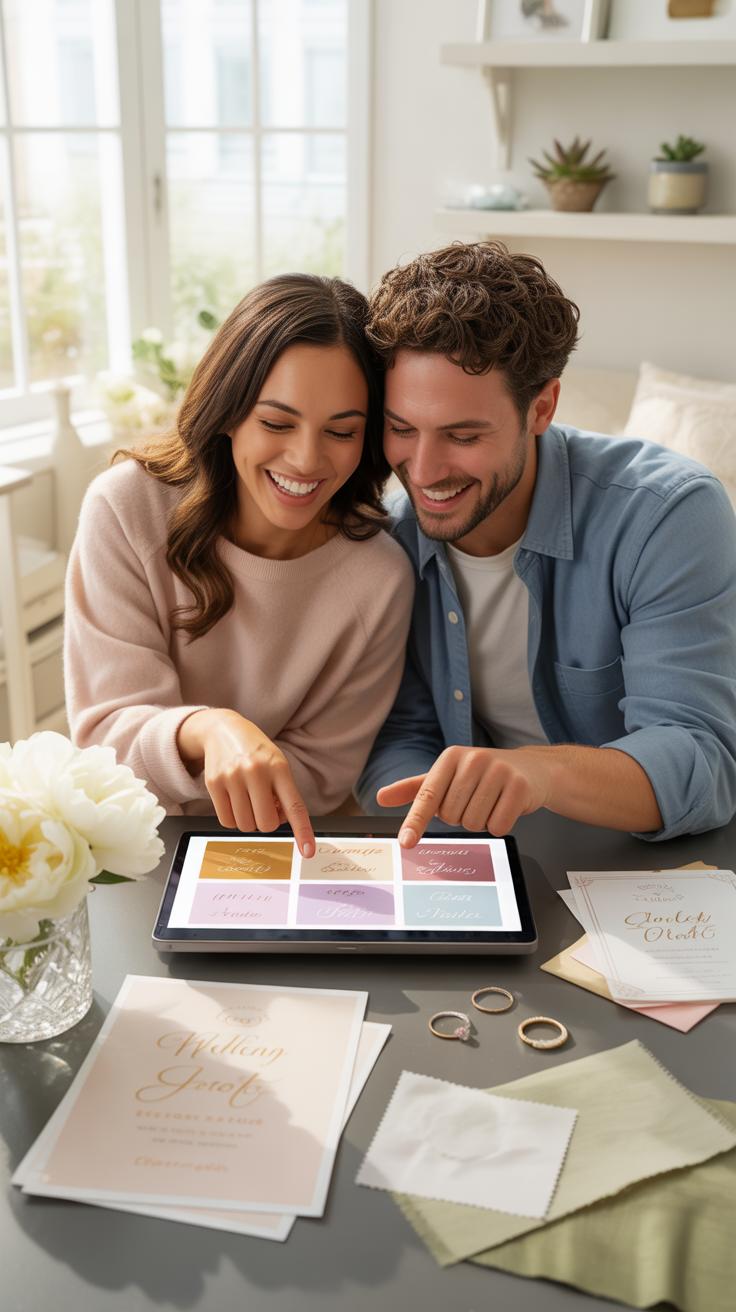
How To Customize Fonts, Colors, And Layouts Without Any Coding Skills
Modern website builders use drag and drop interfaces to eliminate the need for complicated code. Select a pre-made template that matches your wedding theme. Adjust the color scheme by choosing a palette that aligns with your flowers or invitations. Visual consistency matters for a professional look. Use the built-in style editor to change global settings. This ensures every page follows the same design rules automatically.
Limit your font choices to two distinct styles to maintain readability. Use a serif font for headers to create a formal tone and a sans-serif font for body text. High contrast between text and background prevents eye strain for your older guests. Avoid busy background images behind important details like dates or directions. Focus on a clean layout that puts the vital information at the center of the page.
How And When To Share Your Wedding Website URL With Guests
Distribute your website link early to reduce repetitive questions. Print the URL clearly on your Save the Date cards. This gives guests months to plan travel and look at your registry. Use a custom domain or a short vanity URL to make the address easy to type. Avoid long strings of random numbers. Test the link on a mobile device before sending it to ensure it works correctly.

Send a digital update through email or text once you finalize the RSVP page. Do not include the website link on the formal paper invitation if you prefer traditional etiquette. Put the URL on a separate enclosure card instead. This keeps the main invitation clean and focused on the ceremony details. Refresh the site content one week before the wedding with final weather updates and parking instructions for your guests.
Frequently Asked Questions

What exactly is a free wedding website and what does it include?
A free wedding website is a digital hub designed to share your love story and logistics with guests without an upfront cost. Most reputable platforms offer basic templates that include essential features like event schedules, maps, and gift registry links. Choosing a free wedding website is a savvy way to streamline communication, allowing you to easily manage guest expectations and share important updates while keeping your wedding budget focused on your venue and decor.
How do I actually start building my wedding website without paying anything?
To get started, select a user-friendly platform that offers dedicated bridal templates. Sign up with your email, choose a design that matches your aesthetic, and begin inputting your ceremony details. To make your free wedding website truly stand out, personalize it with high-quality engagement photos and a heartfelt welcome message. Most builders use drag-and-drop editors, so you can easily organize your RSVP forms and travel information without needing any technical coding knowledge.
Can I really get all the features I need for my big day for free?
Yes, most couples find that complimentary plans offer everything necessary for a successful celebration. You will typically receive digital RSVP tracking, photo galleries, and integration with popular registries at no cost. While some premium upgrades exist for custom domains or advanced design tweaks, the standard features provided with a free wedding website are usually more than sufficient to keep your guests informed, organized, and excited for your upcoming nuptials.