The Illusion Of The ‘Free Wedding Planning Trello Template’
Generic Templates Create More Work
You want the template because you’re afraid of forgetting something, not because you actually need it. That fear is the real product being sold. The mechanism here mirrors inventory management in operations: a template treats your wedding like a standard production run, but weddings aren’t standard. A generic Trello board dumps 200 tasks on you that don’t apply to your situation, forcing you to delete, rename, and reorganize everything. You end up doing the work twice: once cleaning up the template, again actually planning.
The real cost isn’t the template price—it’s zero. The cost is cognitive load. Every irrelevant task creates decision friction. You scroll past “Book chair covers” when you don’t want chair covers. You see “Finalize napkin color” and wonder if you should care. A template designed for everyone serves no one. You’re better off building three columns (To Do, Doing, Done) and adding only what applies to your specific wedding, your budget, and your priorities. That takes 15 minutes and saves you hours of mental noise.
Your Wedding Isn’t A Stock Photo
Wedding planning templates assume a standardized event: 150 guests, formal sit-down dinner, hired coordinator, six-month timeline. None of that might match your reality. Maybe you’re planning a 30-person backyard ceremony. Maybe you’re getting married in three weeks. Maybe you’re handling everything yourself with a partner, not a planner. A free template forces you into its assumptions instead of letting you build the structure your actual wedding needs.
The template’s weakness is also its selling point: it claims to handle everything. That generality is why it fails. Your specific constraints—budget limit, venue limitation, family dynamics, guest count, timeline—should drive your task structure, not the other way around. Start with what’s actually true about your wedding, then build your board from that. Add only the categories that matter. If you’re not hiring a florist, remove florals. If you’re not doing a rehearsal dinner, delete it. The board that wins is the one that matches your wedding, not the one that matches someone else’s template.
The 80/20 Wedding Rule: What Actually Matters

Find Your Critical 20 Percent
You want permission to obsess over details without feeling guilty about it. Here’s the mechanism: the Pareto principle from economics applies directly to wedding planning. Eighty percent of your guest experience comes from twenty percent of your decisions. A Trello template forces you to map this ratio visually. Most couples reverse-engineer their timeline by working backward from the date, treating every task as equally important. That’s the error. Your critical twenty percent includes venue, catering, photography, and who sits where. Everything else is noise that fills the remaining eighty percent of your task list.

When you load a free wedding planning Trello template, you’re looking at dozens of cards covering linens, favors, seating charts, vendor confirmations, and RSVPs. Separate the structural decisions from the decorative ones immediately. Structural decisions move the needle on what guests actually remember and feel. The venue acoustics matter more than the centerpiece color. The food quality matters more than the napkin fold. Your Trello board should reflect this hierarchy with card labels, priority levels, and due dates that cluster your critical twenty percent into a single sprint, leaving the eighty percent to fill gaps in your timeline later.
Cut The 80 Percent Noise Now
Most wedding planning advice treats scope creep as something that happens to you. It doesn’t. You build it into your process by giving every task equal weight in your board. The solution is brutal simplification: archive or delete eighty percent of the card templates before you start planning. A standard free Trello template includes cards for favors, place cards, thank-you notes, decoration assembly, menu tasting notes, and vendor negotiations. Keep the ones tied to venue, catering, photography, and logistics. Archive everything else into a separate “Optional” list that you revisit only after the critical twenty percent is locked down.
Your Trello board should have four or five columns for the critical phase: decisions made, in progress, awaiting vendor response, and complete. Everything in the eighty percent category gets dumped into a single “Details” column with a note that it activates only after your venue is booked and your caterer is confirmed. This shifts your psychology from completion of all tasks to completion of the ones that matter. When you stop treating napkin selection as urgent, you reclaim mental bandwidth for decisions that actually affect your wedding day. Create a single “Pre-Critical-Locked” checklist to force yes-or-no decisions on your twenty percent before adding any detail work to your board.
Your Trello Board As A Strategic Command Center
Decisions Before Tasks
You’re hoping a template saves you from actually thinking about what matters. It won’t, and that’s the real value of Trello. Most couples treat wedding planning like a to-do list when it’s actually a decision tree. Each card should represent a decision point, not just an action. Before you add “book photographer” as a task, you need a card that forces you to answer why that photographer matters to your day’s narrative.

Trello’s strength is visibility across decisions, not task completion. Create columns for each decision category: venue choice, vendor selection, design direction, timeline gates. Within each column, cards become decision states moving left to right—from research to shortlist to committed. This structure prevents the common mistake of planning around what’s easy rather than what’s consequential. Your board becomes a decision ledger, not a task grinder.
Timeline Visibility Without The Panic
Trello’s Calendar Power-Up generates a live calendar view from your card due dates, and this is where most people stop thinking. They add dates and assume alignment happens. Wrong. The mechanism that works is constraint-based scheduling: identify which decisions unlock others, then work backward from your wedding date to assign hard deadlines that force those decisions forward.
Open your Trello board’s Calendar view and identify date clusters where multiple decisions overlap. That’s where bottlenecks live. If venue, catering, and design decisions all need resolution in the same month, you have a resource conflict. The calendar makes this visible in one glance. Adjust deadlines forward until no more than two major vendor decisions stack in a single month. This prevents decision fatigue from crashing your planning process entirely.
The Anti Checklist Protocol For Sanity
Prioritize Actions Not Task Volume
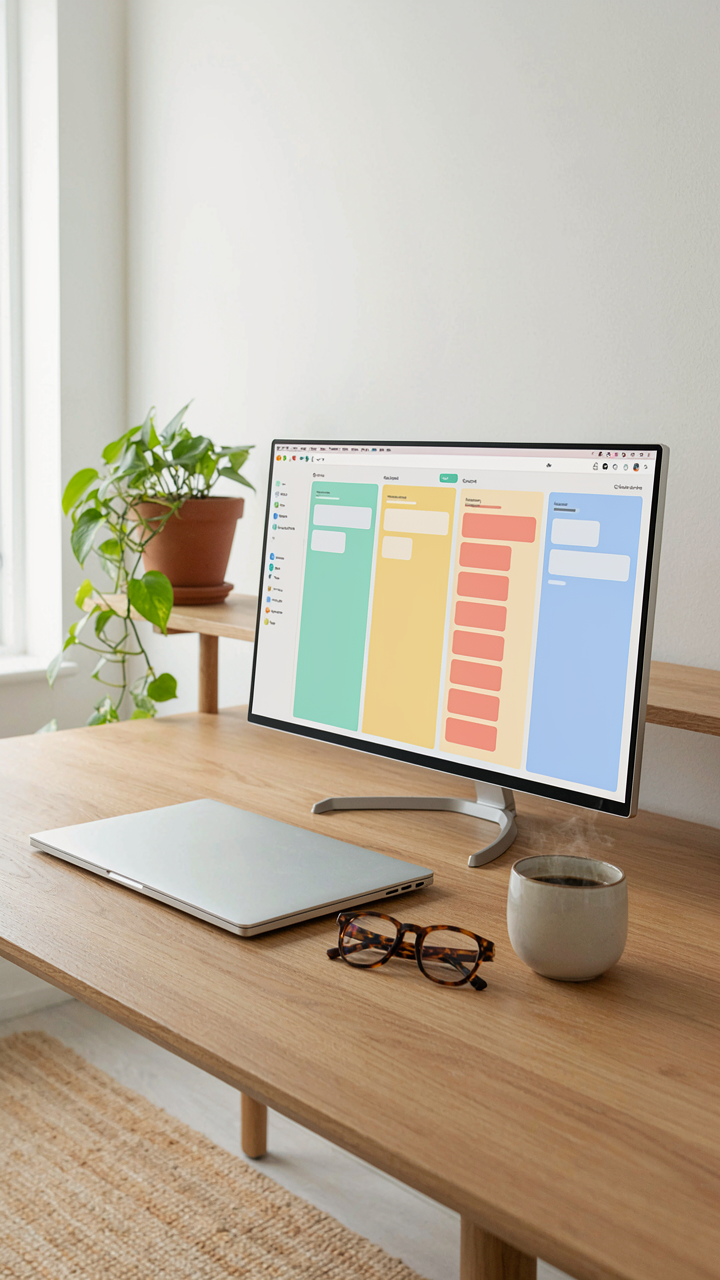
You want the template to make you feel productive. That’s the real fear here: that without a massive visible list, you’re not actually planning. The mechanism is simple. A Trello board lets you dump everything, which feels like control but creates paralysis. The distinction matters. In project management, this is called the critical path: the sequence of tasks that directly determine your deadline. Your wedding has one. Everything else is noise padding the board.

Most couples treat Trello like a dumping ground. Vendor research goes next to napkin colors. Invitations sit alongside seating charts. This is backwards. Your free wedding planning Trello template should force you to identify which three to five actions actually move the date forward. Venue locked. Guest count confirmed. Catering selected. Timeline shifts only when one of these moves. Put those in your board’s active lane. Archive the rest until they become critical. The board’s job is not to list everything you might do. It’s to show you what matters today.
Delete Relentlessly Without Permission
The instinct to keep building the template kills templates. You add columns, custom fields, labels, and power ups because they could theoretically help. They don’t. They create maintenance overhead that steals planning energy. Treat your Trello board like a chef treats a menu: fewer items executed well beat bloated options executed poorly.
Start with four core columns: Not Started, In Progress, Waiting On, and Done. Delete any column you don’t touch weekly. Delete any card that hasn’t changed status in two weeks. Delete custom fields if they duplicate information already in the card title. When you feel resistance to deleting something, that’s the signal it was never necessary. Your free wedding planning Trello template should shrink over time, not grow. As the wedding date approaches, your board gets simpler, not more complex. This is how you stay sane.
Designing Your Wedding Planning Templates From Scratch
Organize Around Decisions, Not Vendors
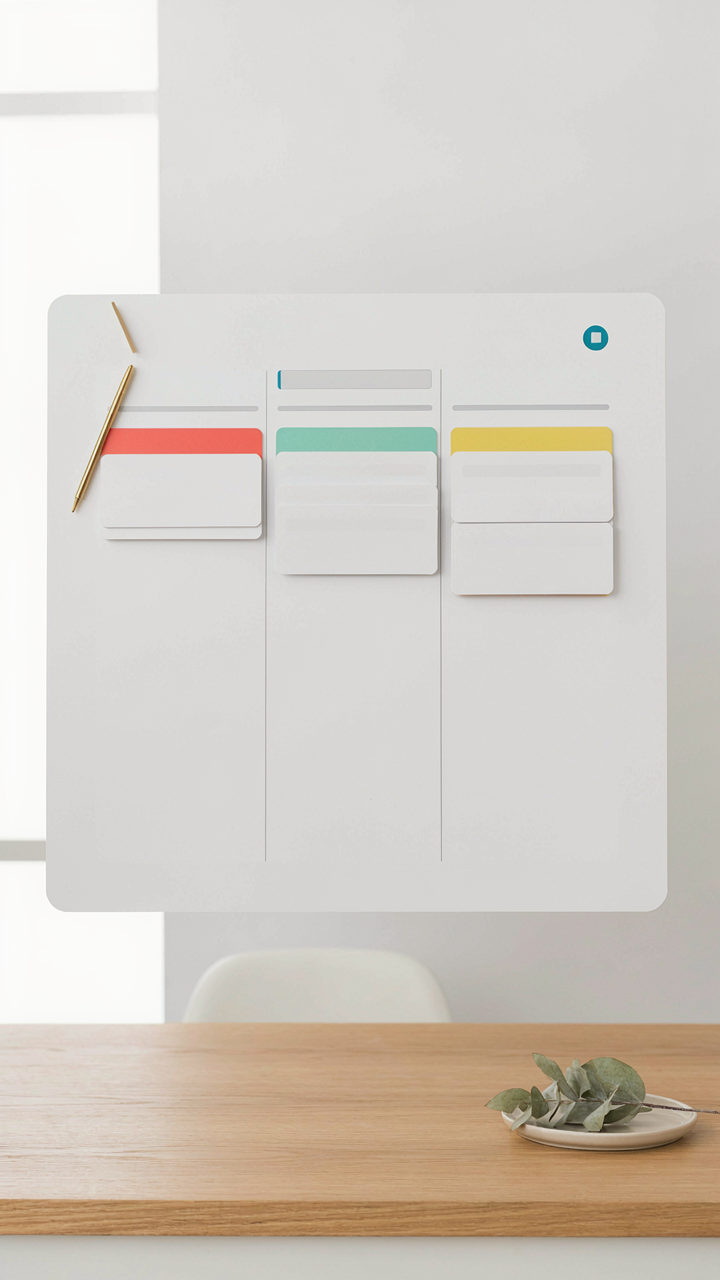
You want your template to look organized so you feel in control. That’s the real reason most people structure boards by vendor type. But that’s backward. Borrow from decision theory in operations management: the unit of work isn’t the vendor, it’s the decision point. Each decision has a deadline, dependencies, and a financial commitment. Your Trello board should map those moments, not sort by who’s providing the service.

A vendor-organized board creates artificial silos. You end up with a Photographers board, a Caterers board, a Venue board. But decisions don’t follow that logic. You need to pick a venue before you finalize catering capacity. You need guest count locked before photographer pricing makes sense. Build your board structure around chronological decision gates: Venue Selection, Guest List Finalized, Vendor Contracts Signed, Details Locked. Each card becomes a decision, not a task for a particular vendor type.
Strip Down To What Actually Matters
Most wedding planning Trello templates ship bloated. They include placeholder boards for tasks nobody needs to track separately, custom fields that duplicate information already in the card title, and checklists inside checklists. This isn’t helpfulness. It’s template bloat masquerading as comprehensiveness. Delete it.
Your template needs exactly three core boards: Decisions Pending, In Progress, and Locked. Add a fourth called Reference if you want a space for vendor contact info and contract PDFs. Anything beyond that creates friction. Every extra board you add increases the cognitive load of checking your system. Every custom field you populate requires maintenance. The mechanism is simple: fewer surfaces to maintain means you actually use the system instead of abandoning it for a spreadsheet three weeks in.
The ‘Free Wedding Planner’ Fallacy: You Are The CEO

Delegate, Don’t Disappear Into The Details
You want a template to do the thinking for you. That’s the real reason you’re here. But a Trello board is not a substitute for decision-making. It’s a tool that exposes who’s actually responsible when something breaks. The moment you hand off a task without defining success criteria, you’ve abdicated instead of delegated. Your vendors won’t know what “good” looks like. Your partner won’t know when to push back. The template gets blamed when the real problem is unclear ownership.

Delegation on a free wedding planning Trello template works only when you stay visible. Build boards with clear owners for each card, not just names. Set due dates that account for vendor turnaround time, not arbitrary deadlines. Review the board twice weekly minimum. The template doesn’t execute decisions. You do. The board just tracks whether decisions are moving forward or stalling.
Chain Of Command Beats Consensus
Military operations use hierarchies because speed requires authority. Every unit knows who reports to whom and what happens if orders don’t move. A wedding has the same structure problem: too many voices, no clear decision tree. Your free Trello template should mirror this, not democracy. Assign one person final say on each category: venue, catering, timeline, design, logistics. That person doesn’t make solo decisions. They consult. Then they decide. Then they own the outcome.
Create a Trello card hierarchy where escalation is visible. Junior tasks feed into mid-level review cards, which feed into your final approval card. Your partner handles one vertical. Your mom handles another. Your planner or best friend handles a third. Define which decisions require both of you, which require one of you, and which require neither. This prevents the chaos of everyone commenting on everything. The template enforces accountability by showing exactly where decisions are stuck and who’s holding them.
Beyond The Trello Board For Organizing Tasks: Digital Minimalism
Stop Treating Your Board Like A Dumping Ground
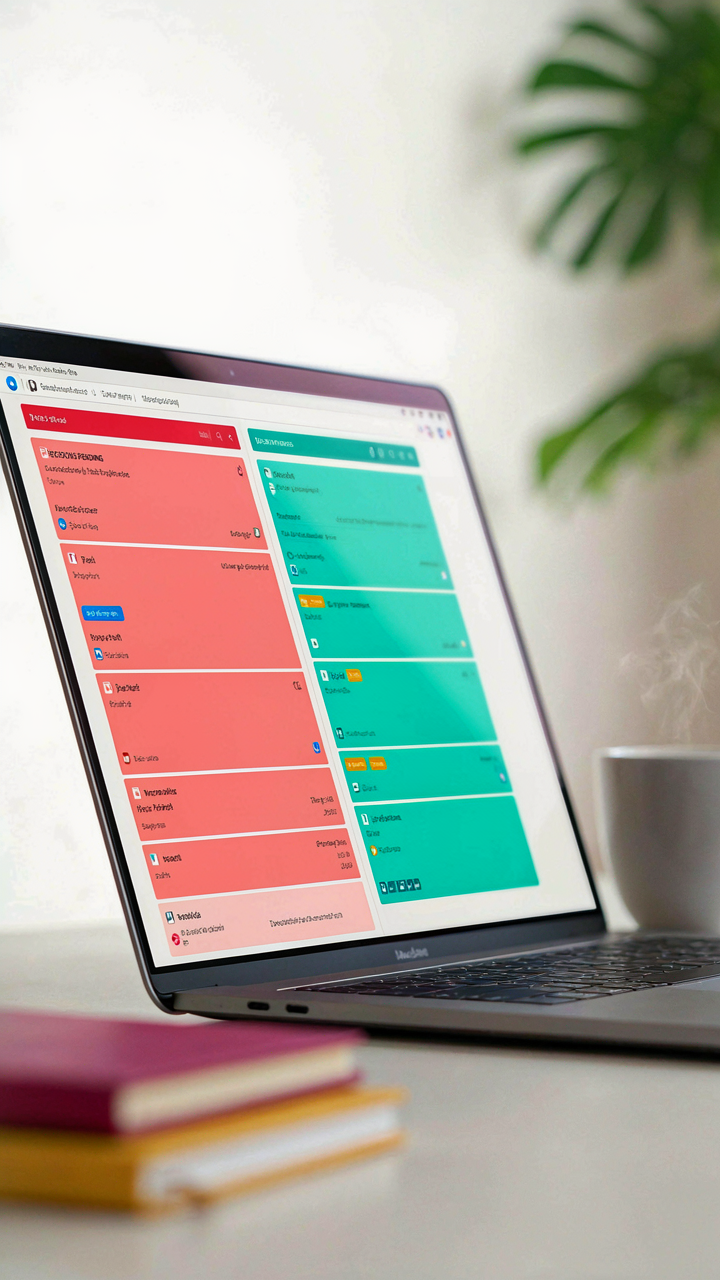
You want the template to feel manageable so you don’t feel like a failure before the wedding even happens. Here’s the mechanism: Trello boards fail not because they’re weak tools, but because people treat them like external hard drives. You dump everything in, assume organization happens automatically, and then drown in 200 cards across 15 lists. The real work is deciding what doesn’t belong there at all. A wedding planning Trello template works best when it becomes a decision-making filter, not a storage unit.

Remove anything that doesn’t require action or tracking. Vendor phone numbers go in a separate notes app or contact file, not a Trello card. Inspiration images stay in Pinterest or a Google Drive folder. Your board should contain only three types of items: decisions pending, tasks in progress, and items verified complete. Everything else creates noise that makes you ignore the actual work. This constraint forces clarity. When your board has fewer than 50 active cards total, you can actually see what matters.
The Files Your Wedding Spreadsheet Templates Must Include
Start with this core stack: a master timeline spreadsheet, a guest list with RSVP tracking, a budget tracker with vendor costs, and a vendor contact sheet with all communication dates logged.
- Master Timeline Spreadsheet: Month-by-month breakdown of deadlines tied to each Trello card. Updates once and eliminates duplicate dates across tools. Sync this monthly with your board.
- Guest List Tracker: Names, contact info, dietary restrictions, plus count, and RSVP status. Export to your caterer directly. This lives in Google Sheets, not Trello, where it belongs.
- Budget Tracker With Vendor Costs: Line-item expenses for each vendor category with actual vs. budgeted amounts. Update after every payment. Prevents overspending surprises.
- Vendor Contact Reference: All vendor names, phone numbers, email, contract dates, and payment schedules in one place. Your Trello cards link to this file, not replicate it.
- Seating Chart And Logistics Map: Floor plan with table assignments and parking information. Keep this outside Trello in a visual format like Google Drawing or PDF. Share with vendors directly.
Link these files to your Trello cards using attachment fields, then delete the redundant information from the cards themselves. One source of truth per data type prevents the drift that kills planning momentum. When your spreadsheet updates, your Trello reflects it without manual duplication.
The Trello Guide PDF You Actually Need: Less Is More
Master The Three Boards, Ignore Everything Else
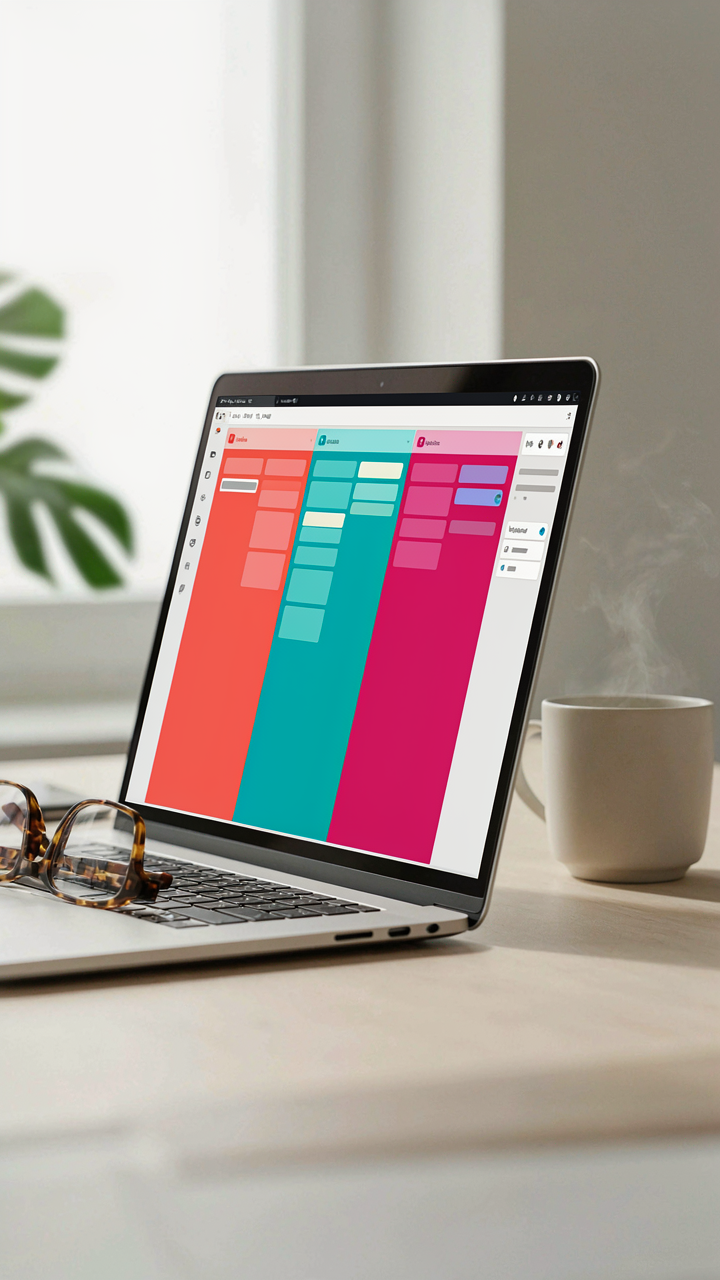
You want to feel like you’re in control because the alternative is admitting your wedding planning might spiral. The mechanism is cognitive load: each extra feature you activate taxes your decision-making capacity, which means you’ll abandon the system before the wedding date arrives. Trello works because it strips project management down to cards, lists, and a visual pipeline. That’s it. The wedding planning template you need uses exactly three boards: Timeline, Vendors, and Logistics. Each board solves one problem. Timeline tracks deadlines by month. Vendors organizes contact information and payment status. Logistics handles day-of execution. Anything beyond these three boards becomes noise that you’ll resent maintaining.

The common advice says to create boards for aesthetics, seating charts, and guest communication. That’s wrong. Those belong as checklist items inside cards, not separate boards. Your brain processes three boards faster than seven. You check in faster. You update faster. You actually finish faster. The PDF you create should export only these three boards as your reference document, printed or digital. Stop treating Trello like it’s supposed to solve every wedding problem. It’s a sequencing tool. Use it that way.
Custom Power Ups That Amplify One Function
Power-ups are where most people create their own friction. They’re marketed as connectors and enhancers, but they’re actually decision multipliers: each one you enable forces you to learn its rules and maintain its data flow. The only power-up that matters for a free wedding planning template is the Calendar power-up. It converts your card due dates into a visual calendar view, which eliminates the step of switching between your Trello board and your external calendar app. You stop double-entering dates. You see conflicts immediately. Calendar power-up does one job and does it without requiring authentication to external services or syncing delays.
Butler automation is tempting but creates dependency on rules you’ll forget exist. Google Drive attachment power-up sounds useful until you realize it duplicates work already solved by adding links to cards. Skip the temptation to stack power-ups like features. One power-up prevents the template from becoming a system you maintain instead of a tool that moves your planning forward. Export your board with only Calendar enabled, document that single integration in your PDF, and you’ve created something someone else can actually use without a learning curve.
Your Wedding Day Checklist For Bride: A Single Page

The Four Hours Before Photos
You’re terrified of looking back at photos and seeing yourself stressed, tired, or disheveled. That fear drives most brides to over-prepare. The mechanism is simple: your nervous system needs predictability more than perfection. A Trello board becomes your external brain the moment you stop trusting your memory under adrenaline. Create one card per hour from hair start to ceremony start. Each card contains only what happens in that window, nothing more. Assign specific people to each checkpoint so no task floats unanswered.

The common mistake is cramming too many decisions into the morning itself. You should have locked every styling choice, timing, and contingency the week before. Your Trello board’s “Day Of” list should contain zero surprises, only execution. If you’re still deciding between makeup looks on wedding morning, you’ve already failed your preparation. Move that decision to the prior Sunday and document the winner with a photo in the Trello card.
The Chaos Buffer Between Events
Events rarely run on schedule, yet most brides plan zero margin for the gap between ceremony and reception. This is borrowed from project management’s concept of critical path slack. Your Trello template should list every transition as its own card: leaving ceremony, photos, travel time, arrival at venue, restroom reset. Each card needs a hard start time and a person responsible for calling the next card forward. This prevents the cascade where one delay collapses every subsequent moment.
Document the exact sequence in cards, not paragraphs. One card per task means one person owns accountability. Include contact numbers for vendors in each card so decisions don’t stall waiting for information. The moment the ceremony ends, your responsibility shifts from preparation to navigation. Your phone becomes the command center. Check your Trello board every fifteen minutes and update the status of the current card to keep everyone in your wedding party synchronized.
Discarding Free Wedding Planning Printables: Focus On Action
Printables Are Procrastination Dressed As Productivity
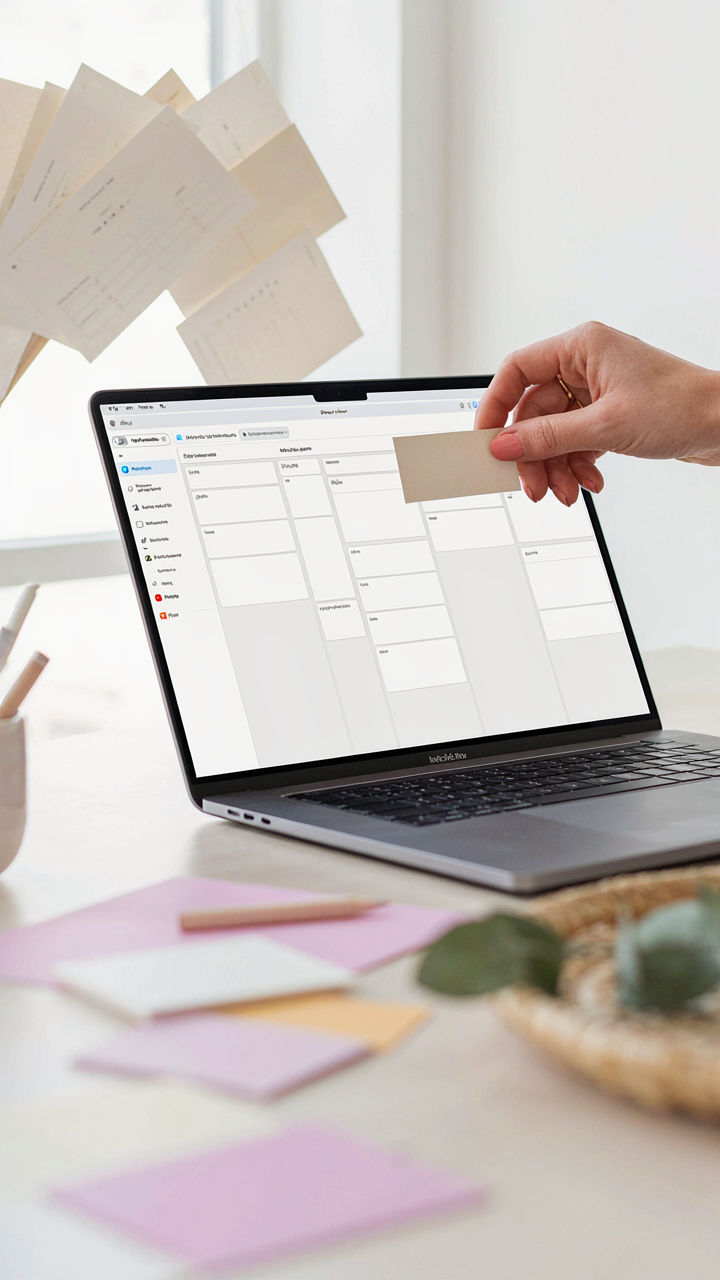
You want the printable because it feels like control. The mechanism is simple: a PDF checklist creates the illusion of progress without requiring you to commit to a system. Printables live in your downloads folder, get printed once, then sit in a drawer while your actual wedding planning happens nowhere. They’re friction dressed as organization. A free wedding planning Trello template removes this trap because it forces you into a platform where your tasks become visible, updatable, and impossible to ignore.
The printable industry thrives on this exact psychology. People buy them feeling like they’ve solved the problem. They haven’t. What they’ve done is paid for reassurance. A Trello board costs nothing and demands constant contact with reality. Every card you don’t move sits there. Every deadline you miss stares back at you. That’s not pleasant, but it’s honest. Honest systems get weddings planned. Printables get filed away.
Move From Insight To Digital Action Now
The difference between reading about wedding planning and actually planning a wedding is velocity. You don’t need more information. You need a system that moves with you. When you open a Trello template, you see tasks. When you see tasks in a digital space, you engage with them during coffee breaks, while standing in line, between other work. A printed checklist requires you to sit down at a desk, find the paper, and manually update it. That friction kills momentum.
Start here: pull up the free wedding planning Trello template today. Don’t read it first. Don’t organize it. Add one real task to it right now. One vendor you need to contact, one decision you need to make, one number you need to find. Complete it before tomorrow. That single action proves the system works and breaks the printable habit forever.
The Real Obstacle Isn’t Organizing Tasks; It’s Your Inability To Delete Them
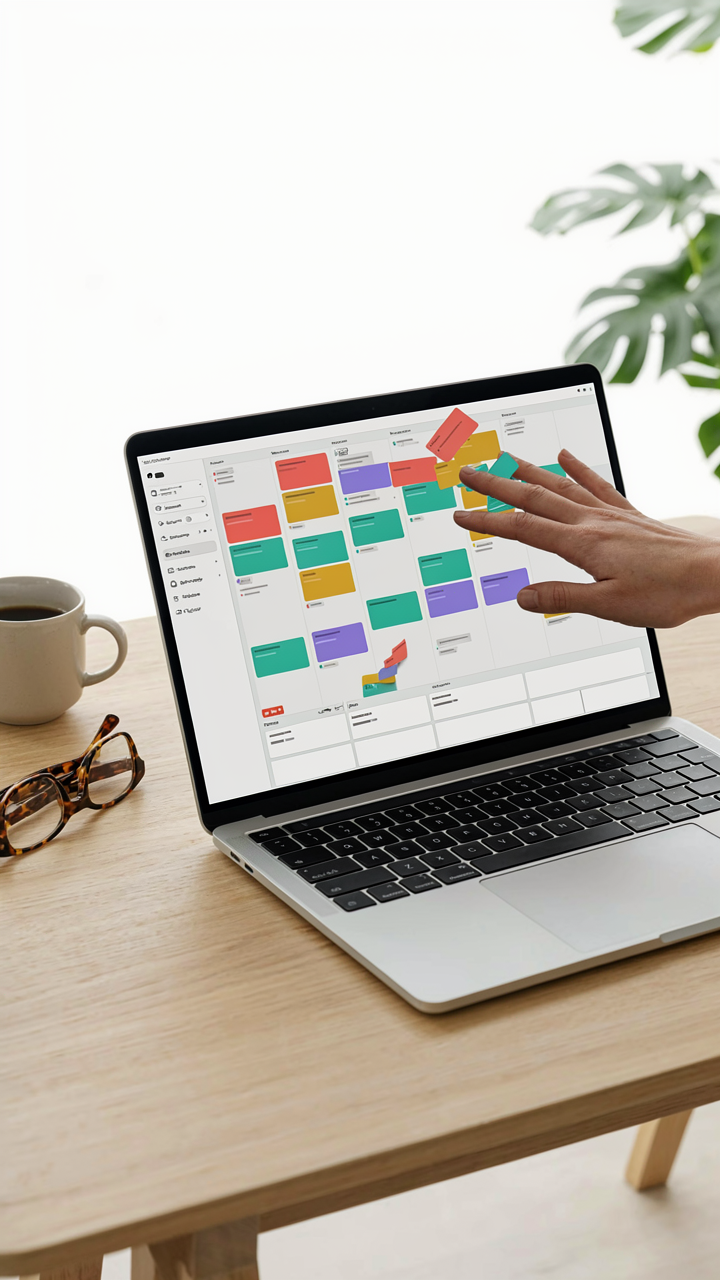
Most couples drown themselves with Trello boards stuffed with tasks they’ll never do. The template gives you structure, but structure without ruthlessness is just procrastination with better aesthetics. Start today by killing 30 percent of your tasks. Not delegating them. Killing them. The wedding doesn’t need them. You do this once, and suddenly planning becomes fun instead of suffocating. Your board should make you move, not make you anxious.