Why Every Couple Needs A Wedding Guest List Template From Day One

The Role A Guest List Plays In Wedding Budget Planning
Your guest count dictates nearly every cost in your wedding budget. Catering and beverage services typically consume forty percent of your total spend. These costs scale directly with the number of names on your list. A precise wedding guest spreadsheet allows you to calculate the price per head immediately. You cannot set a realistic budget without an accurate headcount to drive these financial projections.
Venues have strict capacity limits based on local fire codes and floor plans. Choosing a location before finalizing a guest list leads to overspending or safety violations. A wedding guest list manager template tracks your count against venue maximums. This data prevents you from booking a space that is too small. Use your template to align your guest numbers with your financial reality before signing any contracts.
How A Template Prevents Common Guest List Mistakes Early On
Manual tracking leads to duplicates and missed names. A wedding guest excel or Google Sheets file centralizes data in one location. This prevents partners from making conflicting verbal promises to extended family. A template ensures you capture essential details like mailing addresses and dietary needs early. Organizing this data digitally stops information loss and reduces stress as the wedding date approaches.
Drafting a guest list on paper creates version control issues. An editable guest list template allows for real-time updates that both partners can see. You can categorize guests into tiers to manage cuts if the budget shrinks. This system eliminates the risk of sending too many invitations. Use a digital tracker to maintain one source of truth for your entire planning process from the start.

What To Include In A Simple Wedding Guest List Template
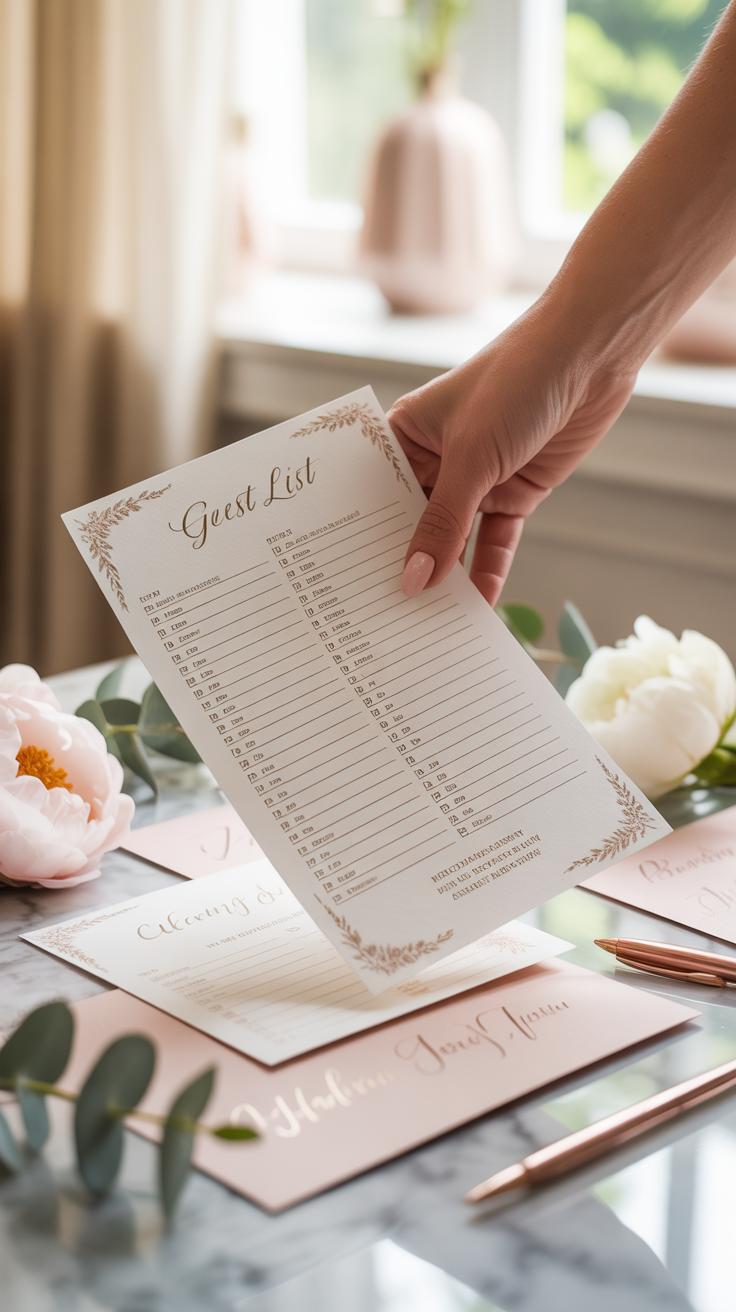
Essential Fields Every Simple Wedding Guest List Template Should Have
A basic wedding guest spreadsheet requires specific data points to function as a reliable database. You must capture raw contact information before worrying about seat assignments or meal choices. This structure prevents logistical failures during the invitation mailing phase. Clean data entry at this stage ensures your mail merge works correctly without requiring manual edits for every single envelope later on.
- Full Legal Names: Record each guest by their formal first and last name to ensure invitation accuracy. Distinguish between individuals and their partners to maintain a precise headcount for the venue caterer and fire marshal limits.
- Mailing Address: Log complete physical addresses including street names, apartment numbers, cities, states, and zip codes. Verified addresses are mandatory for sending physical save the date cards and formal invitations via the postal service.
- Guest Category: Group entries by specific categories such as family, coworkers, or childhood friends to manage budget cuts. This field allows you to sort the list quickly if you must reduce the total count to meet venue capacity.
- RSVP Status: Track whether a guest has accepted, declined, or not yet responded to the invitation. This column provides the final number for the seating chart and ensures you do not pay for empty chairs at the reception.
- Householding ID: Assign a unique number to every household to keep families together in your database. This prevents you from accidentally mailing four separate invitations to the same house when one invitation for the entire family is appropriate.
Standardizing these fields early eliminates errors during the planning process. Use clear headers in Google Sheets or Excel to keep columns organized for easy filtering. This foundational data allows you to track expenses per person and manage the overall wedding budget effectively. Consistent data entry is the only way to avoid missing high priority guests or sending duplicate invitations to the same address.
Optional Columns That Add Practical Value To Your Guest Tracker
Advanced trackers include fields that manage the reception experience and guest safety. Dietary restrictions are the most critical addition for modern event planning. You must record allergies and specific food preferences to prevent medical emergencies during the dinner service. Tracking these details in your Excel wedding guest list simplifies the final report you give to the catering manager three weeks before the event.

Include a column for gift descriptions and thank you note status to streamline post wedding tasks. Recording the specific gift next to the guest name prevents confusion when writing messages later. You should also add a plus one column to distinguish between invited singles and those bringing a date. Detailed columns transform a simple list into a professional guest list manager template that handles every logistical requirement from start to finish.
How To Use A Guest List Template Google Sheets For Real Time Collaboration

Setting Up Your Guest List Template In Google Sheets Step By Step
Log into your Google account and open a new sheet to begin your wedding guest spreadsheet. Import your data from an Excel wedding guest list or start from scratch with headers. Ensure you freeze the top row to keep headers visible while scrolling through hundreds of names. This technical move prevents data entry errors and ensures you categorize every guest correctly from the start.
Define your columns clearly to capture specific data points like mailing addresses and dietary needs. Use data validation tools to create dropdown menus for RSVP status and meal choices. This method forces consistency across the document and prevents messy text entries. A clean structure allows you to filter and sort information quickly. Systematic setup is the only way to manage a large wedding guest list.
Sharing And Co Editing Your Wedding Guest Spreadsheet With Family
Click the share button in the top right corner to grant access to your partner or family members. Set specific permissions for each user to maintain control over the document. Give editors the power to add names while restricted viewers only see the progress. This approach prevents unauthorized changes to your final guest count. Real-time updates eliminate the need for sending multiple file versions.

Track every edit using the version history tool to see who changed what and when. This feature allows you to revert to previous versions if someone accidentally deletes critical data. Use the comment function to discuss specific guests without cluttering the cells. Centralizing communication inside the sheet keeps everyone on the same page. Organized collaboration reduces stress and ensures your wedding guest list manager template stays accurate and current.
Using Wedding Guest Excel Templates For Offline Planning Flexibility
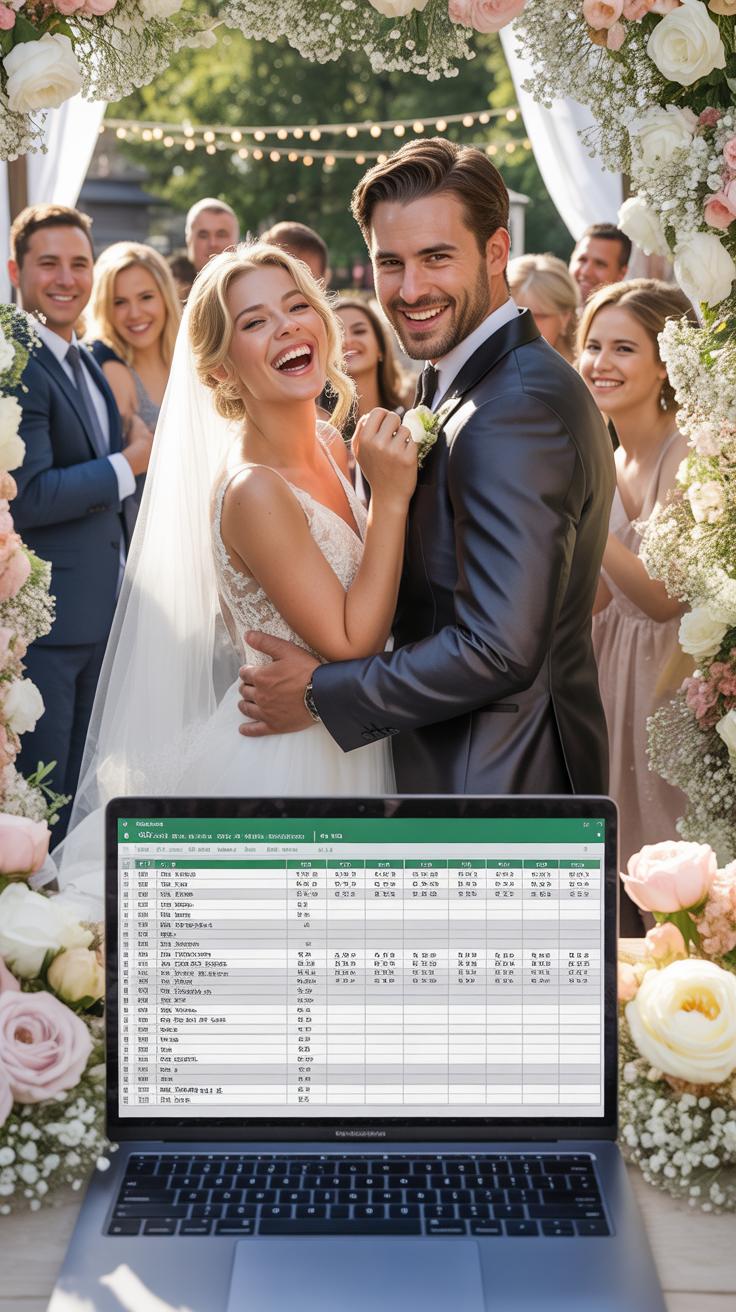
How To Build A Functional Excel Wedding Guest List From Scratch
Open a blank Excel workbook to start your wedding guest spreadsheet. Assign the first row as your header. You need columns for the guest name, relationship, and household grouping. Add columns for the mailing address, email, and phone number. This setup ensures you can sort data quickly. Logical organization prevents duplicate entries and missed invitations. You now have a solid base for your planning.
Input data consistently to maintain data integrity. Use a separate column for the number of guests in each party. This allows the software to calculate totals for your caterer. Create a column for diet requirements to track allergies early. Use a simple status column to mark who receives an invitation. A clean layout makes your excel wedding guest list a powerful tool for large events.
Using Formulas In Your Wedding Guest Excel File To Count RSVPs Automatically
Automate your guest list wedding template free of manual errors. Use the COUNTIF function to track your responses. Direct the formula to your status column to find specific text. For example, tell Excel to count every cell that contains the word Yes. This gives you a live total of confirmed attendees instantly. It removes the need to count rows by hand every day.

Calculate your final headcount with a sum formula in your wedding guest list manager template. Link the sum function to the total party size column. Filter the data to show only confirmed guests. The software will add these numbers for you. This provides a real time count for seating charts and food orders. Accurate formulas eliminate the risk of overpaying for plates or running out of chairs.
Where To Find A Free Guestlist Wedding Template That Actually Works

Top Free Sources For Downloading A Guestlist Wedding Template Free Of Charge
Google Sheets offers the most effective free tool for modern coordination. You find it by selecting the template gallery within the Sheets dashboard. It provides a pre-built wedding planner that includes a dedicated guest list tab. This option integrates directly with Google Forms to collect addresses. It allows multiple people to edit the file at once. This avoids version control errors during the planning process.
Microsoft Excel provides professional alternatives through its official template portal. Look for the Wedding Invitation Tracker. This file uses built-in data sorting and filtering features. It handles large guest counts better than web-based tools. You can download these files at no cost if you have an Office 365 account. Zola and The Knot also offer free digital managers. These tools connect your list directly to your wedding website and registry.
What To Look For Before Choosing A Free Wedding Guest Template Online
Prioritize a template that uses clear data columns. You need specific fields for first names and last names to sort them. A good file must include a row for dietary restrictions and plus-one status. Ensure the template calculates totals automatically. It should show the number of sent invitations versus the number of confirmed RSVPs. This automation saves time and prevents manual counting errors as your deadline approaches.

Compatibility is the second critical factor for your selection. Choose a file format that opens on mobile devices and desktops. You will need to check the list while visiting venues or meeting caterers. Avoid templates with locked cells or password protection. You must be able to customize columns for your specific needs. Verify that the template allows for easy CSV exports. This ensures you can upload the list to mailing label software.
How To Customize An Editable Guest List Template To Fit Your Wedding Style

Personalizing Your Editable Guest List Template For Different Guest Categories
Standard templates often group all guests together. This lack of detail hampers your seating and budget logic. You must categorize guests into tiers like immediate family, close friends, and professional colleagues. Use a dedicated category column to tag every entry. This precision allows you to filter data instantly. You can see exactly how many coworkers you invited versus family members. Tiered labels also help when you must trim the list later.
Effective categorization also simplifies your invitation strategy. Assign labels for A-list and B-list guests within your Wedding Guest List Manager Template. Map out these groups based on your venue capacity and priority levels. Knowing the exact count for each category prevents overbooking. It ensures you prioritize the most important people for your specific event style. Accurate data entry at this stage saves hours of manual counting during the final RSVP crunch.
Adapting Column Labels And Layouts Without Losing Important Data
Modifying an Excel Wedding Guest List requires caution to maintain data integrity. You often need extra columns for specific needs like dietary restrictions or hotel blocks. Always add new columns to the right of the existing data set. This preserves the functionality of built-in formulas and sorting features. Renaming headers is acceptable if you keep the underlying data type consistent. For instance, change a generic notes field to a specific gift description label.

A functional Wedding Guest Spreadsheet layout must prioritize the most vital information. Keep names and RSVP status in the first few columns on the left. Freeze these columns so they remain visible while you scroll horizontally. This tactical setup improves speed and reduces entry errors. Avoid merging cells or using complex formatting that breaks sorting tools. Clean layouts allow you to export data easily for addressed envelopes or seating chart software without manual cleanup.
Managing RSVPs And Meal Preferences With A Wedding Guest List Manager Template

How A Wedding Guest List Manager Template Simplifies RSVP Tracking
A wedding guest list manager template centralizes all response data into one source of truth. You must ditch paper notes and scattered emails immediately. Manually updating a spreadsheet as replies arrive prevents double counting or missing names. This system allows you to see real time counts for both accepted and declined invitations. Accurate tracking ensures you do not overpay for unused plates or rentals.
Your wedding guest excel file acts as a filter for your final headcount. Use a simple status column with dropdown menus for fast data entry. This approach eliminates guesswork during the final weeks of planning. You can sort the list to see who has not replied yet. This creates a clear list for follow up calls. Rapid data entry saves dozens of hours in administrative labor.
A guest list is a collection of the hearts who have shaped your story, and organizing them is simply the first step in gathering your world into one room. Proper planning ensures that when the music starts, every seat is filled with a lifetime of cherished memories.
Recording Dietary Requirements And Meal Choices Alongside Guest Information
Modern guest list spreadsheet designs include dedicated columns for specific meal selections. You need to record every choice exactly as the guest indicates. Most caterers require a precise breakdown of beef, chicken, or fish orders fourteen days before the event. Tracking this data next to guest names prevents serving errors. It allows you to generate a clear report for the kitchen staff and servers.

Recording dietary restrictions is a critical liability and safety step. Use your editable guest list template to flag allergies like nuts, shellfish, or gluten. Label these cells with high contrast colors to make them stand out. You must provide this specific list to your venue coordinator. Clear data prevents medical emergencies at the table. It also shows guests that you value their physical safety and comfort.
Using A Wedding Guest List Template Word Document For Print Ready Planning

Formatting A Wedding Guest List Template Word File For Easy Printing
Open a new document and set page orientation to landscape mode immediately. This layout provides more horizontal space for names and physical addresses. Use standard one-inch margins to ensure the printer does not cut off critical text. Select a highly legible sans-serif font like Arial or Calibri at twelve-point size. These fonts remain clear even when you print on textured or heavy cardstock paper.
Utilize the built-in table tool to organize guest data into distinct rows and columns. This structure prevents text from shifting during the printing process. Add a header row that repeats on every page so you never lose track of column categories. Use thin grey borders for the table to provide a visual guide without distracting the reader. Save the final file as a PDF before you hit print to lock all formatting.
When A Word Based Template Works Better Than A Spreadsheet Format
Spreadsheets excel at data entry but Word documents dominate for physical distribution. Use a Word template when you need to share a clean copy with vendors or older family members. These stakeholders often struggle with the dense grids of Excel. A Word document behaves like a standard sheet of paper. It looks professional and organized during face-to-face planning meetings where digital screens are a distraction.

Word is the superior choice for creating physical checklists and seating charts. You can easily add bold headings or custom spacing that spreadsheets often restrict. Use this format when you prioritize visual clarity over complex data calculations. If you do not need to track budgets or RSVP percentages, the Word format is faster. It allows for quick manual notes and strike-throughs during on-site rehearsals where computers are unavailable.
Smart Strategies For Organizing And Prioritizing Your Wedding Guest List

Guidance On How To Categorize Guests Using A Tiered System To Manage Capacity
Effective guest management requires a strict three-tier classification system. Rank individuals based on their current relationship status and immediate family ties. Tier one includes essential family and friends who must attend regardless of budget. Tier two consists of close associates you want to invite if the venue capacity allows. Tier three contains colleagues or distant acquaintances you only invite if space becomes available.
A tiered system prevents emotional decision-making during the planning phase. Use your Wedding Guest Spreadsheet to mark each entry with a priority code. This strategy allows you to send invitations in waves. You send the first round to tier one. When regrets come back, you fill those spots with tier two names. This methodical approach ensures you hit your target headcount without exceeding your budget.
Practical Tips For Trimming Your Guest List Without Causing Offense
Cutting the list requires objective rules to maintain fairness across both families. Establish clear boundaries early to avoid individual negotiations later. Use a standard set of criteria to justify every removal. If you have not spoken to someone in two years, remove them immediately. This logic provides a firm defense if anyone questions your choices or why certain distant relatives are missing.
- The One-Year Rule: Remove anyone you have not contacted or met in the last twelve months. This filter identifies active relationships versus historical ones. It keeps the event relevant to your current life and social circle.
- No Plus-One Policy: Limit additional guests to those in long-term committed relationships or marriages. Do not feel obligated to fund a date for a single friend you have never met. This cut significantly reduces the final headcount and total catering costs.
- The Workplace Boundary: Eliminate coworkers unless you socialize with them frequently outside of office hours. Professional relationships belong at work, not at your private event. Setting a firm “no colleague” rule prevents feelings of exclusion among other staff members.
- Adults-Only Limitation: Restrict the event to guests over eighteen to lower the guest count quickly. Child-care issues often lead to some regrets, further trimming the list. It also changes the venue requirements and eliminates the need for expensive children’s menus or activities.
- Family Circle Cut-Off: Determine a specific level of extended family to stop the invites. For example, stop at first cousins and exclude second or third cousins. Applying this rule consistently across both sides of the family minimizes complaints about favoritism or unfairness.
Use your Simple Wedding Guest List Template to track these cuts and identify empty seats. Communicate your boundaries clearly to your parents if they are contributing to the budget. Consistency is the only way to prevent social friction when narrowing the field. Stick to your defined rules and do not make exceptions. Every exception you make creates a precedent that others will use to argue for more invites.
Common Wedding Guest List Challenges And How To Solve Them With Your Template

Handling Plus Ones, Children, And Last Minute Additions In Your Template
Manage guest scope by creating specific columns for plus ones and age designations. Define your rules before entering data. A column for Guest Category allows you to filter by relationship type. Use a second column for Confirmed Seats to track the actual headcount rather than just invitation counts. This prevents overbooking your venue capacity based on assumptions about family sizes.
Address additions by maintaining a clearly labeled B-List tab in your Wedding Guest Spreadsheet. Move names to the primary sheet only when space opens from declines. Record children by their ages in a dedicated notes column to assist with catering counts and high chair requirements. Maintaining strict data fields ensures you do not exceed your budget or fire marshal limits during the final weeks.
Keeping Your Guest List Template Accurate As The Wedding Date Approaches
Accuracy requires a weekly review of your Excel Wedding Guest List. Update the RSVP Status column the moment a response arrives. Use data validation to restrict entries to Yes, No, or Pending. This keeps your math consistent for the caterer. Link your guest cells to a summary table that automatically tallies current totals so you never have to count rows manually.
Coordinate with all stakeholders to lock the Wedding Guest List Manager Template thirty days before the event. Shared Google Sheets access keeps partners on the same page but requires one person to serve as the final editor. Verify mailing addresses early specifically to prevent undeliverable mail. Clear data entry stops errors and ensures your seating chart reflects the most recent and verified headcount available.
Frequently Asked Questions

What is a wedding guest list template and why do I need one?
A wedding guest list template is a structured tool, usually in a spreadsheet or digital app, designed to organize every attendee’s details in one central location. Using a template is essential because it helps you track names, physical addresses, email contacts, and RSVP statuses. Beyond simple organization, having a clear digital record ensures you stay on top of headcount, which is the most critical factor when booking your venue and catering services.
How do I practically organize my guests using a template?
To effectively manage your list, start by categorizing names into groups like family, close friends, and colleagues. When using your wedding guest list template, create specific columns for dietary restrictions, gift tracking, and hotel accommodations. This allows you to filter data quickly when communicating with vendors. Consistently updating the sheet as soon as RSVPs arrive will prevent last-minute stress and ensure your seating chart is accurate and easy to finalize.
Are there free ways to manage my wedding guest list on a budget?
Absolutely! You do not need expensive software to stay organized. Many couples opt for a free wedding guest list template available through Google Sheets or Excel, which offers great flexibility and collaboration features. These free resources allow you to share access with your partner or wedding planner in real-time. By utilizing these accessible tools, you can maintain a professional level of organization without spending a penny of your wedding budget.